
Complete guide to Gears of War: Reloaded crossplay with platform setup tips and performance insights
Crossplay Revolution in Gears of War: Reloaded
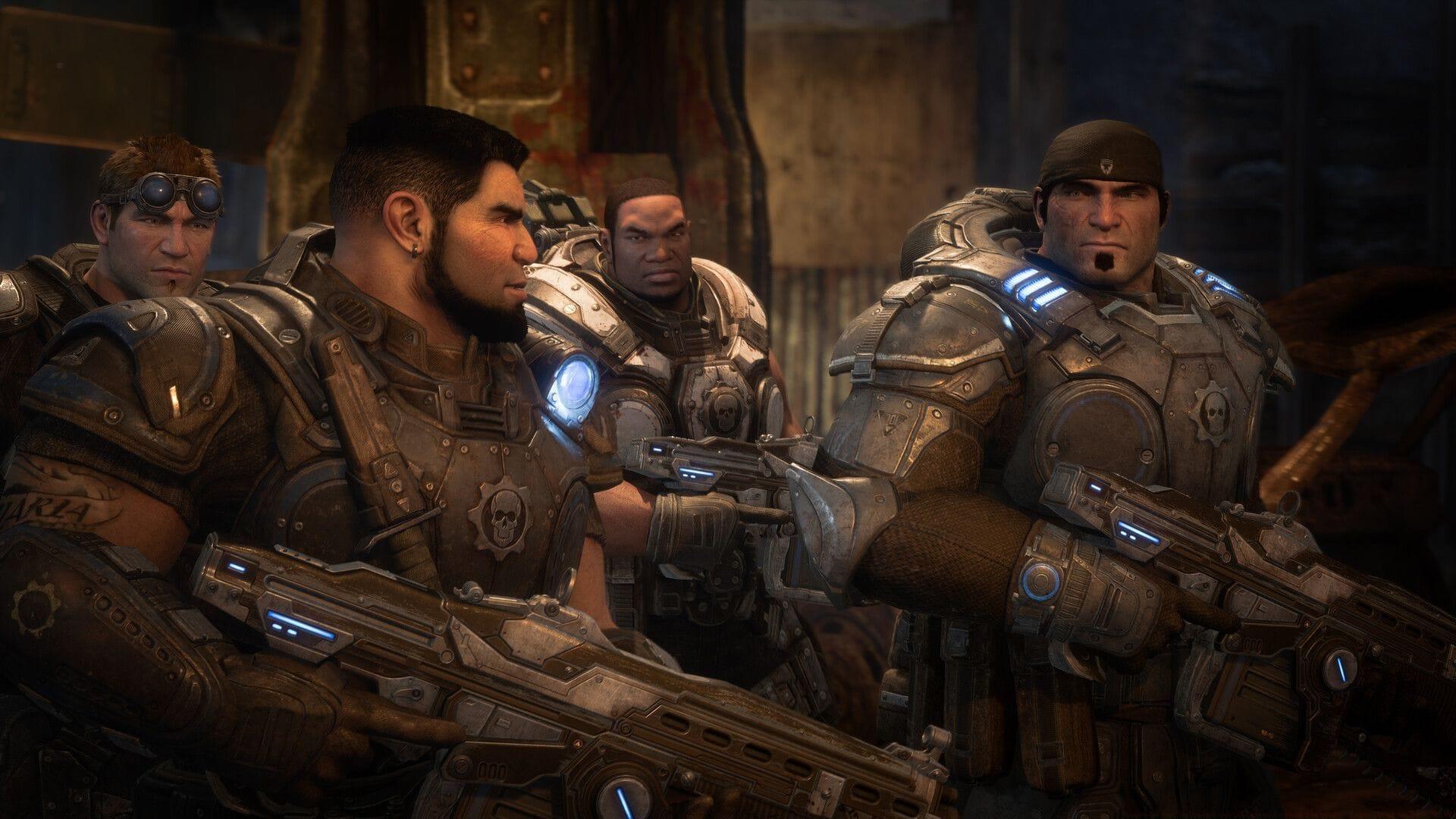
The arrival of Gears of War: Reloaded marks a transformative moment for the legendary franchise, delivering not just enhanced graphics and refined gameplay mechanics but breaking down long-standing platform barriers. This remastered edition achieves what previous iterations couldn’t – seamless integration across Xbox, PC, and for the first time ever, PlayStation 5. The implementation of comprehensive cross-platform functionality represents a monumental shift in how players experience the Gears universe.
Looking for Crossword hints & solutions? Check out latest NYT Mini Crossword Answers, LA Times Crossword Answers, and Atlantic Crossword Answers
Cross-platform compatibility eliminates the traditional boundaries that separated gaming communities. When engaging on Xbox while your squad prefers PS5 or PC gaming rigs, the system facilitates effortless team formation without requiring complex technical workarounds. Based on extensive public beta evaluations, the crossplay infrastructure demonstrates remarkable stability with consistent matchmaking durations and negligible performance variations between different hardware platforms.
Read more: Gears of War E-Day revealed at Xbox Games Showcase 2024
Cross-Platform Account Benefits and Setup
A significant quality-of-life improvement allows online gameplay without mandatory Microsoft account authentication, particularly beneficial for PlayStation users preferring streamlined access. However, to leverage the complete cross-platform ecosystem, account linking unlocks substantial advantages that enhance the gaming experience across all supported devices.
Activating cross-platform synchronization provides these critical benefits:
While technically voluntary, account integration becomes essential for players interested in platform-agnostic gaming or progress synchronization. The cloud-based save system ensures your gaming journey remains continuous regardless of hardware switches. Begin your campaign on Xbox, transition to PC for tactical advantages, then conclude on a friend’s PlayStation console – your advancement, collected items, and customized loadouts maintain perfect continuity throughout.
Competitive multiplayer statistics, weapon unlocks, and character progression synchronize flawlessly across platforms, eliminating the frustration of platform-specific resets. Gears of War: Reloaded represents more than a simple graphical overhaul; it’s a complete reimagining tailored to contemporary multiplayer expectations and cross-platform gaming conventions.
Advanced Crossplay Strategies and Optimization
For optimal crossplay performance, implement these technical strategies: Ensure your network connection maintains at least 5 Mbps upload speed for host duties, configure your router’s Quality of Service (QoS) settings to prioritize gaming traffic, and disable cross-platform play temporarily when experiencing persistent latency issues. PlayStation 5 users should enable performance mode in system settings to minimize input delay, while PC players ought to cap frame rates at 120 FPS for better synchronization with console counterparts.
Platform-specific optimization significantly enhances crossplay experiences. Xbox Series X|S operators benefit from enabling 120Hz mode in compatibility options, while PC gamers should disable overlays from Discord or Steam to reduce system resource contention. PlayStation 5 participants achieve best results by utilizing wired Ethernet connections and adjusting controller dead zones to match Xbox input responsiveness.
Whether you’re a veteran Xbox enthusiast, precision-focused PC competitor, or newcomer experiencing Gears combat on PlayStation, this edition facilitates unified multiplayer engagement without technical complications or performance compromises.
Also read: Is Gears of War Reloaded coming to PS4 and Xbox One?
Common Crossplay Issues and Solutions
Encountering voice chat connectivity problems between platforms typically resolves by verifying privacy settings allow cross-platform communication. If matchmaking extends beyond two minutes, temporarily disable crossplay to identify whether the issue stems from platform population disparities. Performance variations between PC and consoles often relate to different field-of-view settings – standardizing at 90-100 FOV creates more consistent gameplay experiences.
Progress synchronization failures usually fix by manually triggering cloud save updates before platform switching. For persistent invitation issues, ensure all players have the latest game patch installed and verify NAT types are open or moderate. Audio desynchronization during cutscenes frequently resolves by resetting audio settings to default across all linked platforms.
Read more articles on Gears of War Reloaded on Sportskeeda:
No reproduction without permission:SeeYouSoon Game Club » Gears of War Reloaded crossplay and cross platform: Everything we know so far Complete guide to Gears of War: Reloaded crossplay with platform setup tips and performance insights