
Master Inzoi’s Free Will system to optimize gameplay balance between AI autonomy and player control
Understanding Inzoi’s Free Will System
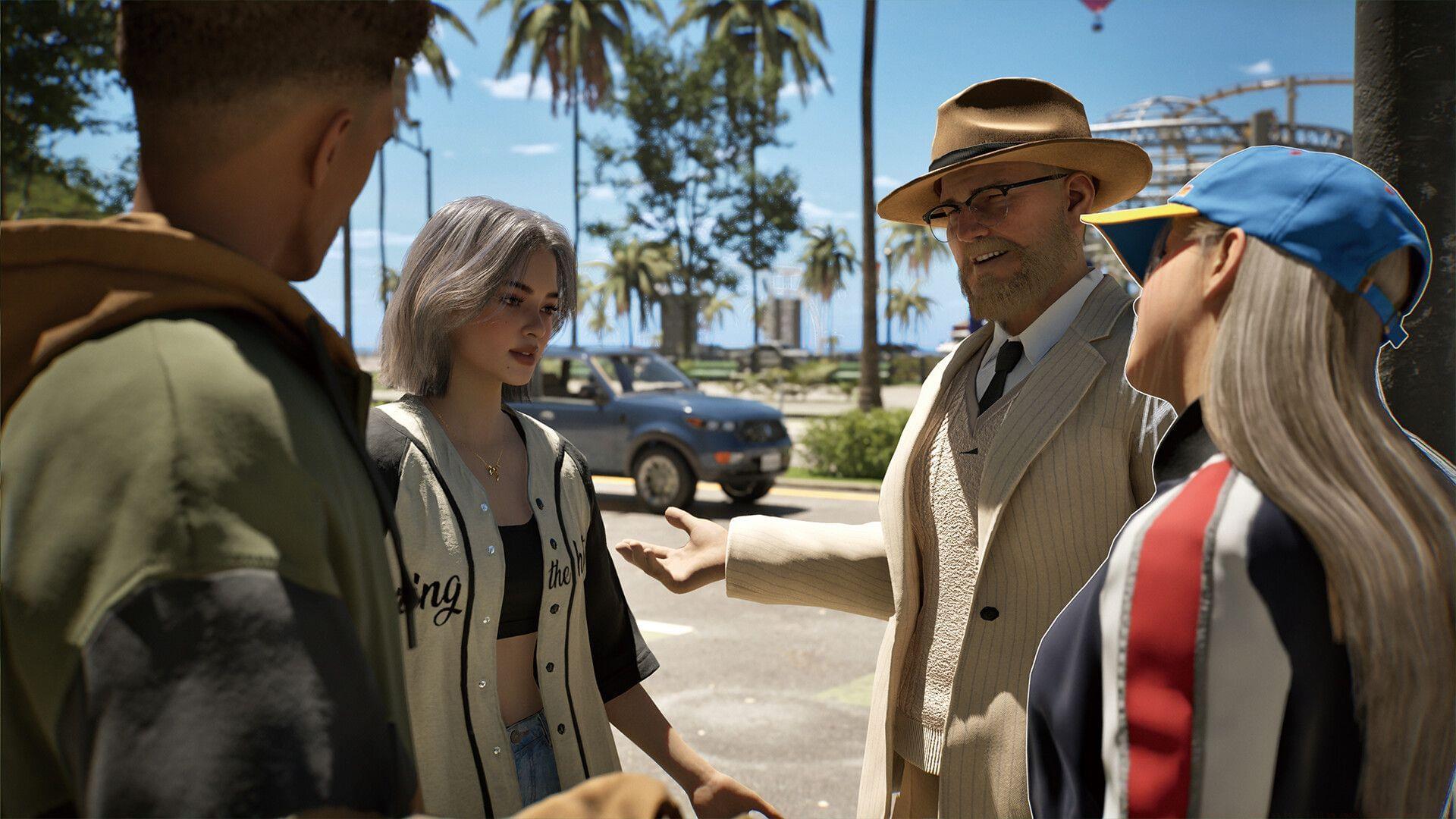
Following Inzoi’s recent launch, dedicated players have been meticulously refining their Zoi characters and daily routines. As gamers construct immersive virtual environments, maintaining character wellbeing becomes paramount – ensuring both physical health and mental stability. Success requires fulfilling each Zoi’s core needs while guaranteeing they derive enjoyment from their activities. Managing such an ambitious simulation becomes particularly challenging when overseeing multiple character lives simultaneously.
The Autonomy system extends beyond household tasks, enabling characters to venture outdoors, establish social connections, and engage in meaningful conversations with other non-player characters. Essentially, Autonomy represents the game’s artificial intelligence directing Zois to perform tasks according to their established preferences. A notable limitation involves occasional inconsistencies in task execution accuracy when relying on AI control.
Practical Implementation Guide
Activating or deactivating Free Will functionality requires just a single button interaction. Locate the Autonomy control feature positioned at the screen’s lower interface area. Player preference ultimately determines whether this setting remains active or disabled during gameplay sessions.
Gamers preferring complete character control should disable the function, while those comfortable with AI handling routine activities may enable it. A distinctive white eye symbol hovering above Zoi heads indicates active Free Will status, whereas an orange-colored version signals the feature is currently inactive.
Strategic Decision Making
The Free Will toggle represents a fundamental gameplay decision affecting your management approach. Players seeking meticulous control over every character action will benefit from disabling autonomy, particularly during complex scenarios requiring precise timing. Conversely, enabling the feature reduces micromanagement burdens, allowing focus on broader strategic decisions and world-building aspects.
Consider implementing a hybrid approach: activate Free Will during routine periods when characters handle basic needs independently, then disable for critical story moments or specific skill development sequences. This balanced method leverages AI efficiency while maintaining crucial player oversight during important gameplay segments.
Advanced Tips and Common Pitfalls
Advanced players should monitor Zoi behavior patterns when Free Will is active to identify optimal activation windows. Common mistakes include leaving autonomy enabled during crucial relationship-building moments or specialized skill training sessions, potentially derailing carefully planned character development arcs.
Optimization strategy: Use Free Will during overnight cycles when characters naturally address basic needs, but disable during daytime hours focused on specific achievement progress. Watch for the AI prioritizing entertainment over essential tasks – a frequent issue that requires manual intervention. Pro players recommend creating character-specific autonomy profiles based on individual Zoi traits and current lifecycle objectives.
No reproduction without permission:SeeYouSoon Game Club » Free Will: What is Free Will in Inzoi and how does it work? Master Inzoi's Free Will system to optimize gameplay balance between AI autonomy and player control