Low-end PCs with integrated graphics struggle significantly, dropping below 10 FPS during intense combat
Mid-range systems (GTX 1070 + Ryzen 5 1600) maintain 140-215 FPS on high settings
CS2 requires significantly more powerful hardware than CS:GO due to Source 2 engine enhancements
Performance optimization through resolution scaling and settings adjustments provides substantial improvements
Expected performance improvements through future optimizations and community configurations
Games and Esports Articles CS 2
The Counter-Strike 2 beta release has generated significant discussion around performance expectations and hardware compatibility. While the Source 2 engine promises enhanced optimization through modern rendering pipelines, the introduction of advanced visual features creates new performance demands that affect different hardware configurations uniquely.
Counter-Strike 2 officially confirmed details: release date, responsive smokes and sub-tick system
Counter-Strike 2 officially confirmed details: release date, responsive smokes and sub-tick system
Critical performance factors include the new volumetric smoke rendering system, enhanced lighting models, and advanced audio processing that collectively impact frame rates across various hardware tiers. Understanding these technical requirements helps gamers make informed decisions about hardware upgrades and performance optimization.
How Low-End PCs Perform in CS2: FPS Comparison with CS:GO
Our testing methodology employed two distinct hardware configurations to evaluate performance scaling between legacy and modern systems. The initial assessment utilized a budget laptop configuration representative of entry-level gaming systems from 5-6 years ago.
This hardware configuration performs marginally below an Intel Core i5-7300HQ, with the integrated graphics processor delivering substantially lower performance compared to desktop discrete solutions like the NVIDIA GeForce GTX 1050. In CS:GO, this system typically achieves 45-80 frames per second depending on map complexity, demonstrating adequate performance for casual gameplay.
CS2 FPS Test Results on Budget Hardware
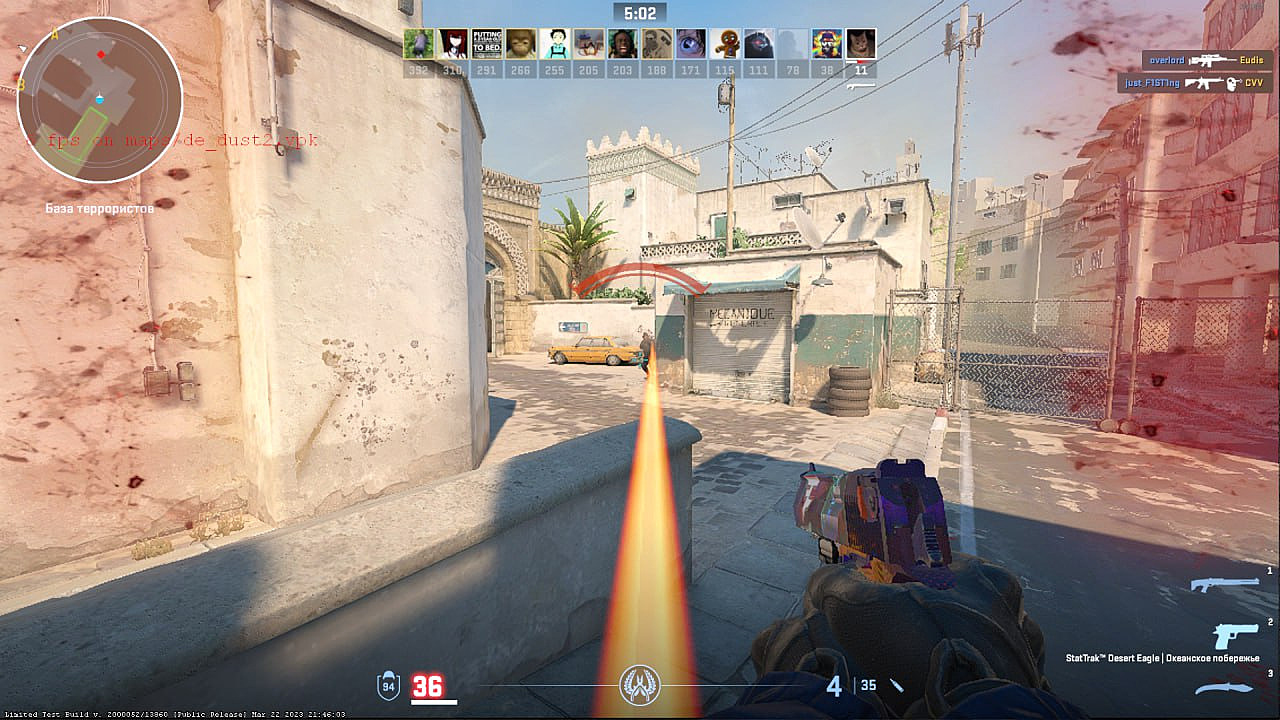
Full HD resolution with low preset configurations (default game recommendations without custom optimization): Performance degrades severely during combat scenarios with multiple visual effects, dropping below 10 fps during intense firefights. Baseline performance without action maintains approximately ~40 fps.
8 fps
Adjusting Fidelity FX settings to Performance mode yields the following results:
Low-Middle settings: ~20 fps
High and Ultra High: ~5-10 fps
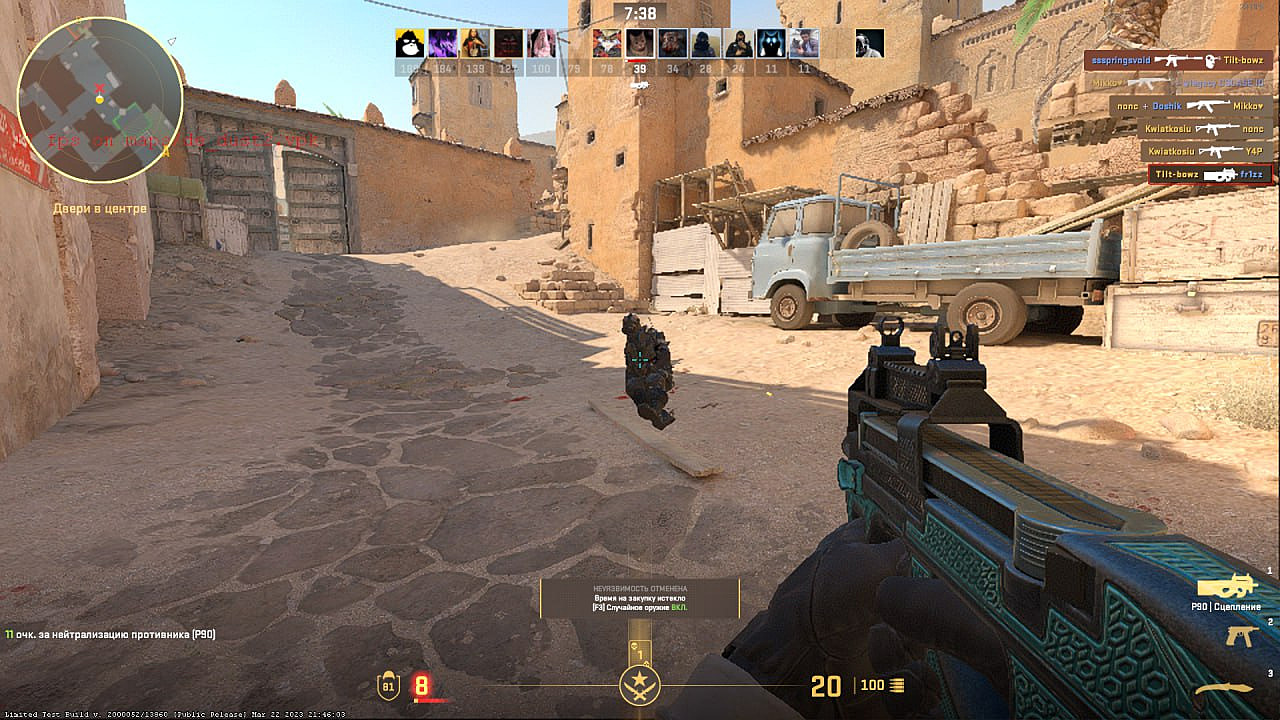
17 fps, low settings, Full HD.
Reducing resolution to 1280×720 with mid-low settings: ~20-40 fps
31 fps, low settings, 1280×720
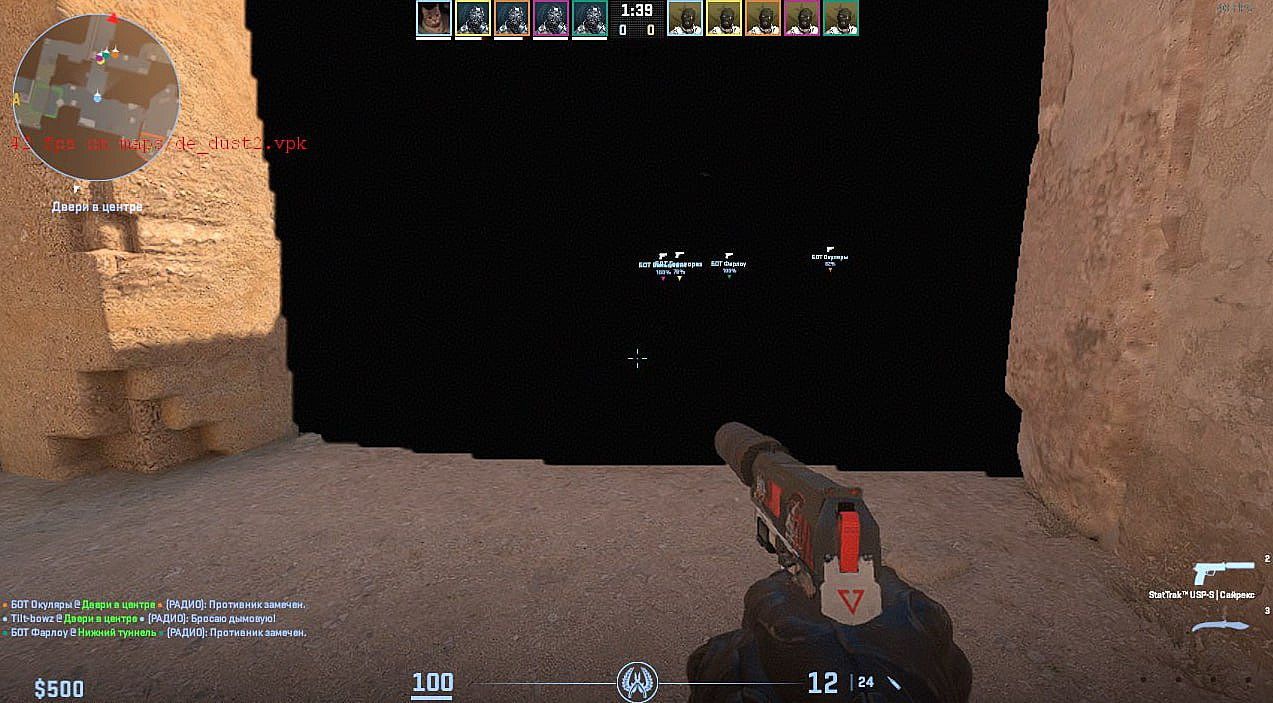
Performance analysis conclusion: Systems utilizing 5-6 year old integrated graphics processors encounter substantial performance challenges in CS2 without configuration adjustments, despite adequate CS:GO performance. The new volumetric smoke effects and AI-controlled bots demonstrate minimal performance impact under normal conditions. However, during specific smoke testing scenarios, we observed unexpected visual artifacts:
Yes, this is the smoke.
CS:GO skin patterns changed in Counter-Strike 2. What happens with patterns and skin market in CS Source 2?
Running CS2 on Mid-Range Desktop Systems Across Various Settings
We selected a desktop configuration representing typical mid-range gaming systems to evaluate performance differentials between hardware generations. This system demonstrates comprehensive performance superiority compared to the previously tested laptop, consistently achieving 200+ frames per second across all CS:GO maps.
AMD Ryzen 5 1600 3.20 GHz, with GeForce GTX 1070 and 16 Gb of RAM.
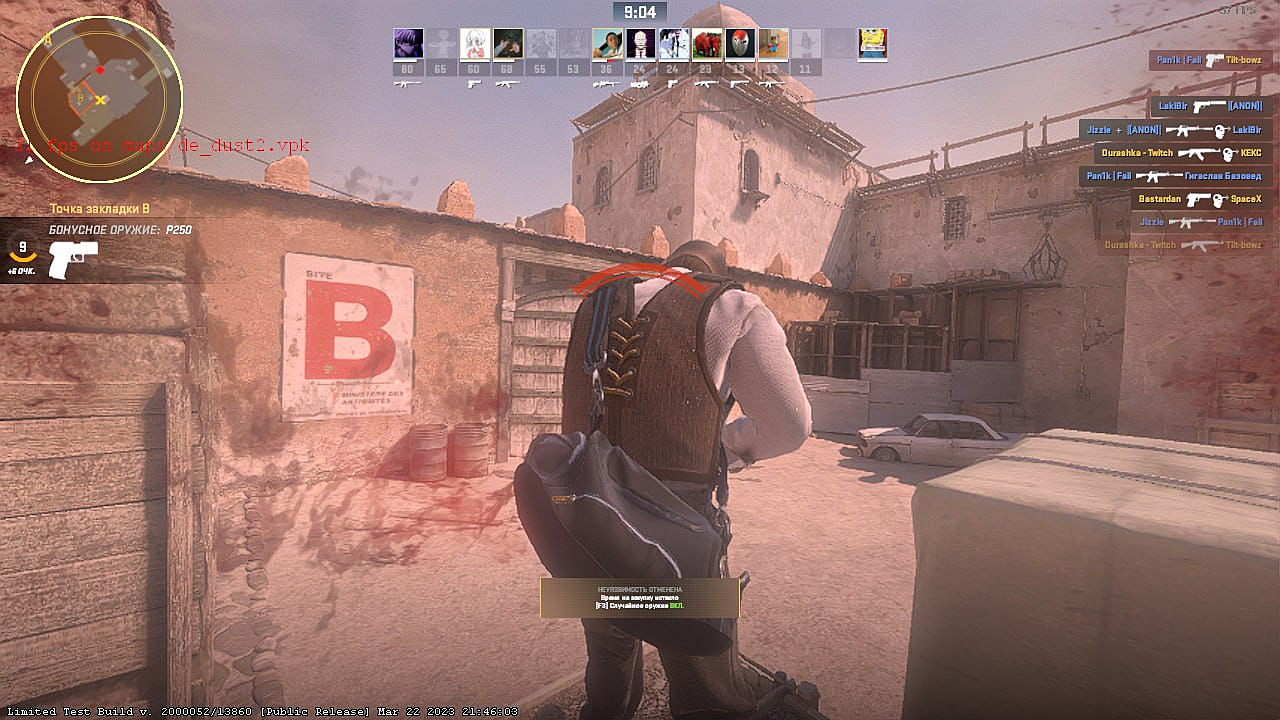
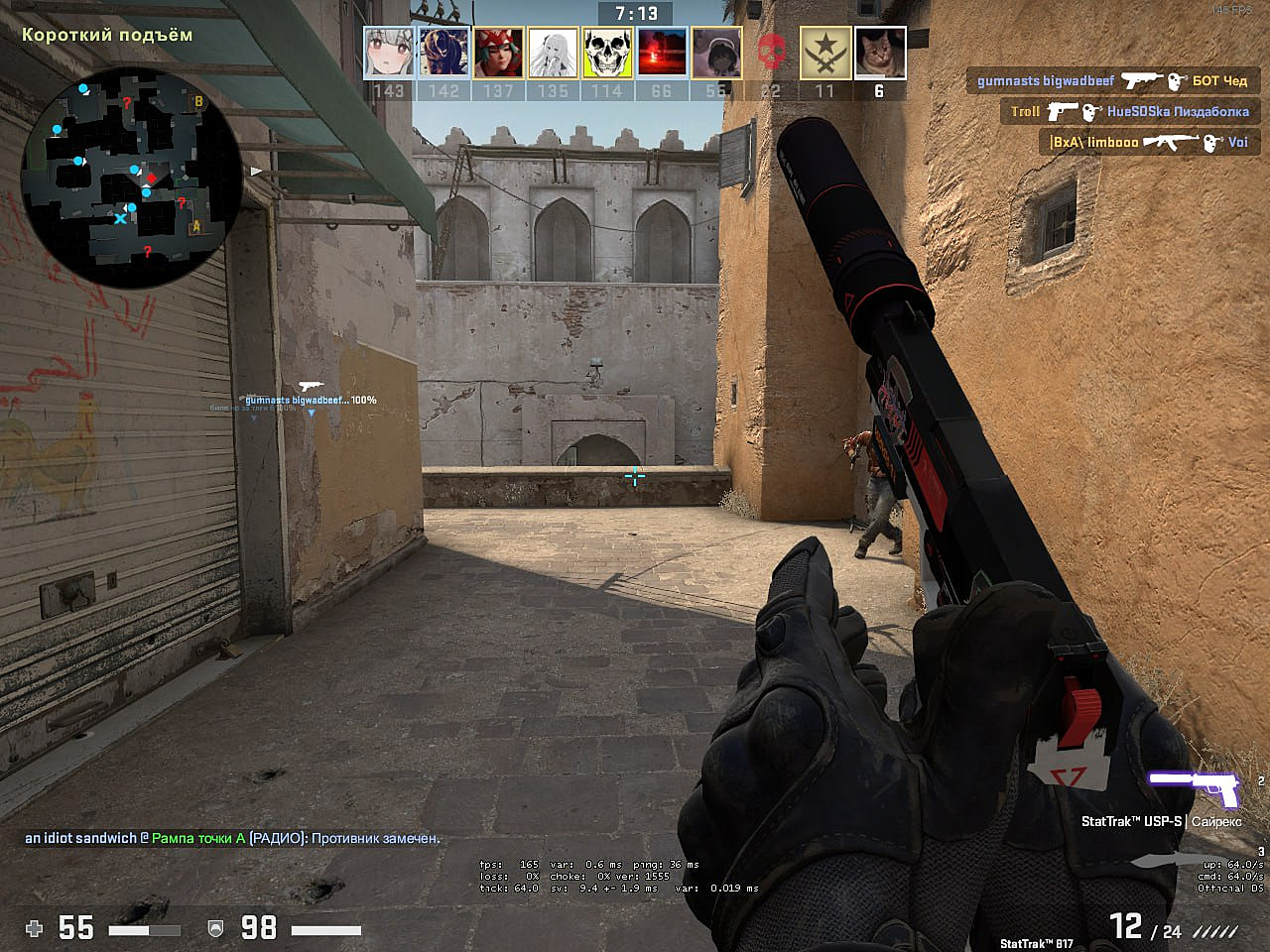
CS2 performance at FullHD resolution with high-ultra high settings: ~140-215 (Similar performance observed at 1280×920 resolution).
165 fps (4:3, 1280×920)
High-performance systems demonstrate minimal performance variance between CS:GO and CS2 according to community feedback. Players report intermittent stuttering issues while simultaneously experiencing enhanced gameplay fluidity, likely attributable to the innovative sub-tick system implementation.
Advanced optimization techniques for mid-range systems include texture streaming adjustments, shader complexity management, and render queue optimization. These strategies can potentially increase frame rates by 15-25% while maintaining visual quality.
CS Source 2 Minimum Requirements Based on Dota 2
An alternative methodology for estimating CS2 system requirements involves analyzing hardware specifications for existing Source 2 engine titles. For reference, these represent the minimum hardware requirements for Dota 2 following its transition to the updated engine:
While Dota 2 represents a fundamentally different game genre with less demanding framerate requirements compared to competitive shooters, we can reasonably conclude that hardware below these specifications would likely deliver suboptimal CS2 performance. However, examining Half-Life: Alyx provides a more relevant comparison point.
Counter-Strike 2 Minimum Requirements Based on Half-Life Alyx
Processor: Core i5-7500 / Ryzen 5 1600
Memory: 12 GB RAM
Graphics: GTX 1060 / RX 580 – 6GB VRAM
Half-Life: Alyx represents Valve’s most recent Source 2 title and, despite being a VR shooter rather than competitive multiplayer game, establishes a more realistic hardware baseline.
This comparison reveals that CS2 likely requires substantially more powerful hardware than current CS:GO minimum specifications, representing a significant hardware requirement escalation for entry-level gamers.
Current CS2 beta performance indicates that entry-level systems capable of running CS:GO adequately now face performance challenges. While ongoing optimization during the testing phase will likely improve performance before final release, and community-developed optimization configurations will emerge, these results align with technological progression expectations.
Game engine advancements inevitably create hardware requirement escalations, and CS2’s modernization unfortunately necessitates hardware upgrades for the most budget-constrained segment of the player community.
S1mple’s reaction to Counter-Strike 2 release: “Valve, let us finish tournaments to have same amount of time to prepare during player break”
Looking forward, performance optimization strategies will become increasingly important for maintaining competitive frame rates. Community-driven configuration files, driver optimizations, and hardware-specific tuning will play crucial roles in maximizing CS2 performance across diverse hardware configurations.
Action Checklist
Evaluate your current hardware against Dota 2 and Half-Life: Alyx minimum requirements
Test performance at 1280×720 resolution before attempting Full HD
Enable Fidelity FX Performance mode for immediate frame rate improvements
Monitor community-developed configuration files for performance optimization
Implement advanced optimization techniques for mid-range systems