
Transform your Sekiro experience with essential mods that enhance gameplay, visuals, and customization options
Introduction to Sekiro Modding
Since its acclaimed 2019 release, Sekiro: Shadows Die Twice has captivated players with its challenging combat and atmospheric world. However, the dedicated modding community has expanded this experience exponentially through the Sekiro mod engine available on Nexus mods, creating countless new ways to engage with FromSoftware’s masterpiece.
While Sekiro received universal praise from critics and players for its refined combat and world design, the modding scene has taken the foundation to unprecedented levels. The Sekiro mod engine serves as the gateway to an extensive library of modifications ranging from quality-of-life improvements that adjust FOV, resolution, and game speed, to transformative mods that introduce entirely new characters and gameplay systems. This comprehensive guide explores the most impactful Sekiro modifications currently available and provides practical installation guidance.
Gameplay Enhancement Mods
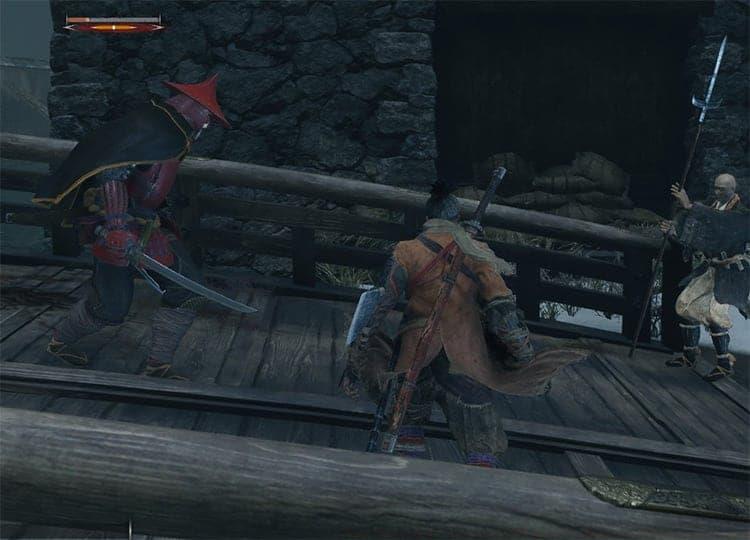
Eager to test your combat prowess against Sekiro’s most formidable opponents? The boss rush modification enables instant teleportation to any boss encounter directly from the Dilapidated Temple hub. This time-saving feature streamlines the experience by eliminating item collection interruptions, tutorial sequences, and other pacing obstacles that might hinder focused combat practice.
 FromSoftware
This accessibility mod significantly reduces Sekiro’s difficulty curve. For players seeking a less punishing experience, this accessibility modification provides substantial gameplay adjustments. Installation grants enhanced attack power, improved defensive capabilities, increased stamina reserves, and unlimited spirit emblems, creating a more approachable entry point for newcomers intimidated by Sekiro’s notorious difficulty.
 FromSoftware
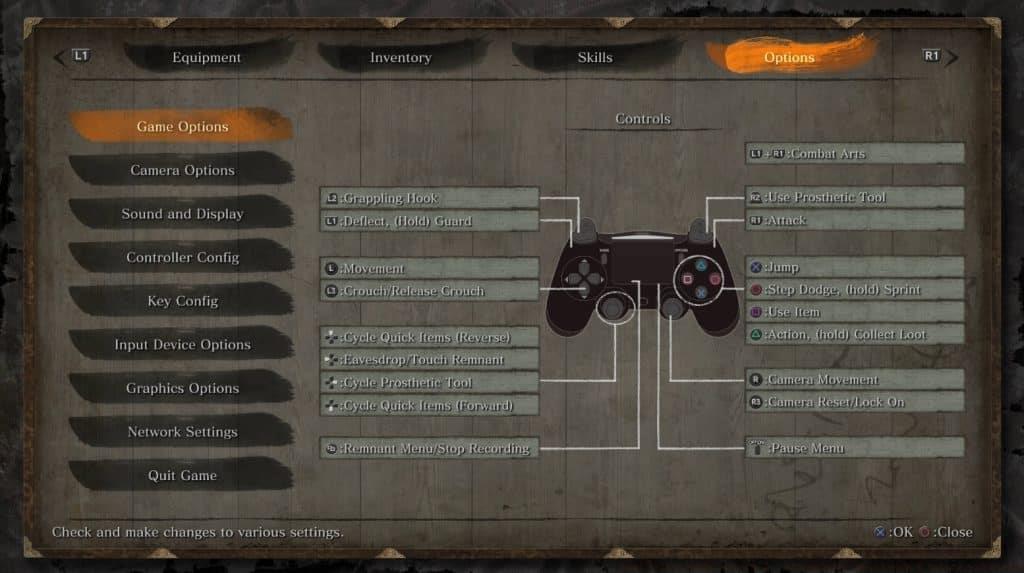
DualShock controller support mod provides proper button prompts. Sekiro’s lack of native DualShock controller compatibility forces PlayStation controller users to adapt to Xbox button layouts. This quality-of-life modification resolves this inconvenience by implementing proper DualShock button prompts and configurations, delivering a more intuitive control scheme for PlayStation controller enthusiasts.
 FromSoftware
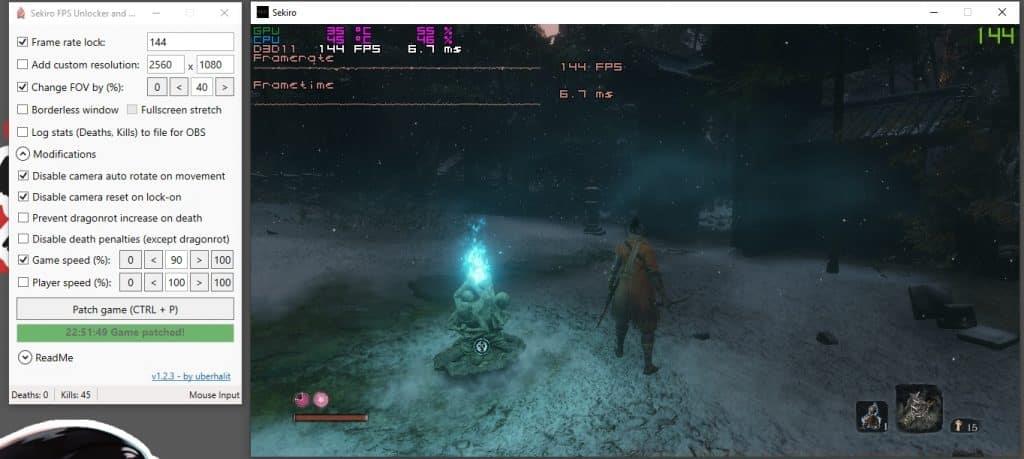
Comprehensive gameplay configuration options available through this essential mod. This foundational modification serves as the cornerstone for any serious Sekiro modding collection. It provides extensive control over technical aspects including framerate limits, custom resolution settings, borderless window mode implementation, and numerous other performance optimizations. Advanced users can even modify character movement speed up to 200% for dramatically different gameplay pacing.
Visual and Cosmetic Improvements
 FromSoftware
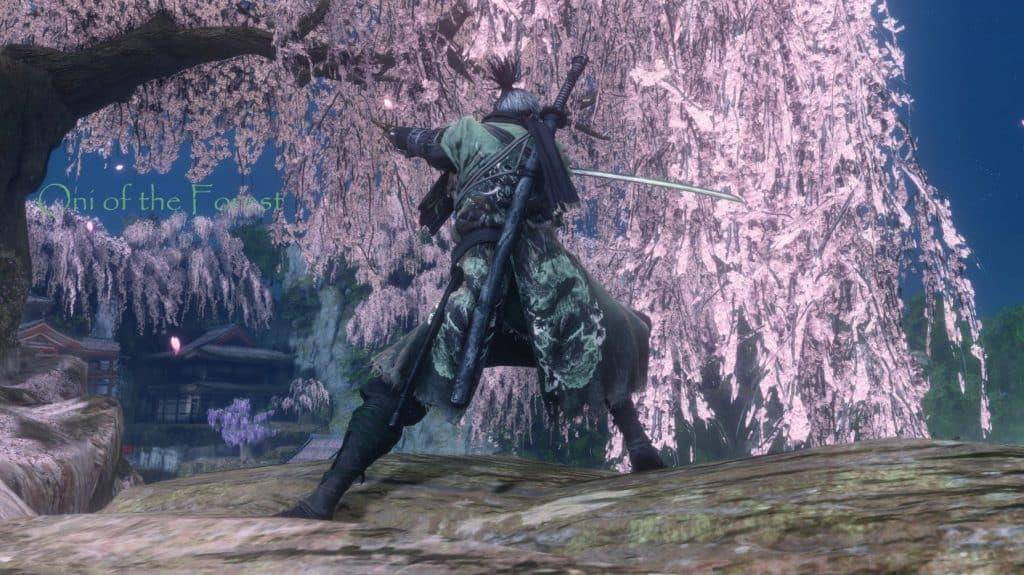
The distinctive “Oni of the Forest” cosmetic outfit available through this visual mod. For players seeking aesthetic variety beyond Sekiro’s standard wardrobe options, this purely visual modification introduces two striking new outfits: Oni of the Forest and Oni of the Shadows. These cosmetic additions provide fresh visual appeal without altering gameplay mechanics, perfect for players who appreciate character customization.
 FromSoftware
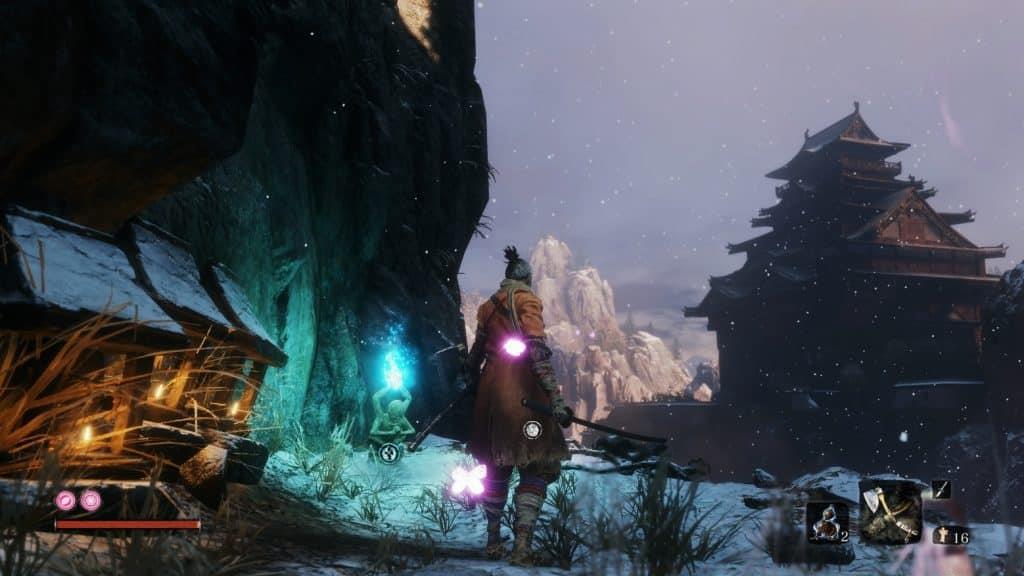
Cinematic visual enhancement mod dramatically improves Sekiro’s atmosphere. Originally developed for Nioh 2, this visual overhaul adapts remarkably well to Sekiro’s aesthetic. The modification elevates the game’s visual presentation through enhanced color saturation, improved lighting effects, and atmospheric filters that create a more cinematic and immersive experience throughout Sekiro’s beautifully crafted environments.
 FromSoftware
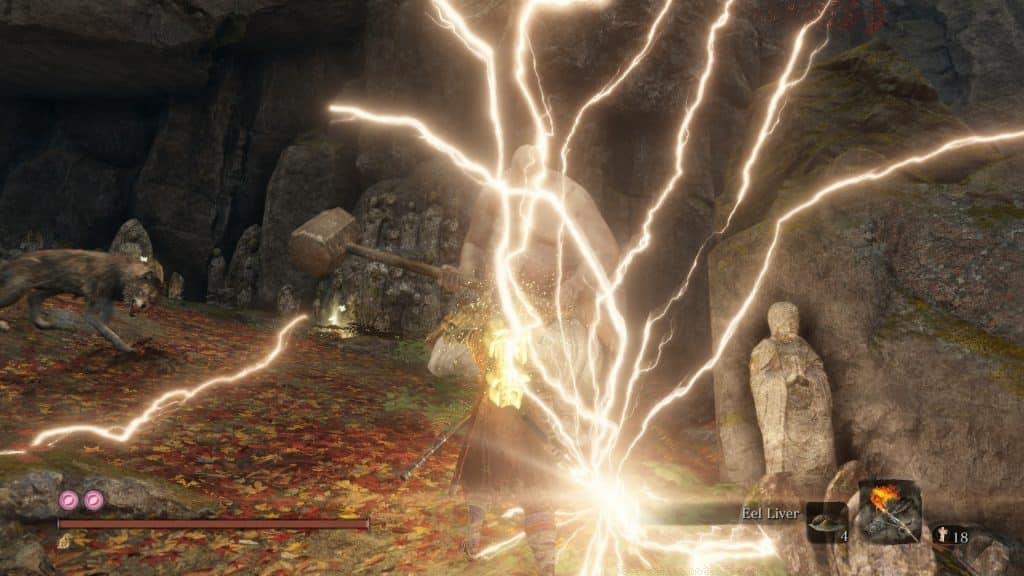
Elemental weapon effects mod adds spectacular visual flair to combat. This cosmetic enhancement introduces eight distinct elemental visual effects that activate when consuming specific items. These purely aesthetic modifications create spectacular weapon trails including fiery arcs, lightning streaks, and other elemental manifestations that dramatically increase combat’s visual intensity without affecting gameplay balance.
 FromSoftware
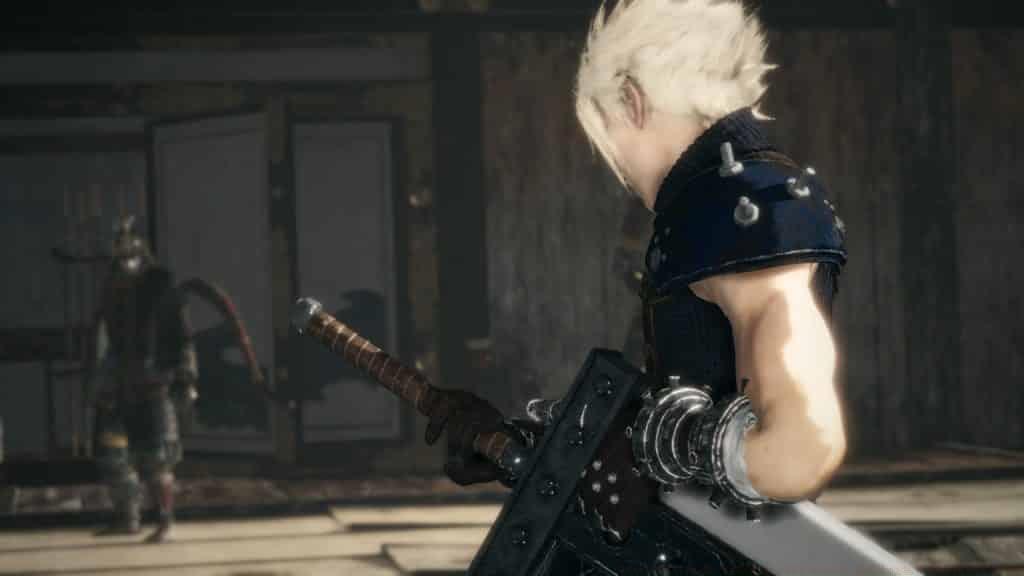
Final Fantasy’s Cloud Strife character model replacement mod. Final Fantasy enthusiasts can experience Sekiro through an entirely different lens with this character replacement mod that transforms the protagonist into Cloud Strife. While the character’s appearance may contrast with Sekiro’s feudal Japanese setting, the high-quality model and textures create an impressive crossover aesthetic that many players find enjoyable despite the thematic discrepancy.
Advanced Combat Overhauls
FromSoftware’s celebrated PlayStation exclusive Bloodborne serves as inspiration for this comprehensive combat overhaul. The modification fundamentally reworks Sekiro’s combat mechanics to emulate Bloodborne’s aggressive, dodge-focused fighting style. With this mod active, deflection-based defense becomes ineffective, replaced by a combat system emphasizing evasive maneuvers and positioning. Additionally, successful attacks against enemies now restore health, mirroring Bloodborne’s rally mechanic that rewards offensive play.
 FromSoftware
Dragon Ball’s Krillin character model integrated into Sekiro’s world. This crossover modification brings Dragon Ball’s Krillin into Sekiro as a complete character replacement. While the character’s distinct appearance creates noticeable aesthetic contrast with Sekiro’s feudal Japanese environment, the novelty of controlling this iconic martial artist provides unique entertainment value for fans of both franchises.
 FromSoftware
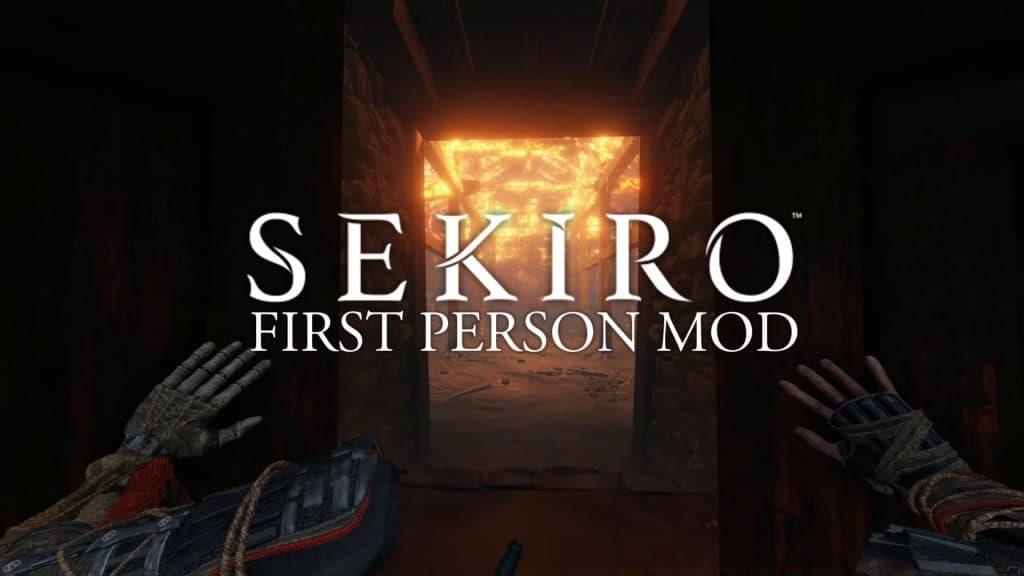
First-person perspective mod offers radically different gameplay experience. Though Sekiro was designed around third-person gameplay, this modification enables a complete first-person perspective. The transition requires significant adjustment to movement mechanics and combat timing, particularly during intense sword clashes, but offers a profoundly different way to experience Sekiro’s world for players seeking additional challenge and immersion.
Installation Guide
For players new to Sekiro modification, the installation process may seem daunting, but following these systematic steps ensures successful implementation. The process revolves around Nexus Mods’ Mod Engine, which provides the foundation for most Sekiro modifications.
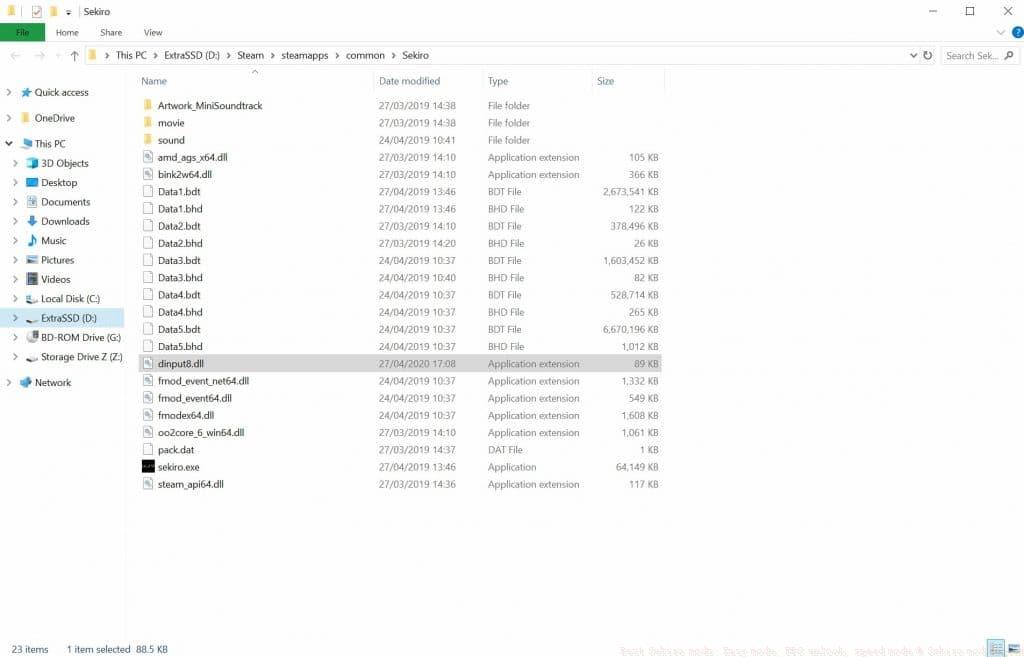 The mod installation interface provides straightforward configuration options.
- Begin by downloading Mod Engine from the Nexus Mods website
- Extract the downloaded archive file to access its contents
- Copy all extracted files and paste them into your Sekiro game directory
- Create two new folders within the mod directory: name one “mods” and the other “parts”
- Browse Nexus Mods to select your desired modifications and download them
- Open each mod archive and transfer all DCX files into the “parts” folder located within your Sekiro game files
- Launch Sekiro to activate your installed modifications automatically
Pro Tip: Always create backups of your save files before installing new modifications and read mod descriptions carefully for specific installation requirements or compatibility notes. Some mods may require additional frameworks or have conflicts with other modifications.
This comprehensive collection represents the most valuable Sekiro modifications currently available. We regularly update this list as new innovative mods emerge from the creative community. For additional gaming modification guides, explore our related content covering GTA 5 mods, Conan Exiles mods, Civilization 6 mods, Halo MCC mods, Raft mods, Doki Doki Literature Club mods, Stardew Valley mods, Minecraft mods, and Sims 4 mods.
No reproduction without permission:SeeYouSoon Game Club » Best Sekiro mods: Easy mode, FPS unlock, speed mode & Sekiro mod engine Transform your Sekiro experience with essential mods that enhance gameplay, visuals, and customization options