
Expert wheel setup guide for Assetto Corsa Rally with FFB optimization and advanced tuning techniques
Essential Pre-Setup Configuration
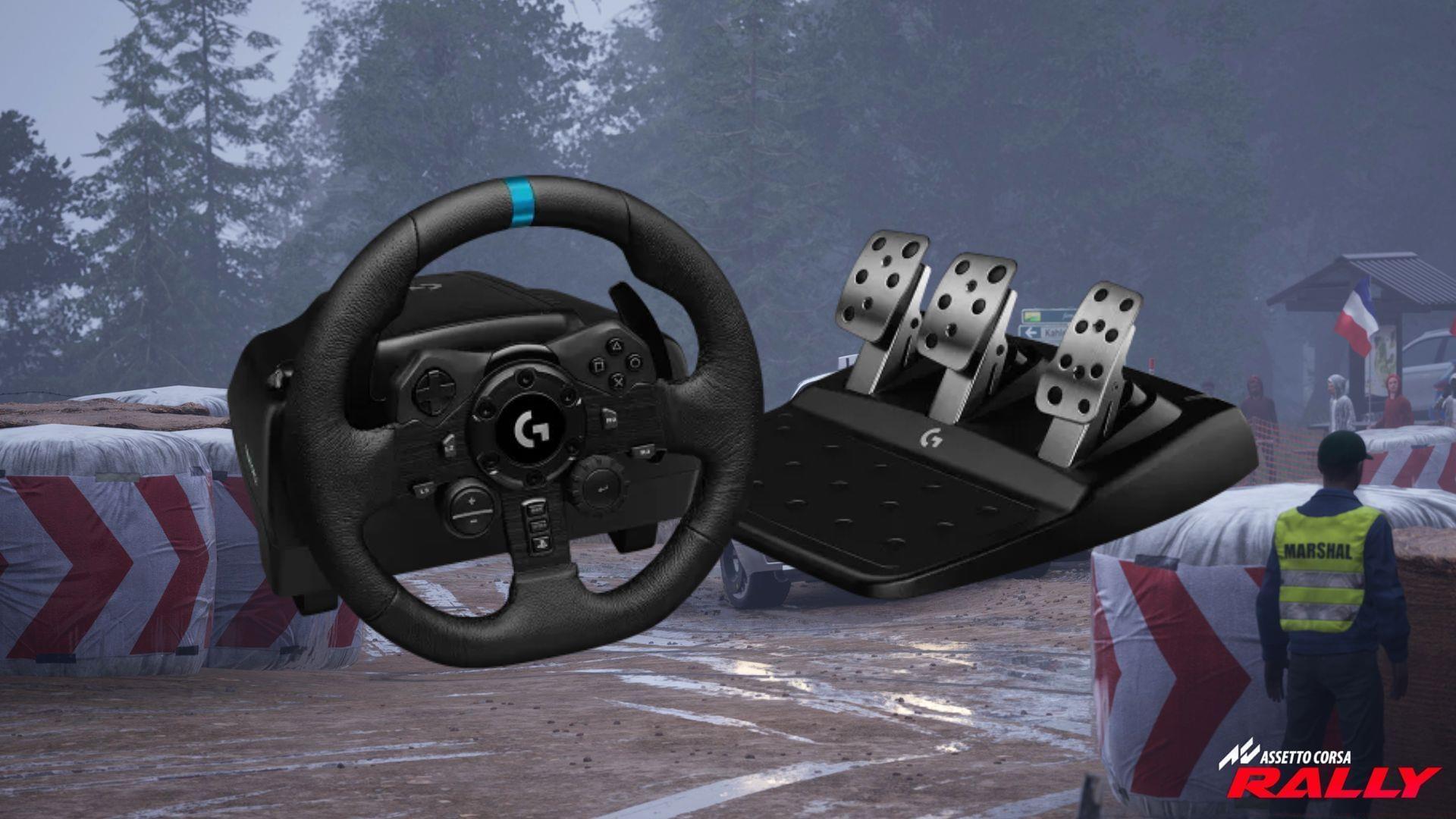
Assetto Corsa Rally has arrived, bringing intense off-road racing action to simulation enthusiasts. While gamepad controls provide accessibility, dedicated racing wheels deliver unparalleled immersion and precision control. This comprehensive guide focuses on optimizing your wheel setup to extract maximum performance while maintaining authentic rally driving sensations.
Strategic keybinding assignment represents your foundation for success. Position handbrake and MFD controls within immediate thumb reach, as these functions require rapid activation during technical sections. When integrating custom peripherals like standalone handbrakes or H-pattern shifters, manually configure them through the Settings interface. Neglecting this crucial step may automatically assign handbrake operations to wheel-mounted buttons, compromising your control scheme.
Before advancing to advanced parameter adjustments, verify all input devices register correctly within the game’s control panel. Test each button, axis, and sequential input to ensure the system recognizes your complete hardware configuration. This preliminary verification prevents mid-race control failures during critical moments.
Core Wheel Parameter Optimization
Fine-tuning your wheel’s operational parameters significantly enhances vehicle responsiveness, braking precision, and cornering stability. These adjustments transform generic force feedback into a tailored experience that complements your driving style while preserving simulation authenticity.
Steering rotation configuration critically impacts vehicle control dynamics. Maintain rotation angles between 540° and 720° to mirror real-world rally vehicle specifications. This range provides the optimal balance between rapid directional changes and maintaining stability at high speeds. Exceeding 900° rotation introduces excessive steering input requirements that hinder quick corrections during slides.
Force Feedback Gain calibration determines overall resistance intensity. The sweet spot resides between 75-85%, delivering substantial road feedback without inducing muscular fatigue during extended sessions. Lower values diminish crucial tactile information, while higher settings may overwhelm drivers with excessive vibration and resistance.
Advanced users should experiment with response curve adjustments to match their preference. Aggressive curves provide immediate feedback but may feel twitchy, while linear curves offer predictability at the cost of some detail transmission.
Advanced Force Feedback Refinement
Mastering force feedback requires understanding how different conditions affect wheel behavior. When straight-line driving feels insufficiently weighted, increment minimum force by 1% or boost Gain by 4-5% for enhanced stability perception. These minor adjustments provide the sensation of fighting against centering forces without compromising control.
Traction loss during aggressive cornering or wet conditions signals excessive FFB intensity. Reduce Gain by 10-15% when consistently experiencing grip breakdown, particularly in rear-wheel drive vehicles. Wet surfaces transmit less detailed feedback through the chassis, requiring lower gain settings to prevent masking subtle traction indicators.
Surface irregularities present unique challenges. If your wheel oscillates violently crossing bumps or landing after jumps, immediately increase damper settings by 30-40%. This introduces artificial resistance that counters the game’s physics engine exaggerations, maintaining wheel stability during extreme suspension movements.
For balanced performance across varied conditions, the Gain 75-Damper 30 combination provides reliable baseline performance. This ratio delivers detailed road texture information while minimizing unwanted oscillation effects, creating an immersive yet controllable experience.
Specialized Hardware Configuration
Load-cell brake systems require specific calibration to maximize their precision advantages. Adjust Brake Gamma to 1.6-1.8 for smoother initial pedal response and progressive resistance buildup. This configuration translates pressure sensitivity into accurate in-game braking force, essential for threshold braking during technical sections.
High-end pedal sets with hydraulic or elastomer resistance systems may benefit from even higher gamma values (1.9-2.1) to match their physical resistance curves. Experiment with small increments while testing brake modulation during practice sessions to find your ideal pressure-to-stopping power ratio.
Persistent vibration issues during off-road sections indicate insufficient damping. The damper setting acts as a digital shock absorber for your wheel, counteracting the game’s physics engine outputs that can cause controller oscillation. For extreme rally stages with frequent jumps and rough terrain, values up to 50% may be necessary to maintain control.
Common configuration mistakes include setting rotation too high for rally vehicles, using excessive FFB gain that masks important feedback cues, and neglecting damper adjustments for specific track conditions. Regularly revisit your settings as you progress through different car classes and environmental conditions.
Also read: Assetto Corsa Rally Review: Immersive gameplay brings the art of rallying to life
Check out some other articles:
No reproduction without permission:SeeYouSoon Game Club » Best racing wheel setup for Assetto Corsa Rally Expert wheel setup guide for Assetto Corsa Rally with FFB optimization and advanced tuning techniques