
Master Rocket League camera settings to boost field awareness and competitive performance in Season 19
Introduction: Why Camera Settings Matter in Rocket League
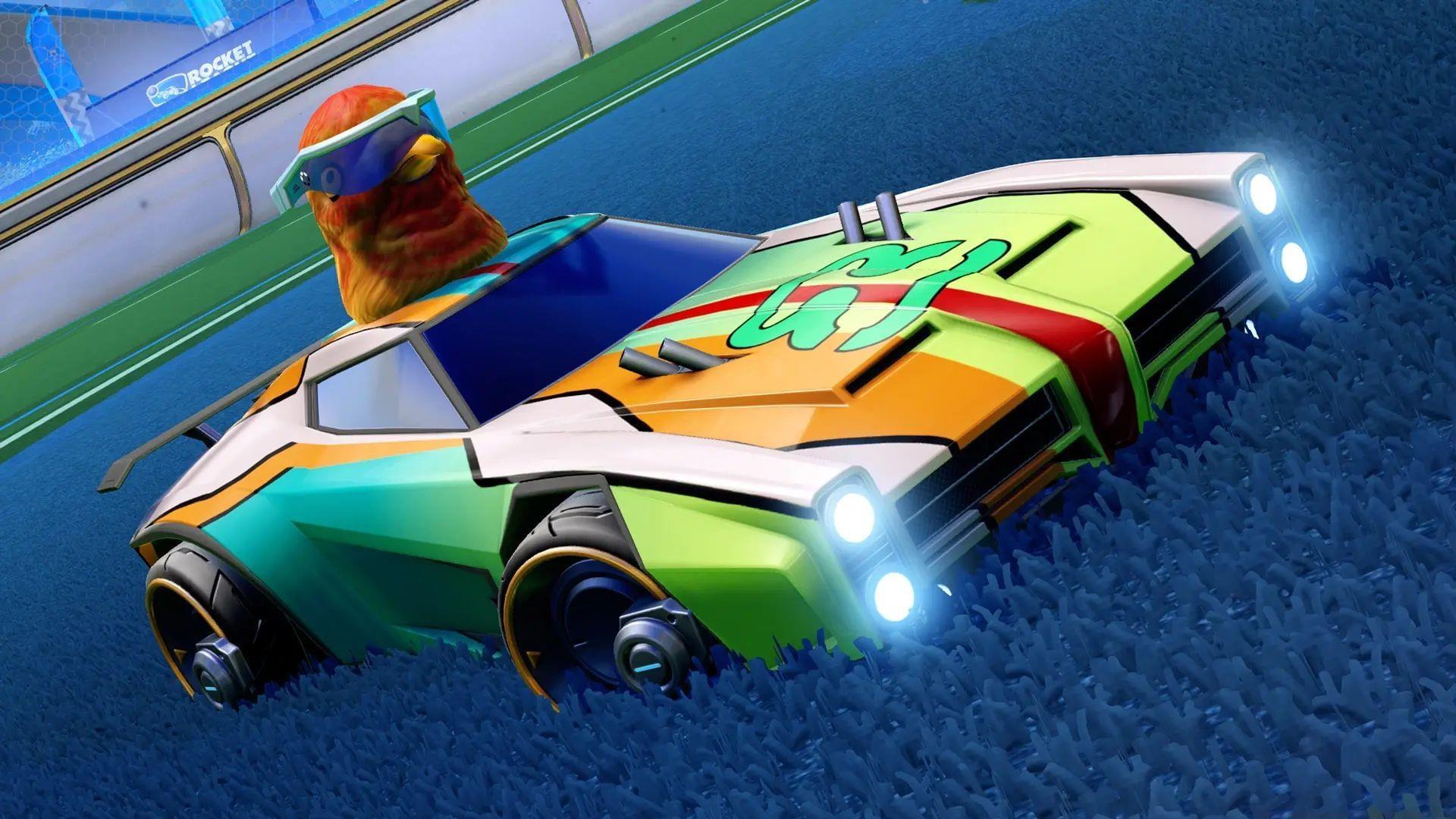
Rocket League Season 19 has launched with tremendous player engagement, featuring a spectacular 10th anniversary celebration packed with exclusive rewards and time-limited events that appeal to both experienced competitors and newcomers. As the game experiences a resurgence in popularity, countless players are seeking methods to elevate their performance. Among the most impactful adjustments for immediate improvement is optimizing your camera configuration, which directly influences spatial awareness, reaction time, and mechanical execution.
Recommended Camera Settings Breakdown
Here are the scientifically optimized camera configurations for competitive play in the current Season 19 meta:
Employing the maximum 110° Field of View (FOV) dramatically expands your peripheral vision, allowing you to track opponents, teammates, and boost pads simultaneously without excessive camera switching. Players often question why distance isn’t maximized—this deliberate choice prevents your vehicle from appearing too distant, which would compromise your ability to accurately judge ball trajectory and execute precise touches.
Many competitors overlook the Invert Swivel functionality, which reverses the camera rotation direction when manipulating the right analog stick or corresponding keyboard commands. Activating this setting accelerates environmental scanning and can improve defensive positioning awareness. However, this inverted control scheme requires neural adaptation, so disable it if it creates discomfort during matches.
Pro Tips and Common Mistakes to Avoid
Avoid the common error of immediately reverting to previous settings during the adjustment phase. Your brain requires approximately 5-10 matches to develop new spatial awareness patterns. Professional players recommend practicing in free play for 15 minutes before competitive matches when implementing camera changes.
Advanced competitors often combine these settings with strategic camera switching techniques. Rapidly toggling ball camera during aerial maneuvers provides both target tracking and positional awareness. Additionally, consider binding camera swivel to easily accessible buttons for quick environmental checks without compromising vehicle control.
Another frequent mistake involves setting transition speeds too high, causing disorientation during rapid camera movements. The recommended 1.00 speed creates smooth transitions that maintain orientation while the 0.75 ball camera timing ensures you never lose track of the play during perspective shifts.
Implementation Strategy and Adaptation Timeline
These represent the most effective camera configurations currently available. Acknowledge that they demand an adaptation period, but once mastered, you’ll experience significantly enhanced situational awareness across all match types. Begin by implementing one change at a time, starting with FOV adjustment, then incorporating transition speeds, and finally experimenting with invert swivel based on personal preference.
Track your performance metrics during the transition—note improvements in challenge success rates, aerial accuracy, and boost management. Many players report 15-20% improvement in these areas within two weeks of proper camera configuration implementation. Remember that camera settings represent personal preference foundations that can be fine-tuned based on your specific playstyle and mechanical strengths.
No reproduction without permission:SeeYouSoon Game Club » Best camera settings for Rocket League (2025) Master Rocket League camera settings to boost field awareness and competitive performance in Season 19