
Effective solutions for Apex Legends’ infinite loading screen bug and login issues
Understanding the Infinite Loading Screen Bug
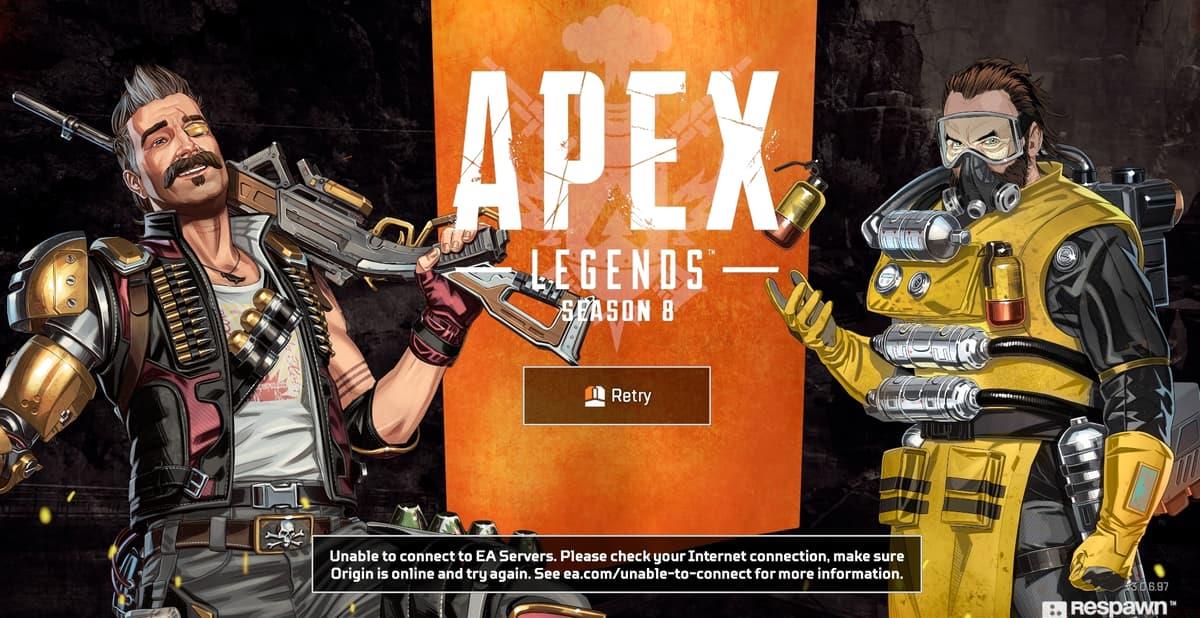
The latest season of Apex Legends has introduced a particularly frustrating technical issue that prevents players from accessing matches. This loading screen glitch occurs when attempting to start the game, trapping users in an endless cycle of menu screens without progressing to the actual gameplay.
What makes this bug especially problematic is its persistence – unlike other connection errors that display specific codes, this issue provides no error messages, leaving players guessing about the cause.
While Respawn Entertainment has addressed various network problems over the game’s lifespan, including code:leaf and code:net errors, this new loading screen bug presents unique challenges. The issue appears to be account-specific rather than system-wide, meaning some players can access the game normally while others remain locked out.
 Respawn Entertainment
Server stability has been inconsistent throughout Season 8, with this loading screen problem being the most disruptive issue reported. Technical analysis suggests the bug might be related to authentication token validation during the loading process, though Respawn hasn’t confirmed this theory.
Proven Workarounds and Fixes
Players have discovered several temporary solutions while waiting for an official fix from Respawn. These methods require precise timing but have proven effective for many users experiencing the infinite loading screen.
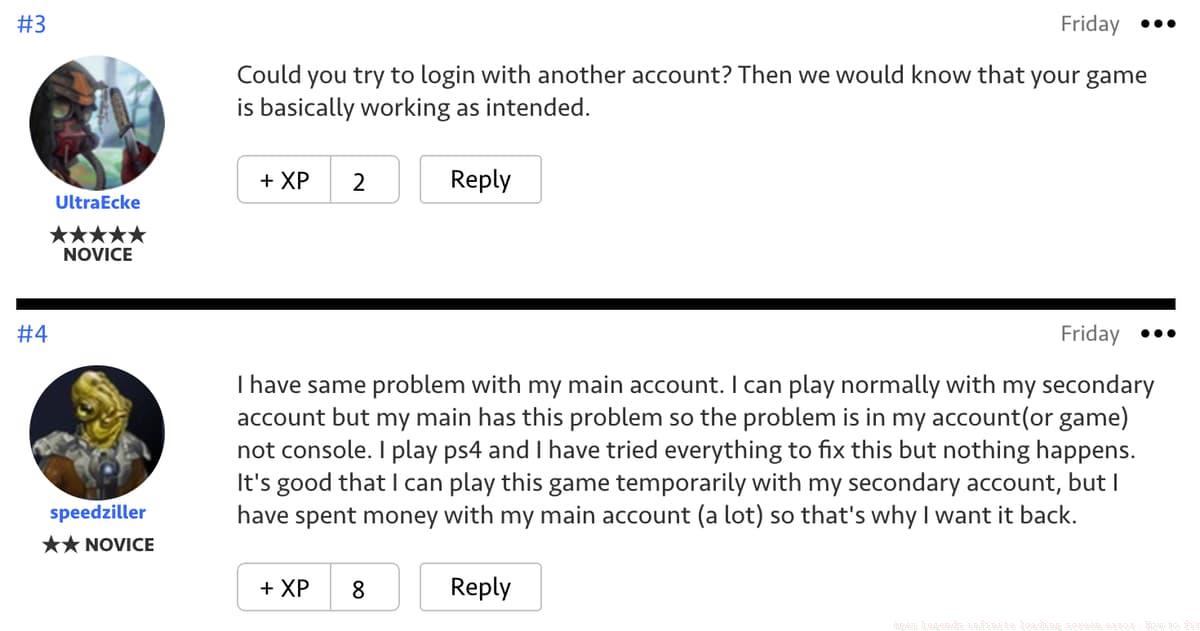
For players where the disconnection method fails, switching to a secondary account often works. This confirms the account-specific nature of the bug. Creating a new account through Origin or Steam (whichever platform you’re using) can provide temporary access while Respawn works on a permanent solution.
Advanced users can try additional troubleshooting steps: clearing Origin/Steam cache, verifying game files, or temporarily disabling firewall and antivirus software. These methods have shown varying degrees of success depending on system configuration.
Developer Response and Updates
Respawn Entertainment has acknowledged the loading screen issues and implemented partial fixes through recent patches. The development team identified and resolved one major cause of login problems, introducing a new error code (code:clog) to help diagnose remaining issues.
 EA
EACommunity reports continue to help Respawn identify remaining issues.
As compensation for the disrupted gameplay experience, affected players received 25 free battle pass levels. This generous compensation helps offset the progression time lost during the connectivity issues. Respawn continues to monitor the situation and has promised additional fixes in future updates.
Players should note that the development team expects some login issues to persist while they work on comprehensive solutions. Regular updates are being posted through official Respawn communication channels, including Twitter and the EA Help forums.
Preventive Measures and Best Practices
While waiting for permanent fixes from Respawn, players can take several proactive steps to minimize loading screen issues:
These practices won’t necessarily prevent the account-specific loading bug but can help avoid other common connection issues that might compound the problem. Players experiencing persistent issues should continue reporting them through official EA support channels.
No reproduction without permission:SeeYouSoon Game Club » Apex Legends infinite loading screen error: How to fix Effective solutions for Apex Legends' infinite loading screen bug and login issues