
Complete guide to choosing between DX11 and DX12 in Where Winds Meet with performance optimization tips
Understanding DirectX Modes in Where Winds Meet
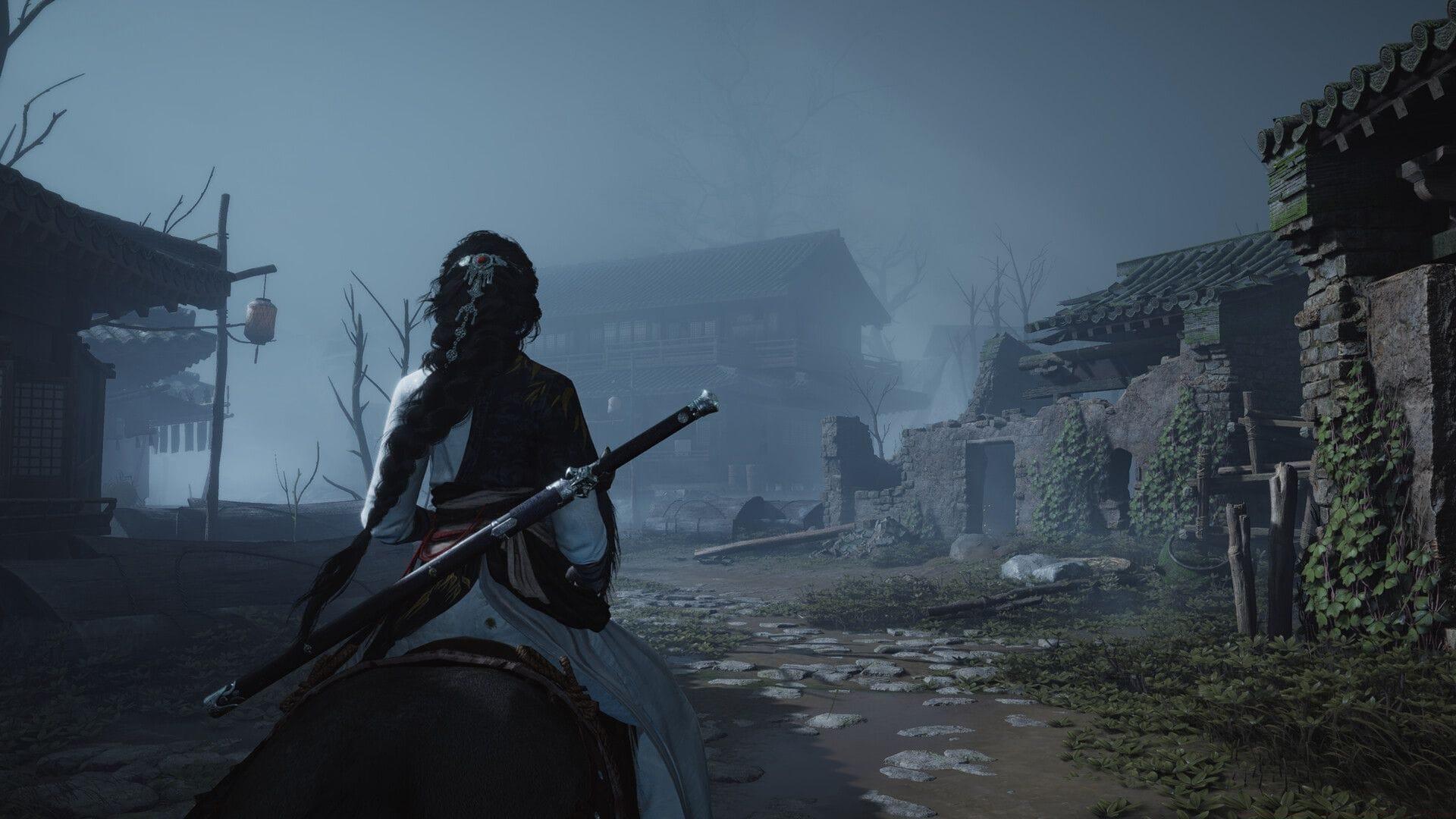
When launching Where Winds Meet on PC for the first time, players encounter a crucial decision between DX11 and DX12 graphics APIs. DirectX serves as the essential communication bridge between game software and your graphics hardware, determining how efficiently visual elements render on screen. The choice between these two API versions significantly impacts frame rates, visual fidelity, and overall gaming stability.
Many players overlook this technical decision, but selecting the appropriate DirectX implementation can mean the difference between smooth 60+ FPS gameplay and frustrating performance hiccups. DirectX 12 introduces advanced features like explicit multi-adapter support and lower-level hardware access, while DirectX 11 offers broader compatibility with older hardware configurations.
DX11 vs DX12: Performance Comparison and Recommendations
The performance landscape between DirectX 11 and DirectX 12 isn’t universally predictable—it heavily depends on your specific hardware configuration. Modern graphics cards from the RTX 20-series and RX 6000-series onward typically benefit from DX12’s advanced optimization capabilities, delivering 10-15% higher frame rates in most scenarios. However, this performance boost comes with potential stability trade-offs that players should consider.
For gamers using hardware matching or falling below the minimum specifications, DirectX 11 remains the safer choice. Older GPU architectures often lack the driver optimization and hardware features necessary to leverage DX12’s advantages. If you experience persistent crashes, graphical artifacts, or significant frame time inconsistencies, immediately revert to DX11. The performance penalty is usually minimal on older hardware, while stability improvements can be substantial.
Our testing reveals that systems with CPUs boasting six or more cores see noticeable improvements in DX12, as the API better utilizes multiple processor threads. Conversely, quad-core systems often perform identically across both APIs, making DX11 the more stable option.
System Requirements and Hardware Optimization
Before diving into graphical settings optimization, ensure your system meets the baseline requirements for Where Winds Meet. The game demands substantial hardware resources, particularly in the graphics department. Here are the official specifications:
- Minimum Specifications:
- OS: Windows 10/11 64-bit
- Processor: Intel Core i7-7700K / AMD Ryzen 5 1600
- Graphics: Nvidia GeForce GTX 1060 (6GB VRAM) / AMD Radeon RX 480 (8GB VRAM)
- Network: Broadband Internet connection
- Storage: 100 GB available space
- Additional Notes: SSD recommended
- Recommended Specifications:
- OS: Windows 10/11 64-bit
- Processor: Intel Core i7-10700 / AMD Ryzen 7 3700X
- Graphics: Nvidia GeForce RTX 2070 SUPER / AMD Radeon RX 6700 XT / Intel ARC A750
- Network: Broadband Internet connection
- Storage: 100 GB available space
- Additional Notes: SSD recommended
The SSD recommendation cannot be overstated—players using traditional hard drives experience significantly longer loading times and potential texture streaming issues during rapid traversal. The 100GB storage requirement also emphasizes the game’s expansive world and high-resolution assets.
Advanced Performance Tuning Strategies
Beyond the basic DirectX selection, several advanced tuning techniques can enhance your Where Winds Meet experience. Monitor your VRAM usage closely through tools like MSI Afterburner—exceeding available video memory causes severe stuttering. If VRAM usage consistently approaches your GPU’s limit, reduce texture quality first, as this setting has the largest memory footprint.
Common performance pitfalls include enabling ray tracing on hardware below the recommended specifications and overlooking driver updates. Always update to the latest GPU drivers before major gaming sessions, as developers frequently release game-specific optimizations. For NVIDIA users, the GeForce Experience optimization presets provide excellent baseline settings.
PS5 players benefit from optimized default settings but should ensure they’re using performance mode for smoother frame rates. The free-to-play model makes Where Winds Meet accessible across platforms, but PC players have the advantage of granular graphical control. Remember that network stability remains crucial for both platforms, as the game features persistent online elements.
For further weapon customization guidance, explore our comprehensive weapon types breakdown to maximize your combat effectiveness regardless of graphical settings.
No reproduction without permission:SeeYouSoon Game Club » Where Winds Meet: Should you run DX11 or DX12 mode? Complete guide to choosing between DX11 and DX12 in Where Winds Meet with performance optimization tips