
Master The Sims 4 with comprehensive cheat codes for PC, console, career, building, and expansion pack content
How to Enable Cheats
Before diving into the extensive world of The Sims 4 cheats, you’ll need to activate the cheat console on your specific platform. This universal access point serves as your gateway to transforming gameplay across PC, Mac, PlayStation, and Xbox systems.
While numerous mods exist that simplify cheat activation through UI clicks, the traditional console method remains the most reliable approach for entering the codes we’ll explore. This method ensures compatibility across all game versions and platforms.
To access the cheat console, use these platform-specific commands:
Pro Tip: After opening the console, type ‘testingcheats on’ to unlock the most powerful cheat functionalities, including the shift-click menu that provides extensive Sim manipulation options.
The Sims 4 UI Cheats
Ever wanted to capture the perfect screenshot without your Sim’s plumbob ruining the composition? Or perhaps you’re tired of the distracting highlight lines that appear when hovering over objects? UI cheats provide solutions to these common aesthetic frustrations.
These interface modifications go beyond cosmetic changes—they can significantly enhance your gameplay experience by removing visual clutter and providing additional performance information.
| Cheat | Code | Notes |
|---|---|---|
| Show FPS | fps on | Displays frames per second counter for performance monitoring |
Common Mistake to Avoid: Don’t confuse UI cheats with gameplay cheats—they serve different purposes. UI cheats modify your interface experience without affecting your Sim’s progress or world state.
The Sims 4 Career, CAS, Needs & Relationship Cheats
The Sims 4 career, CAS, needs & relationship cheats
| Cheat | Code | Notes |
|---|---|---|
| Get Fame Points | famepoints {number} | Replace {number} with desired fame points amount (Get Famous expansion required) |
These career and relationship cheats allow you to bypass the grind and focus on storytelling. Whether you want your Sim to instantly become a celebrity, advance rapidly in their profession, or form instant connections, these codes provide creative control over social dynamics.
Advanced Strategy: Combine career cheats with skill cheats to create specialized Sims who are perfectly suited for their professions without spending hours on skill development.
The Sims 4 Aspiration and Satisfaction Points Cheats
The Sims 4 Aspiration and Satisfaction Points cheats
If you’re looking to acquire reward traits quickly or obtain specific reward potions for your Sim without extensive gameplay effort, several aspiration-focused cheats are available.
| Cheat | Code | Notes |
|---|---|---|
| Complete Aspiration milestone | aspirations.complete_current_milestone | Instantly completes the current aspiration step your Sim is working on |
Aspiration cheats are particularly valuable for players who want to experiment with different reward traits without committing to lengthy aspiration chains. They allow you to test various gameplay styles and determine which rewards best suit your preferred play approach.
Optimization Tip: Use aspiration completion cheats strategically rather than completing all aspirations at once. This allows you to experience each reward trait individually and understand its impact on gameplay.
The Sims 4 Shift-Click Cheats
The Sims 4 shift-click cheats
 EA / Maxis
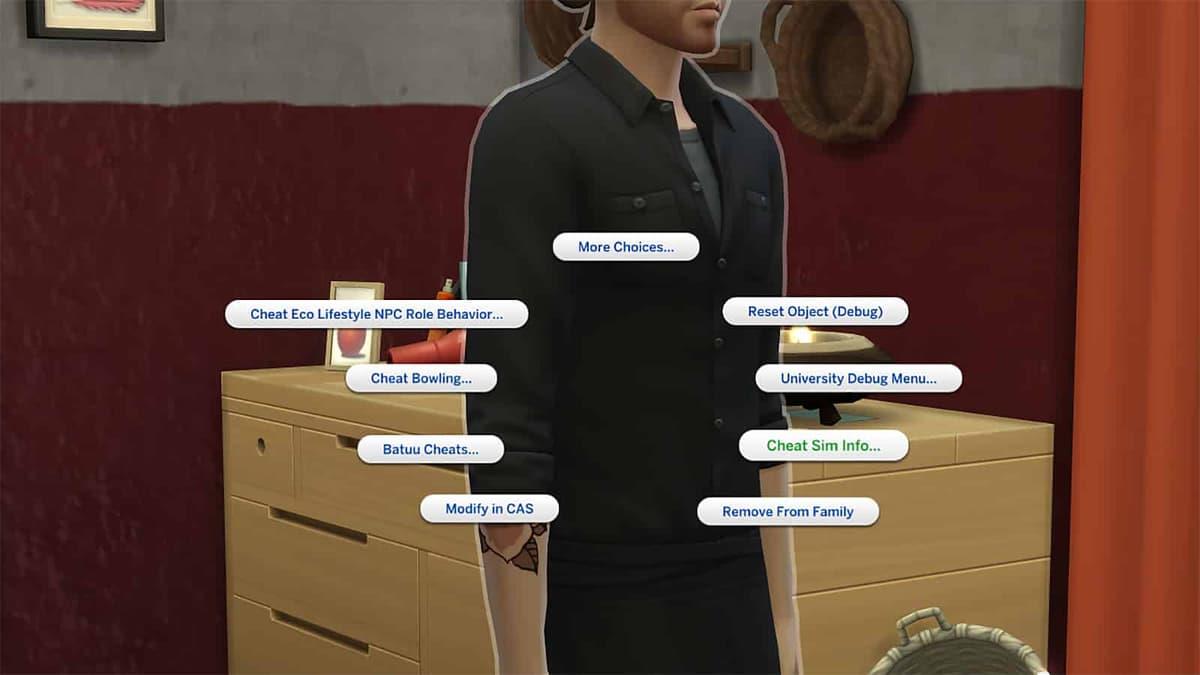
Depending upon what packs you have, shift-clicking a Sim gives you a lot of different cheats.
With ‘testingcheats‘ enabled, you can press Shift and left-click on PC/Mac / X & O on PlayStation / A & B on Xbox to access additional cheat options when interacting with Sims or objects like mailboxes.
- Shift-clicking Sims:
- ‘Make Happy’ fills up their needs to full.
- ‘Disable Need Decay’ turns off needs decaying over time.
- ‘Enable Need Decay’ turns this feature back on.
- ‘Modify in CAS’ allows you to edit a Sim and change their hair, clothes, and makeup. With ‘cas.fulleditmode’ turned on, you can completely edit everything about a Sim, from the face, traits, and body types.
- ‘Cheat Sim Info’ allows you to change a Sim’s lifestyles, preferences, and lock their motives.
- ‘Make Into Plant Sim’ turns your Sim into a Plant Sim.
- ‘Reset Object (Debug)’ resets a Sim if stuck.
- ‘Add to Family’ adds the selected Sim to the currently active household.
- Shift-clicking the ground allows you to teleport the selected Sim to that location.
- Shift-clicking the Mailbox on a lot allows you to alter needs for both the world and household.
Depending upon which Packs you have installed, Shift-clicking on your Sims can give you a whole host of things to play with. Fancy some Bits and Pieces from Eco Living, or some items from Journey to Batuu? There’s lots to discover with shift-click cheats.
Pro Tip: The shift-click menu dynamically changes based on your installed expansion packs, making it one of the most versatile cheat systems in The Sims 4. Always check this menu first when looking for pack-specific functionalities.
The Sims 4 Build and Move Objects Cheats
The Sims 4 build and move objects cheats
 EA / Maxis
Download a lot that’s a bit of a Fixer-Upper and transform it with some cool Build/Buy cheats,
Want to build and furnish something truly incredible, free of the restrictions the game initially places on you? Get ready to become THE Dream Home Decorator, as there’s a whole host of essential cheats for Simmers to use, including unlocking all items right off of the bat and the famed ‘moveobjects’ cheat to help you place items wherever you want:
| Cheat | Code | Notes |
|---|---|---|
| Enable free build | bb.enablefreebuild | Allows building on any lot regardless of ownership status |
Building Strategy: Combine ‘bb.moveobjects’ with the ALT key for precise object placement. This allows micro-adjustments that can transform good builds into spectacular ones with professional-level detailing.
Common Mistake: Forgetting to turn off ‘bb.moveobjects’ after building can cause routing issues for your Sims. Always disable it when finished with precision placement to ensure your Sims can navigate the space properly.
The Sims 4 Vampire, Spellcaster & Death Occult Cheats
The Sims 4 Vampire, Spellcaster & death occult cheats
Decided to turn your Sim into a Vampire, Spellcaster, Mermaid, or want to give your Sim a taste of death to experience life as a ghost? These cheats can change your Sim’s Occult in a flash:
| Cheat | Code | DLC Required |
|---|---|---|
| Turn Sim into a Ghost (Death by Beetle) | traits.equip_trait trait_ghost_beetle | Base game – creates a ghost with specific death type |
Occult cheats allow you to explore supernatural gameplay without the typical requirements or random events. You can instantly transform Sims into various supernatural beings, experiment with their unique abilities, and create diverse household dynamics.
Advanced Play: Combine multiple occult types in one household for unique storytelling opportunities. A vampire and werewolf living together, or a spellcaster raising a ghost child can create compelling narrative arcs.
The Sims 4 Lifestyle Cheats
The Sims 4 Lifestyle cheats
Lifestyles are traits that Sims get by completing certain activities and interactions (or alternatively, by not doing them), but they can also be cheated. Each has its own positive and negative moodlet effects.
| Cheat | Code |
|---|---|
| Adrenaline Seeker | traits.equip_trait trait_lifestyles_adrenalineseeker |
Lifestyle cheats from the Snowy Escape expansion allow you to instantly grant your Sims specific behavioral patterns that develop over time through repeated actions. These cheats are perfect for role-playing specific character archetypes without the gradual development process.
Strategic Use: Apply lifestyle cheats at the beginning of a new save to establish character personality immediately, or use them to correct unwanted lifestyle development that doesn’t fit your storytelling vision.
The Sims 4 Werewolves Cheats
The Sims 4 Werewolves cheats
 EA / Maxis
Utilize these cheats for Werewolves to turn yourself into the occult and more.
The cheats introduced in the Werewolves’ Game Pack lets you do everything from unlocking Temperaments and traits to turning a human Sim into a werewolf themselves.
| Cheat | Code |
|---|---|
| Turn Sim into a Werwolf | traits_equip_trait trait_occultwerewolf |
Werewolf cheats provide immediate access to the complex werewolf progression system, allowing you to skip the typically lengthy process of earning temperaments and abilities through gameplay. This is particularly useful for players who want to experiment with different werewolf builds.
Note: The correct cheat code is ‘traits.equip_trait trait_occultwerewolf’ – the original table contained a typography error with ‘traits_equip_trait’.
The Sims 4 Cottage Living Cheats
The Sims 4 Cottage Living cheats
 EA / Maxis
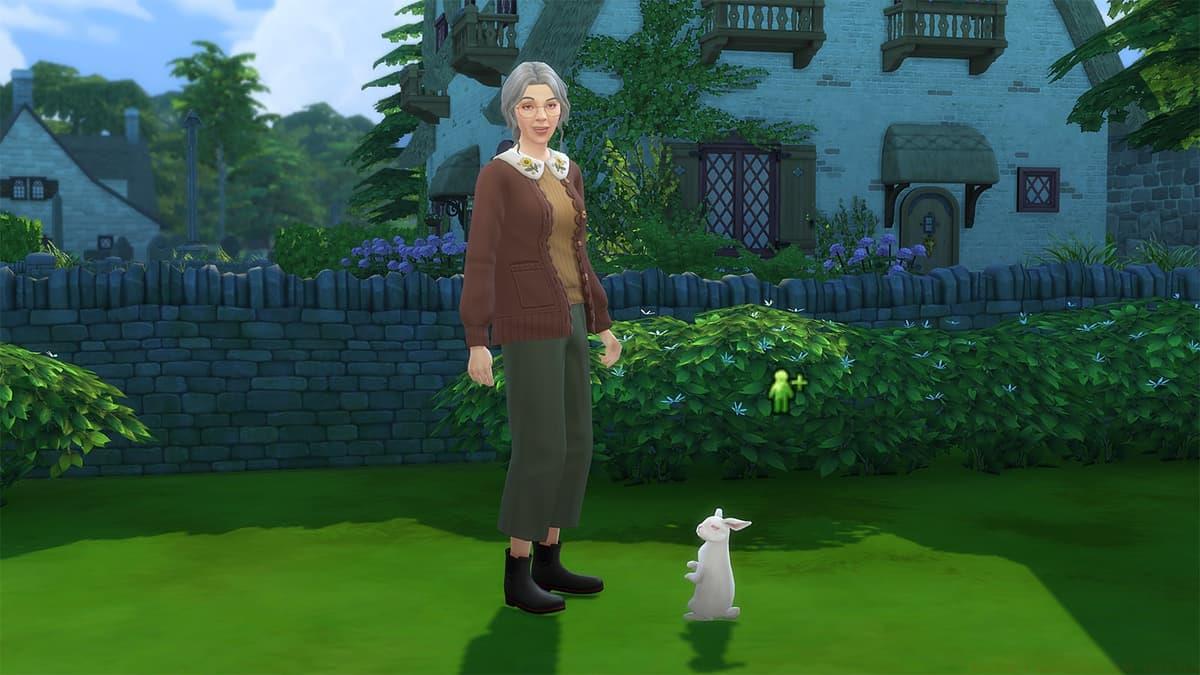
That cute little Rabbit will be your best friend before you know it!
With the release of Cottage Living, cheats for the Expansion Pack can help you to automatically create Llama wool, level up your cross-stitch skill, purchase animal clothing, or even spawn chicken eggs out of thin air!
| Cheat | How to use / Code |
|---|---|
| Add Animal Enthusiast trait to Sim | traits.equip_trait trait_animalenthusiast |
Cottage Living cheats streamline the rural lifestyle experience by bypassing the time-consuming aspects of animal care and farming. These codes are perfect for players who enjoy the aesthetic and storytelling elements of country life but want to avoid the daily maintenance routines.
Farming Strategy: Use animal trait cheats at the start of your farming save to ensure your Sim has the inherent abilities needed to excel in rural life without the gradual skill development process.
The Sims 4 High School Years Cheats
The Sims 4 High School Years cheats
 EA / Maxis
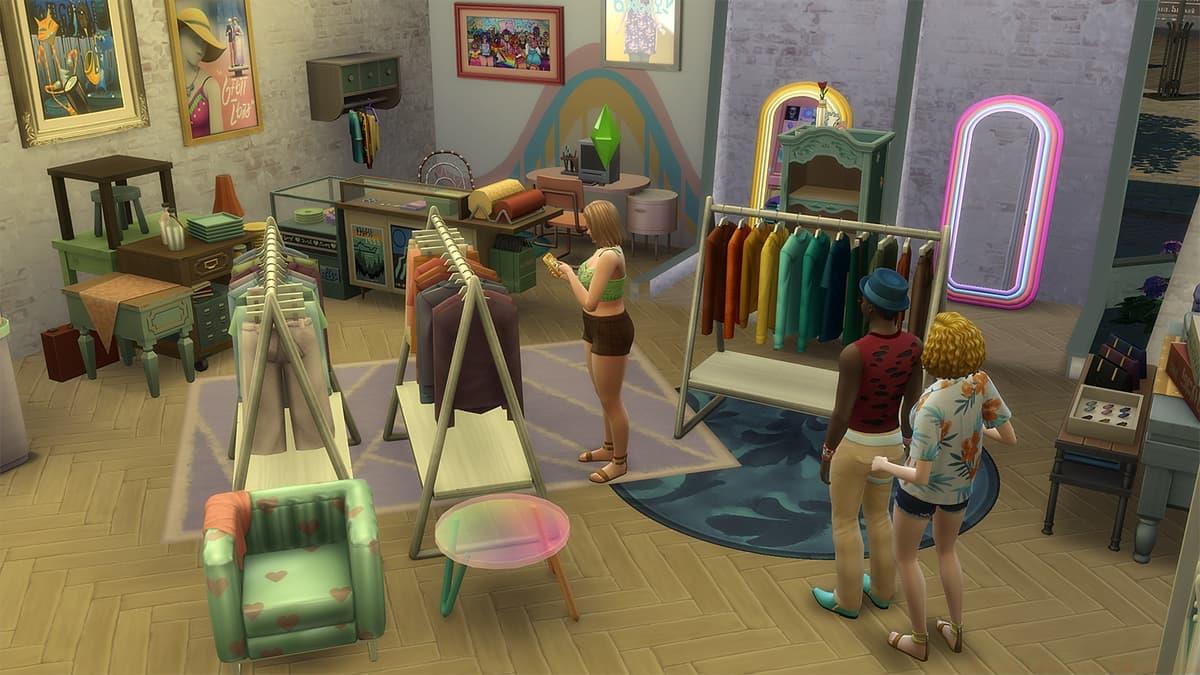
High School Years lets Sims pop over to ThrifTea to create and sell outfits.
Summer 2022’s Expansion Pack for The Sims 4, High School Years, added more life to gameplay for Teen Sims, and with it, a few new cheats arrived around traits and Sentiments:
| Cheat | Code | Notes |
|---|---|---|
| Increase High School grade | careers.promote career_teen_highschool | Instantly advances your teen Sim to the next grade level |
High School Years cheats focus on enhancing the teenage experience by providing control over academic performance, social dynamics, and emotional development. These codes are perfect for players who want to craft specific high school narratives without being constrained by typical teen limitations.
Storytelling Tip: Use grade cheats strategically to create academic rivalries or prodigy stories. A Sim who suddenly jumps from failing to top of the class can create interesting narrative possibilities with their peers.
So, there you have it. All of The Sims 4 cheats that you need to know about to make your game that much easier (or harder!) For more tips and tricks, check out our other guides, including the best Sims 4 mods and how to make money in The Sims 4
No reproduction without permission:SeeYouSoon Game Club » The Sims 4 cheats on PC, PS4, PS5 & Xbox Master The Sims 4 with comprehensive cheat codes for PC, console, career, building, and expansion pack content