
Master Custom Matches in Rematch with comprehensive setup guides and pro tips for optimal gameplay
Understanding Custom Matches in Rematch
Since its explosive launch across PlayStation, Xbox, and PC platforms on June 19, 2025, Sloclap and Kepler Interactive’s Rematch has captivated competitive gaming communities worldwide. The developers have implemented numerous features to enhance player engagement, with Custom Matches emerging as a standout option for personalized gameplay experiences. These private sessions enable gamers to either host or participate in tailored matches with friends completely free of charge, providing unprecedented control over game parameters and player interactions.
Custom Matches serve as the ultimate social gaming feature, allowing you to design competitive environments specifically for your friend group or community. Unlike standard matchmaking, these private sessions give you complete authority over every aspect of the gameplay experience, from team compositions to specialized rule sets that aren’t available in regular matches.
Hosting Your Custom Match: Step-by-Step Setup
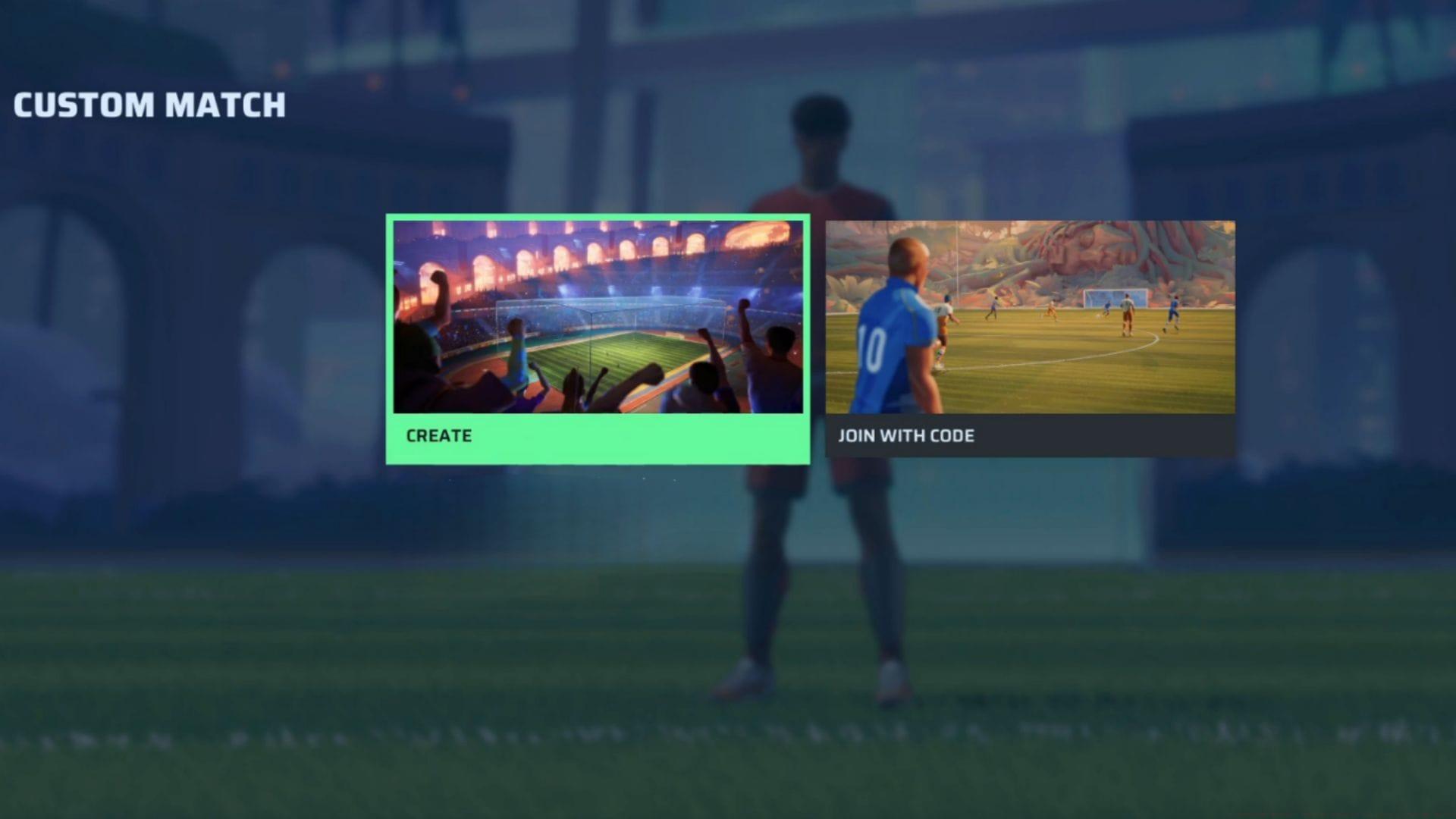
Step 1: Navigate to the Custom Match section within Rematch’s main menu interface. You’ll encounter two primary options – choose the Create function to initiate your personalized match setup process.
Step 2: The system will present you with comprehensive Player Number and Game Parameters configuration screens. These settings determine the fundamental structure of your custom gaming session and include the following critical options:
- Max players per team: Select between 1-5 participants per side – ideal for balancing competitive intensity
- Max spectators: Configure 0-5 observer slots for friends who want to watch the action unfold
- Code access: Choose from three security levels: No code (open access), Visible for Host only (private), or Visible for all (semi-private)
- Match Duration: Duration options vary based on your unlocked content and progression level
- Overtime max duration: Set extended play periods up to 20 minutes for dramatic finishes
- Score to reach: Determine victory conditions between 0-20 points
- Mercy rule goal difference: Establish automatic match conclusion when teams reach 0-20 point differentials
- Stadium selection: Available venues depend on your unlocked environments and cosmetic collections
Step 3: After finalizing all configuration criteria, your custom match room becomes active. Critical to remember: you must distribute the automatically generated room code to intended participants for them to gain entry into your session. This code serves as the digital key granting access to your privately configured gameplay experience.
Joining Custom Matches: Quick Access Guide
Beyond hosting your own sessions, Rematch enables seamless participation in existing Custom Matches created by friends or community members. The joining process emphasizes simplicity and rapid access through these straightforward steps:
Step 1: Access the Custom Match tab from the main navigation menu and select the prominently featured ‘Join with Code’ option. This initiates the connection interface for entering private match sessions.
Step 2: Request the unique room identification code from your friend or the match host. This alphanumeric sequence is essential for system authentication and session localization.
Step 3: Accurately input the provided code into the designated text field and activate the Confirm command. Upon successful verification, you’ll gain immediate entry into the Custom Match, ready to engage in the specially configured gameplay experience.
Pro Tip: Double-check code accuracy before confirming – mistyped characters represent the most common connection failure. Additionally, verify with the host that spectator slots remain available if you plan to observe rather than participate directly.
Advanced Custom Match Strategies
Mastering Custom Matches extends beyond basic creation and joining mechanics. Implementing strategic configuration approaches can dramatically enhance your private gaming sessions:
Optimal Parameter Configurations: For competitive practice sessions, set Score to Reach at 15-20 points with Mercy Rule at 10-15 differentials. This creates substantial matches without excessive duration. Casual play benefits from shorter 5-10 point targets with 5-point mercy rules for quicker game cycles.
Spectator Management: Always reserve 1-2 spectator slots for coaches, content creators, or friends who may join late. This prevents disruption when additional viewers want to observe high-stakes matches.
Common Setup Errors: Beginners frequently overlook the Code Access setting, accidentally creating open matches when private sessions were intended. Always verify this parameter before finalizing match creation. Another frequent mistake involves mismatching team sizes, creating unbalanced 5v1 scenarios that diminish gameplay quality.
Advanced Hosting Techniques: Seasoned players utilize Custom Matches for specific skill development. Create 1v1 sessions for duel practice, or configure unusual team compositions to challenge conventional strategies. The Overtime duration setting proves particularly valuable for tournament preparation, simulating high-pressure scenarios.
Connection Optimization: Ensure all participants have stable internet connectivity before distributing match codes. Regional latency considerations may affect gameplay smoothness in international friend sessions.
No reproduction without permission:SeeYouSoon Game Club » Rematch guide: How to create or join a Custom Match Master Custom Matches in Rematch with comprehensive setup guides and pro tips for optimal gameplay