
TL;DR
- Master the two-phase scanning system combining Polygonal Scanners and Scan Waves for optimal resource detection
- Learn to interpret ground color gradients and wave patterns to pinpoint deposit cores with precision
- Optimize scanner placement strategies to minimize time investment and maximize resource yield
- Understand resource type prioritization for efficient base building and survival progression
- Avoid common scanning mistakes that waste valuable in-game time and resources
Mastering The Alters’ sophisticated scanning system requires understanding its dual-component approach to resource detection. While basic scanner functionality appears straightforward, the game’s mechanics involve complex interactions between Polygonal Scanners and Scan Waves that determine your resource acquisition efficiency.
A scanner serves as your primary tool for uncovering hidden resource deposits throughout The Alters’ challenging landscape. This technology goes beyond simple equipment usage, requiring strategic placement of multiple scanning devices, careful analysis of geological data, and systematic improvement of your detection coverage to locate the most valuable deposit cores.
Given that survival depends on outrunning the lethal solar radiation through adequate resource collection, mastering scanning mechanics becomes absolutely critical. Your ability to efficiently detect and extract resources directly impacts your progression speed and survival chances in this demanding environment.
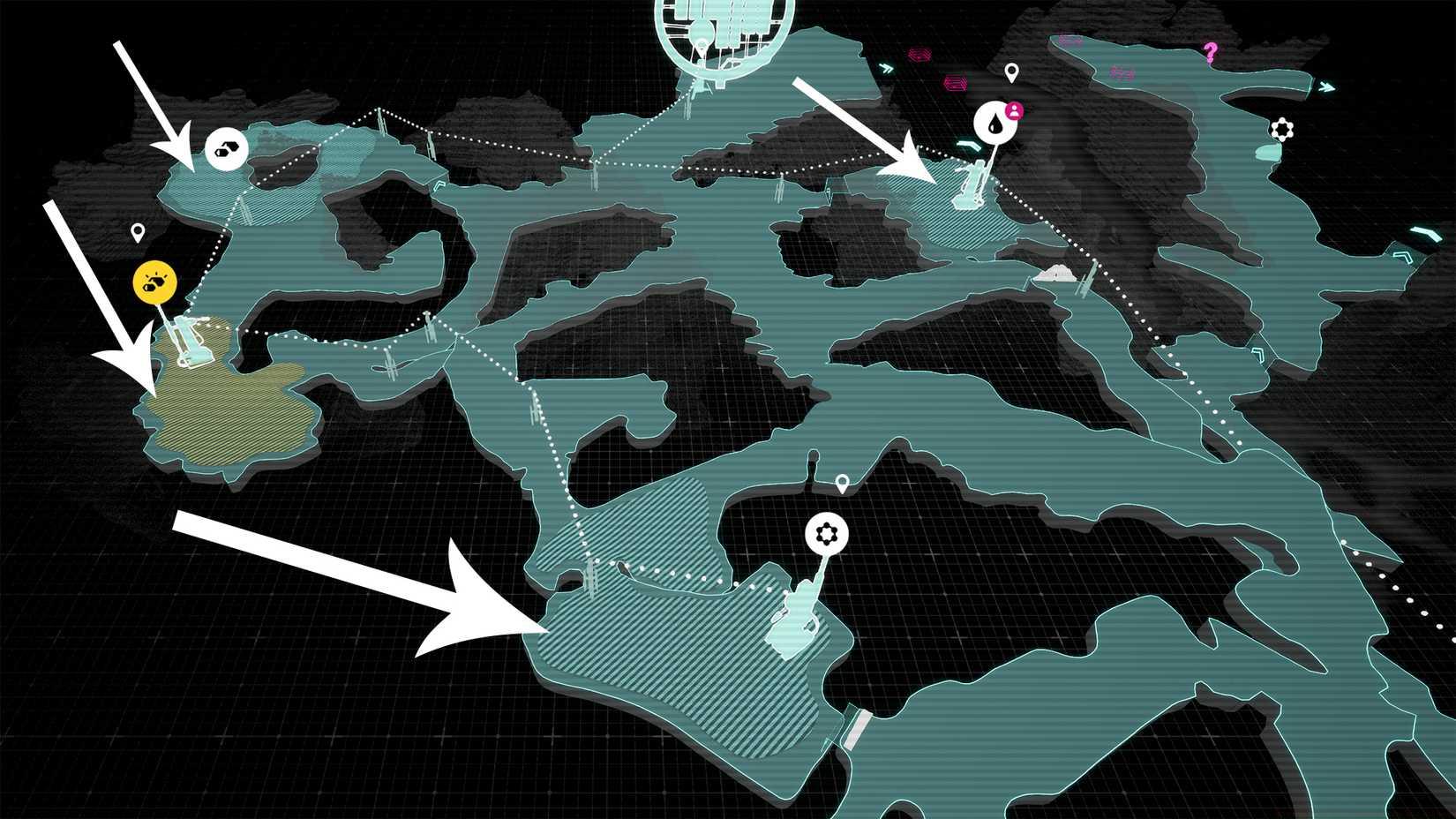
Image: 11 Bit Studios via Polygon
Before deploying any scanning equipment, you must first identify potential resource locations through systematic map exploration. Focus your efforts on uncharted territories, as these areas typically contain undiscovered deposits marked with distinctive visual indicators on your navigation interface.
The initial discovery phase reveals deposits as striped areas on your map—typically appearing in clusters of three to five potential locations. Each marked zone represents a candidate for detailed scanning operations, though not all will contain equally valuable resource concentrations.
Hovering your cursor over identified deposits reveals crucial information about the resource type contained within: Organics for life support systems, Metals for construction and upgrades, Minerals for advanced manufacturing, or the rare Rapidium for specialized technologies. Understanding these resource types helps prioritize which deposits to scan first based on your current survival needs.
Once you’ve selected a target deposit, position yourself near its center and activate your Polygonal Scanners—equipment unlocked during the game’s introductory sequence. Proper central positioning ensures maximum coverage during the scanning process.
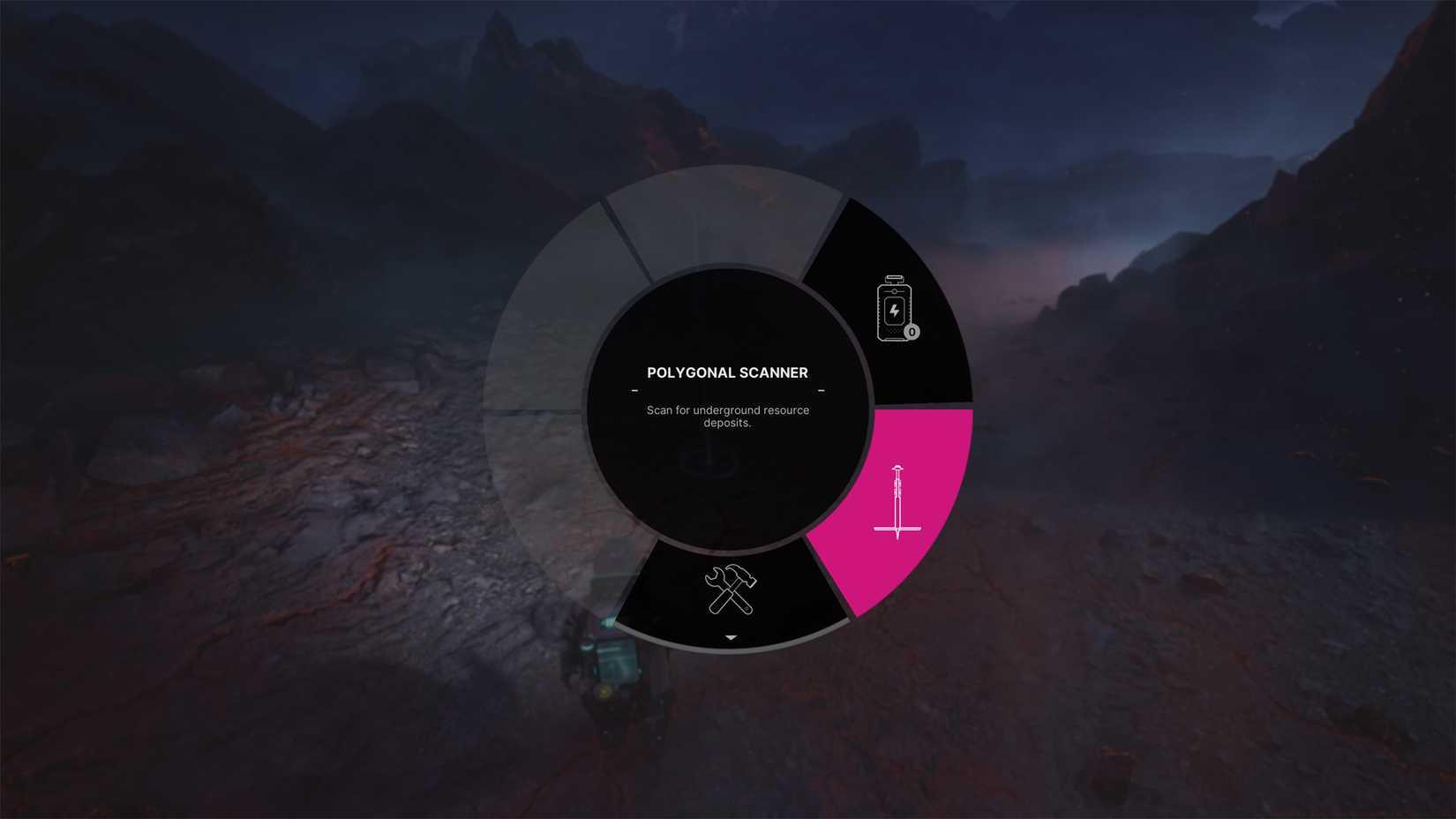
Image: 11 Bit Studios via Polygon
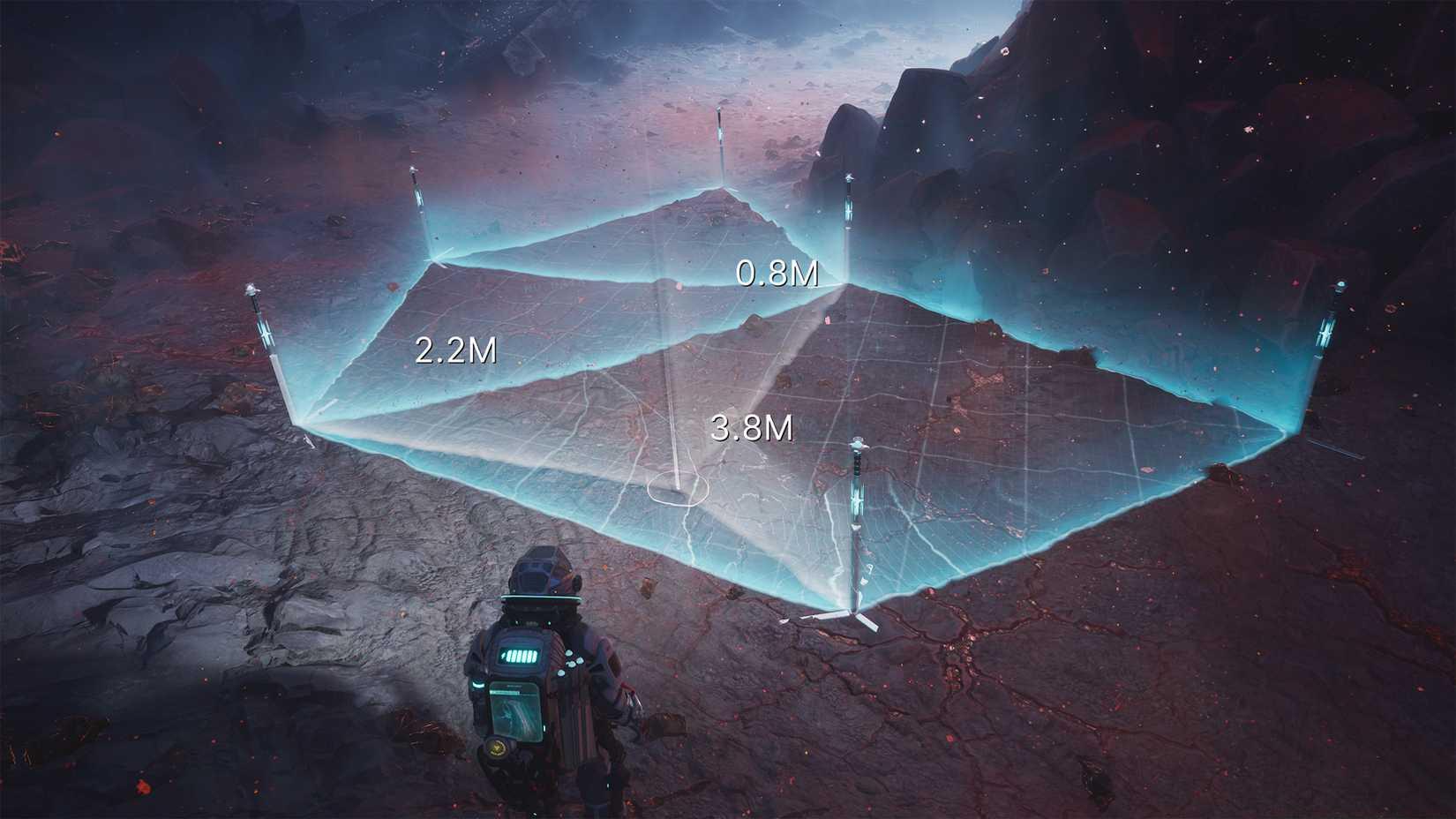
Image: 11 Bit Studios via Polygon
Deploy up to six Polygonal Scanners in a strategic circular formation within the deposit boundaries. This configuration automatically initiates subsurface scanning beneath each placed device. Perfect placement directly over the deposit core triggers an immediate Mining Outpost marker—your ultimate goal for efficient resource extraction.
When initial placement fails to identify the core, you must collect all scanners and redeploy them systematically. This iterative process requires careful observation of environmental cues rather than random repositioning. Veteran players develop patterns for scanner placement that maximize coverage while minimizing relocation cycles.
Careful visual inspection of scanned areas reveals a sophisticated color gradient system indicating proximity to the deposit core. The terrain exhibits increasingly reddish hues as you approach the most concentrated resource areas. This visual feedback system provides crucial directional information—in the example provided, the arrow clearly indicates core location based on color intensity analysis.
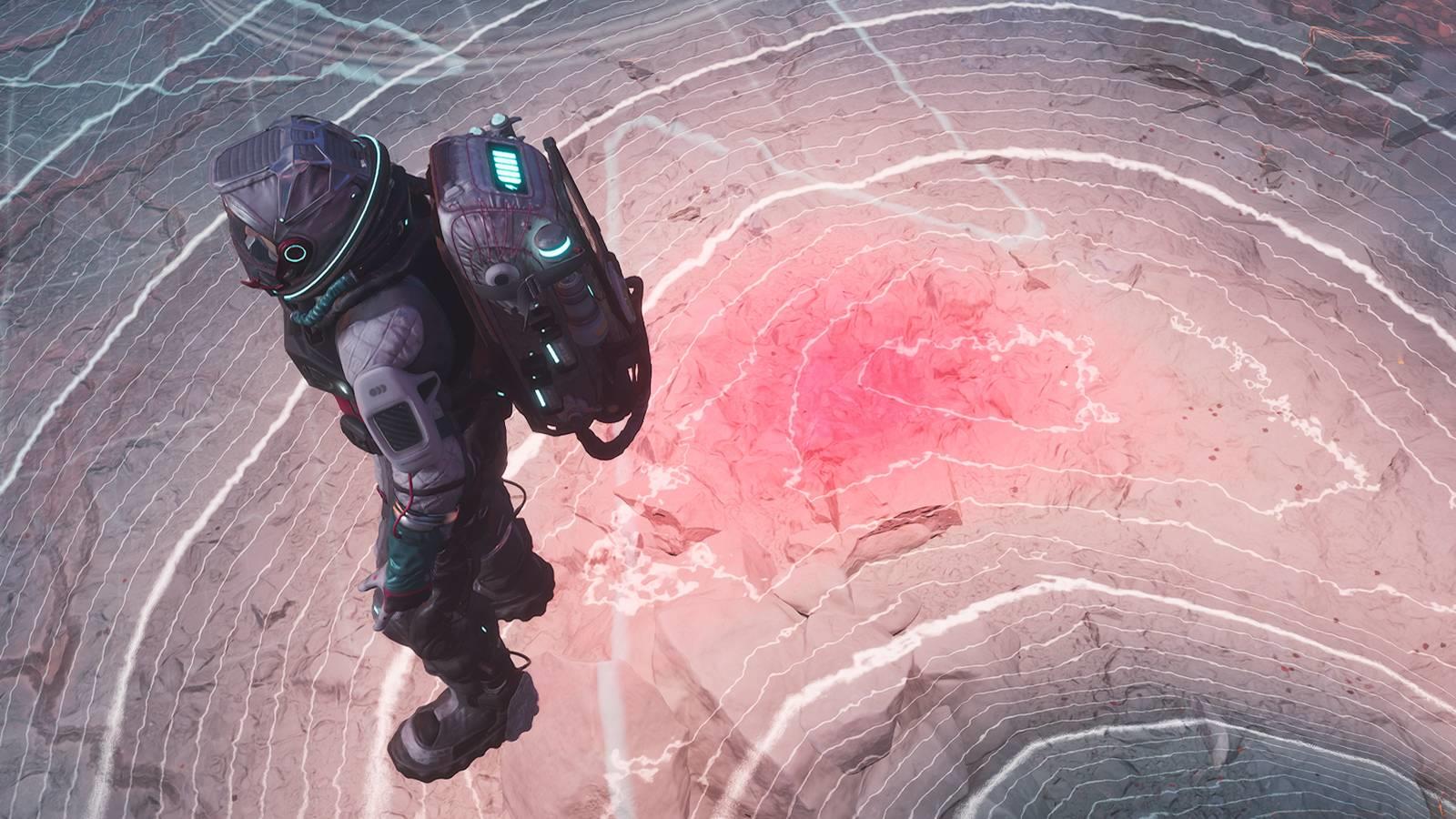
For enhanced detection capabilities, employ the Scan Wave feature available from Act 1 onward. After placing your initial Polygonal Scanners, activate the Scan Wave function and observe the resulting ground patterns. The directional movement of wave lines provides unambiguous guidance toward the deposit core, allowing strategic placement of subsequent scanner arrays.
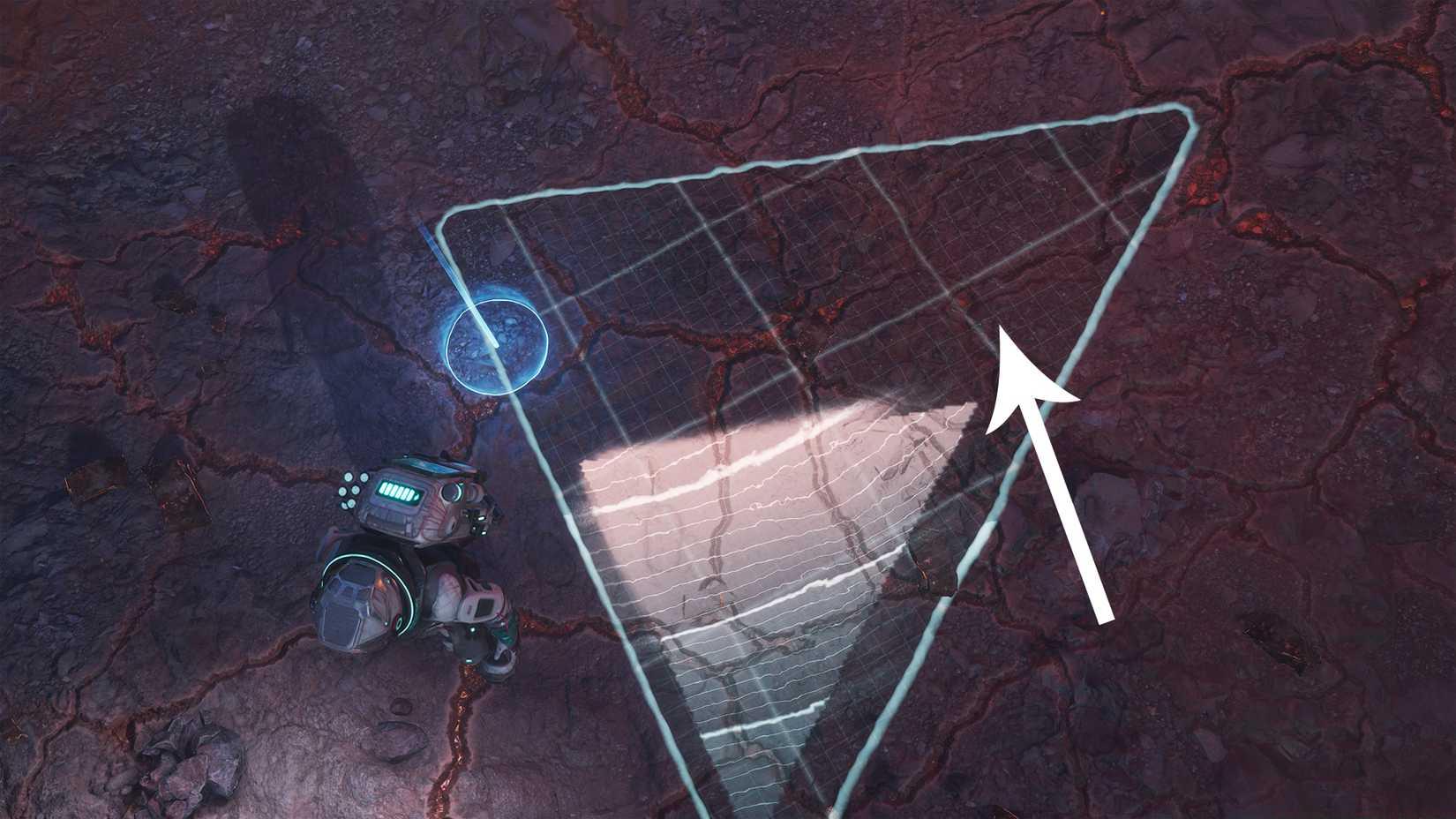
Image: 11 Bit Studios via Polygon
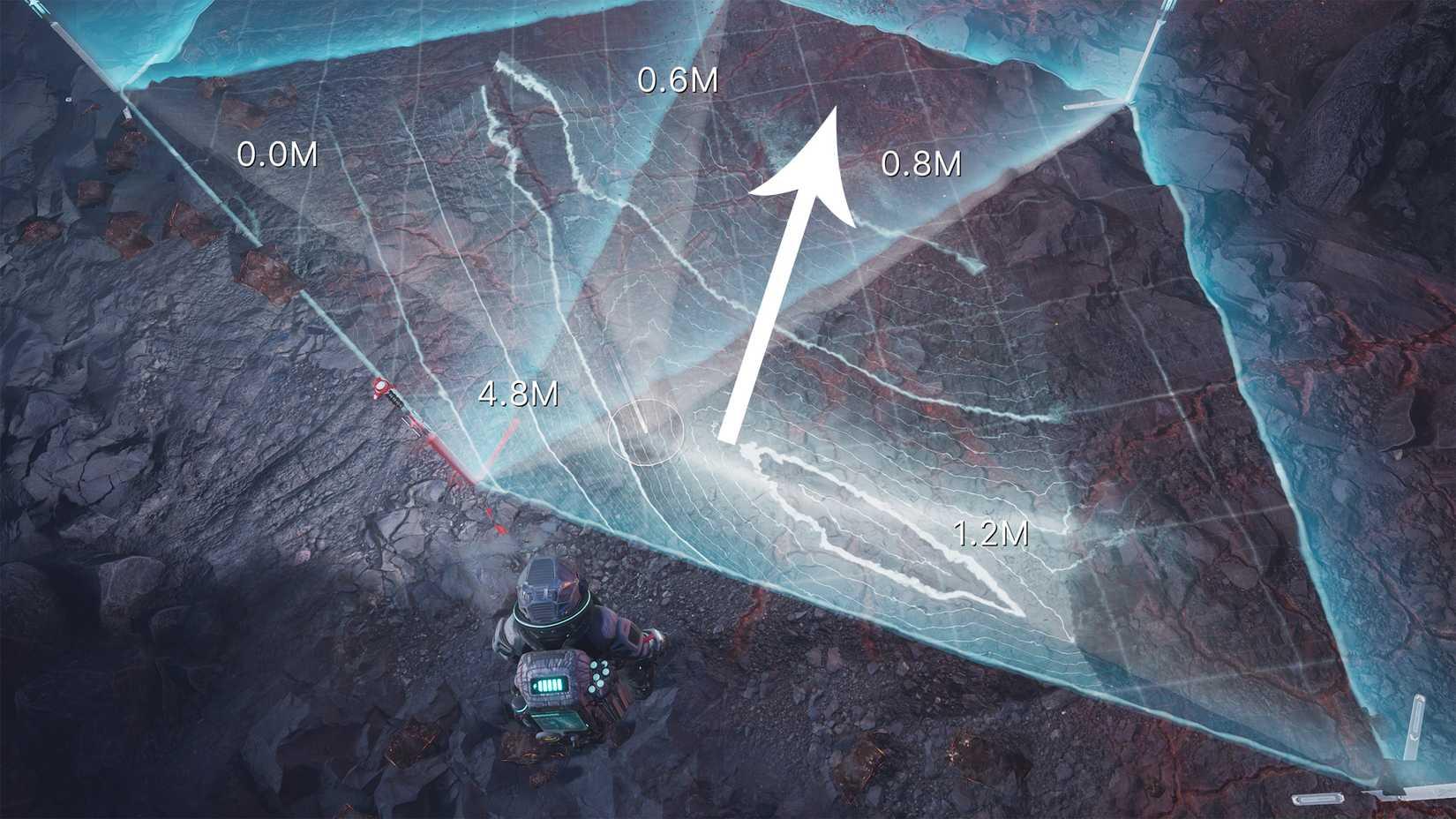
Image: 11 Bit Studios via Polygon
Advanced scanning efficiency requires understanding several nuanced gameplay elements. First, recognize that scanner placement timing affects your overall progression speed—each relocation cycle consumes precious in-game time that could impact your survival against the advancing sun.
Avoid these common scanning mistakes: placing scanners too close together (reduces coverage area), ignoring color gradient subtlety (misses precise core location), and failing to use Scan Waves early (wastes time on manual searching). Professional players typically achieve core detection within 2-3 placement cycles using these techniques.
Resource prioritization becomes crucial mid-game. Focus on Metals early for base construction, shift to Organics for life support maintenance, and reserve Rapidium hunting for later stages when you can afford extended scanning operations. This strategic approach ensures efficient progression through The Alters’ challenging survival mechanics.
For players looking to master other aspects of survival gaming, our Complete Guide offers comprehensive strategies that complement the resource management skills developed here. Similarly, understanding Weapons Unlock systems can provide insights into progression mechanics that apply across different game genres.
Action Checklist
- Systematically explore uncharted map areas to identify striped deposit zones
- Deploy 6 Polygonal Scanners in circular formation at deposit center
- Activate Scan Wave and analyze directional patterns for core location
- Relocate scanners toward reddish terrain areas indicated by color gradients
- Prioritize resource types based on current survival needs and progression stage
No reproduction without permission:SeeYouSoon Game Club » How to use the scanner in The Alters Master The Alters scanner mechanics with advanced techniques for efficient resource deposit detection and mining optimization