
TL;DR
- The Briefing Room contains two separate puzzles: an optional bookcase puzzle and mandatory keypad puzzle
- Use the control panel’s purple (size) and orange (placement) buttons to manipulate the red projection
- For the bookcase puzzle, press purple once and orange three times to reveal hidden buttons
- The keypad puzzle requires specific codes found through environmental observation and projection alignment
- Both puzzles reward missile cards that enhance your strategic capabilities in later missions
Master the mysterious red projection system in Missile Command Delta to unlock critical pathways and gain tactical advantages. These early-game challenges test your observational skills and problem-solving abilities.
The Briefing Room puzzles represent some of the most demanding initial obstacles in Missile Command Delta. Players encounter multiple interactive elements including a wall-mounted keypad, detailed missile schematics, a multi-colored control panel, and concealed activation buttons. These components form two distinct puzzle sequences, both centered around manipulating an enigmatic red holographic projection. The absence of clear instructions makes systematic experimentation essential for success.
While completing the keypad puzzle is necessary for main story progression, the bookcase puzzle remains optional based on current gameplay analysis. However, the reward of two additional missile cards makes this secondary challenge worthwhile for comprehensive players. This guide provides complete solutions for both Briefing Room puzzles, beginning with the bookcase sequence.
After your initial attempt to exit the bunker and the subsequent encounter with Rahim, you’ll receive a yellow security keycard that provides authorization to enter the Briefing Room located in the West Hall sector.
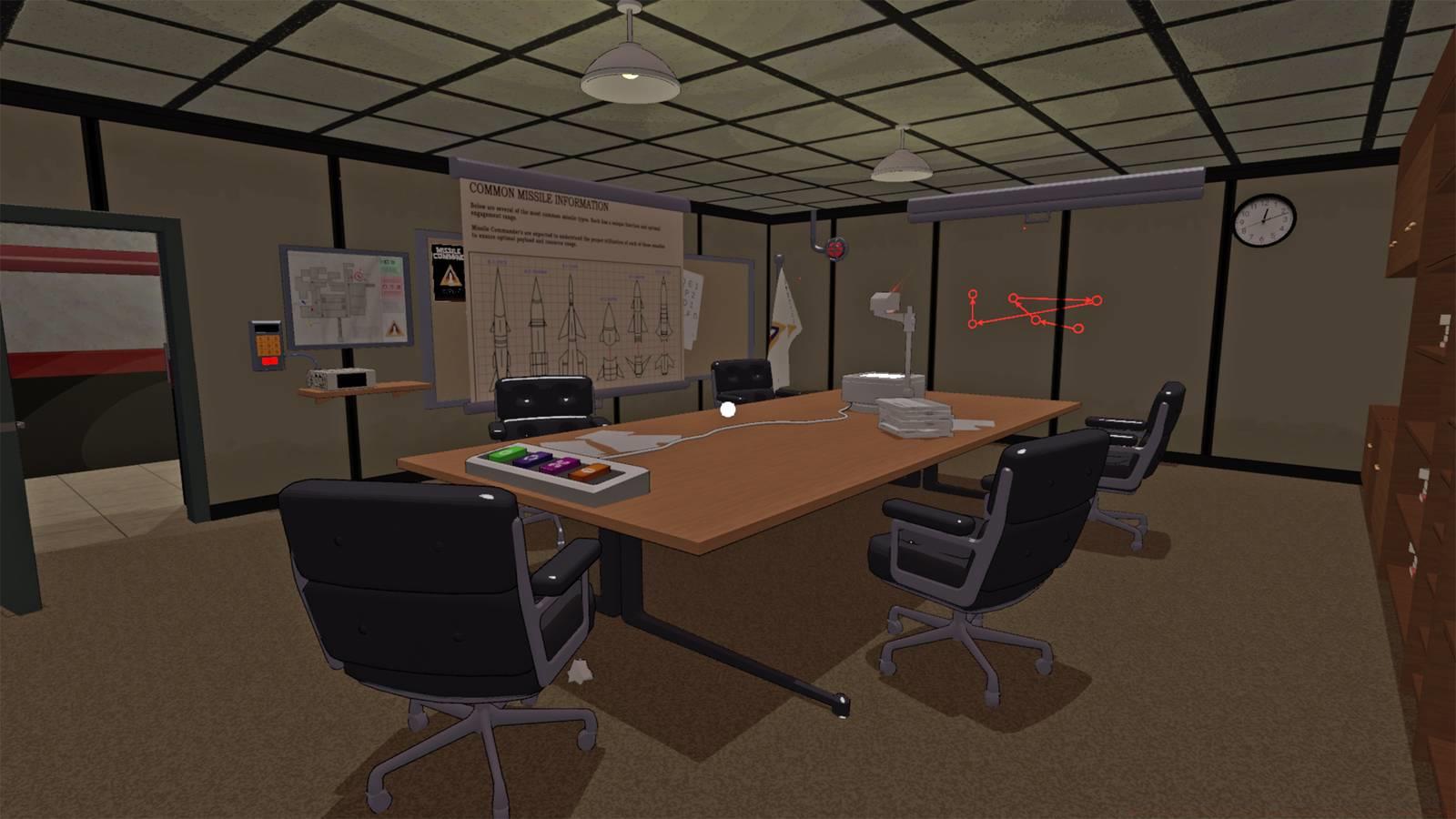
Upon entering the Briefing Room, your attention should immediately focus on the distinctive red projection displaying arrows and circular patterns. The central control panel positioned on the main table serves as your primary interface for adjusting this projection’s orientation, rotational alignment, and dimensional scale.
The control panel features four distinct colored buttons, each controlling specific aspects of the red projection. Understanding their functions is crucial for solving both puzzles efficiently.
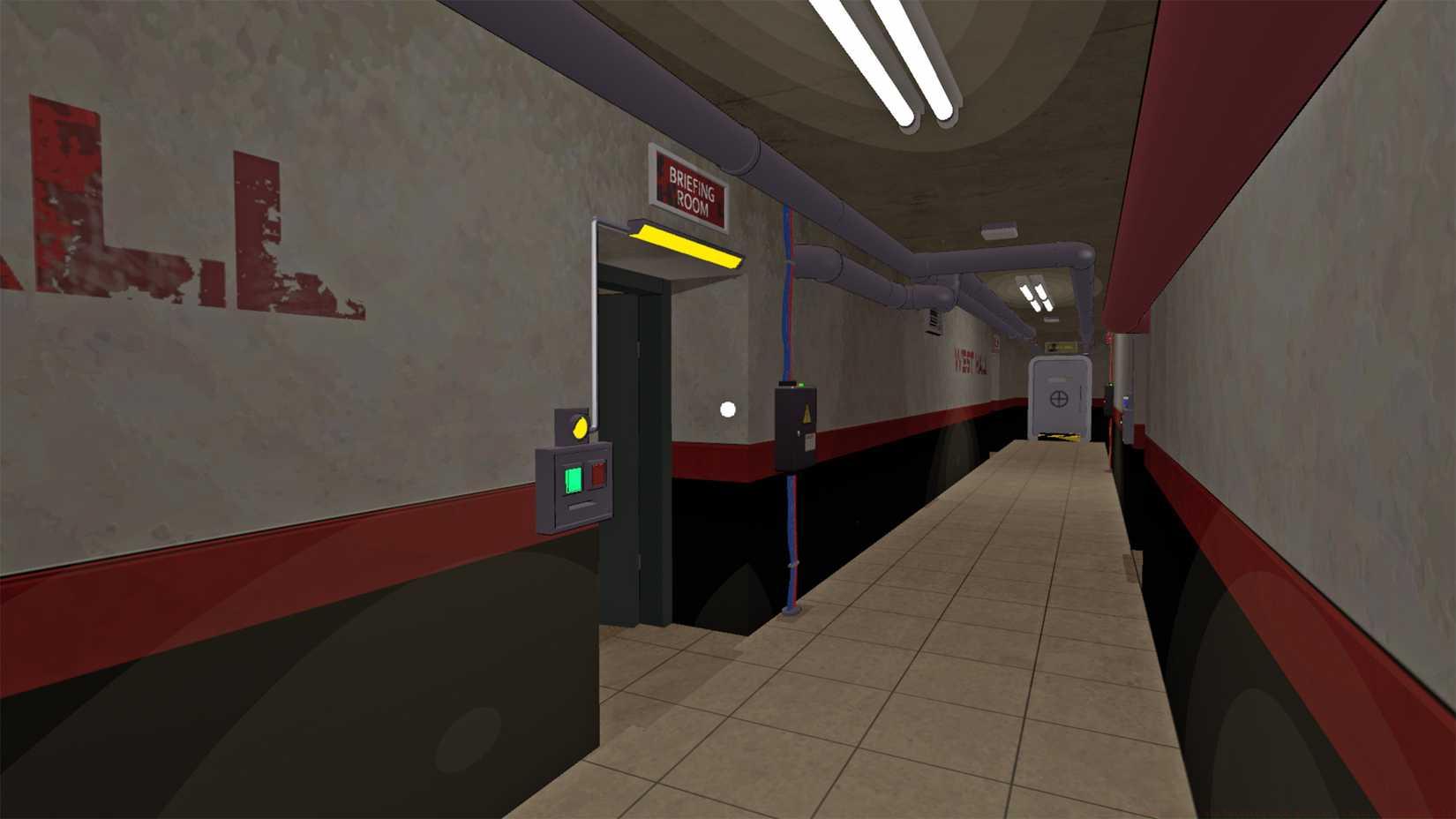
Image: 13AM Games/Mighty Yell via Polygon
Control Panel Button Functions:
- Green Button: Toggles the projection on/off state
- Purple Button: Adjusts the projection size and scale
- Orange Button: Controls projection placement and positioning
- Blue Button: Modifies projection rotation and angular alignment
If you haven’t previously altered the red projection’s configuration, achieving the correct alignment requires minimal button inputs. The optimal sequence involves specific interactions with the purple and orange buttons.
The bookcase puzzle requires precise projection alignment to reveal hidden buttons concealed within the room’s architecture. Follow this systematic approach for optimal results.
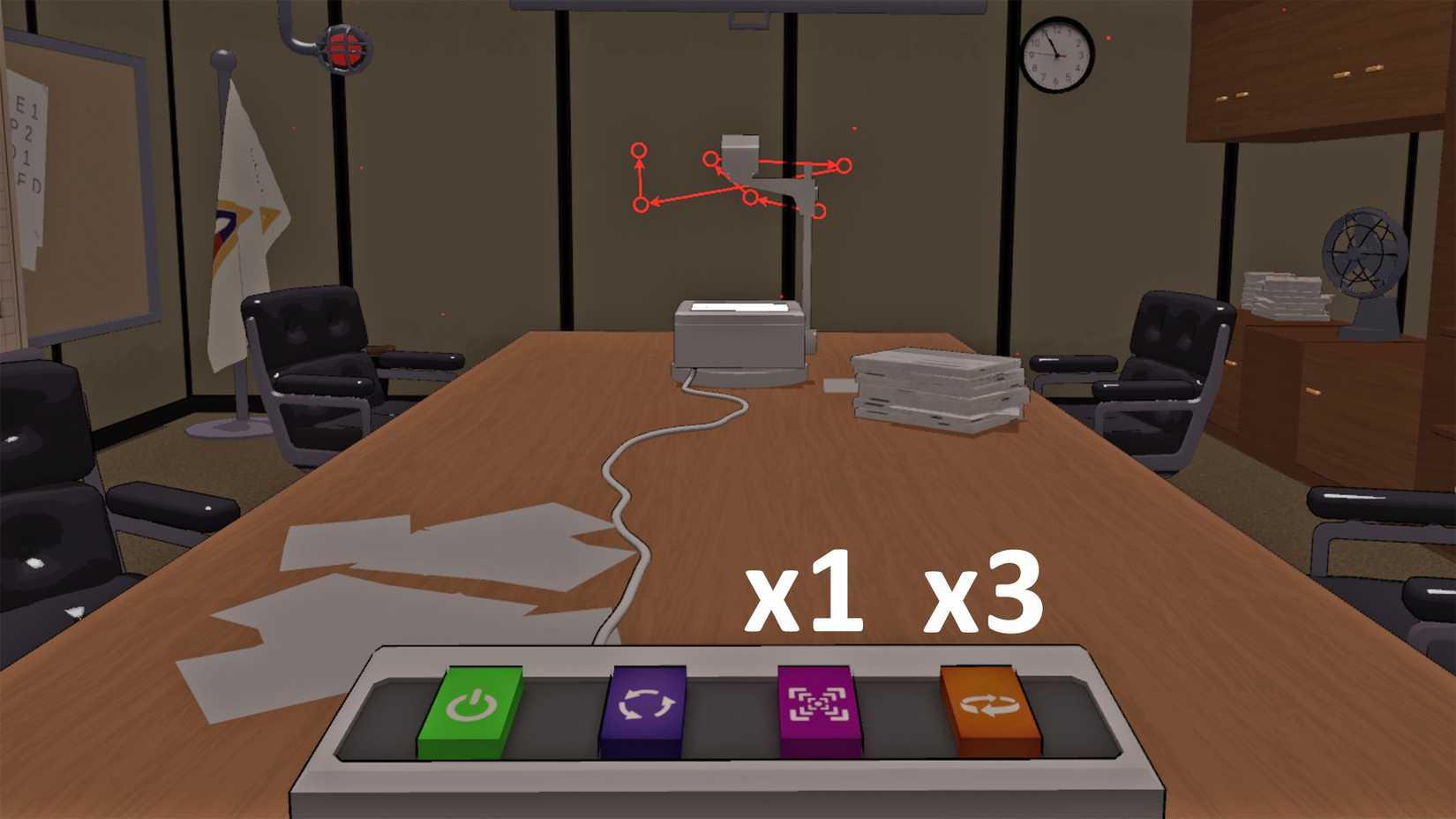
Image: 13AM Games/Mighty Yell via Polygon
Standard Solution Sequence:
- Press the purple button (size adjustment) exactly one time
- Press the orange button (placement control) precisely three times
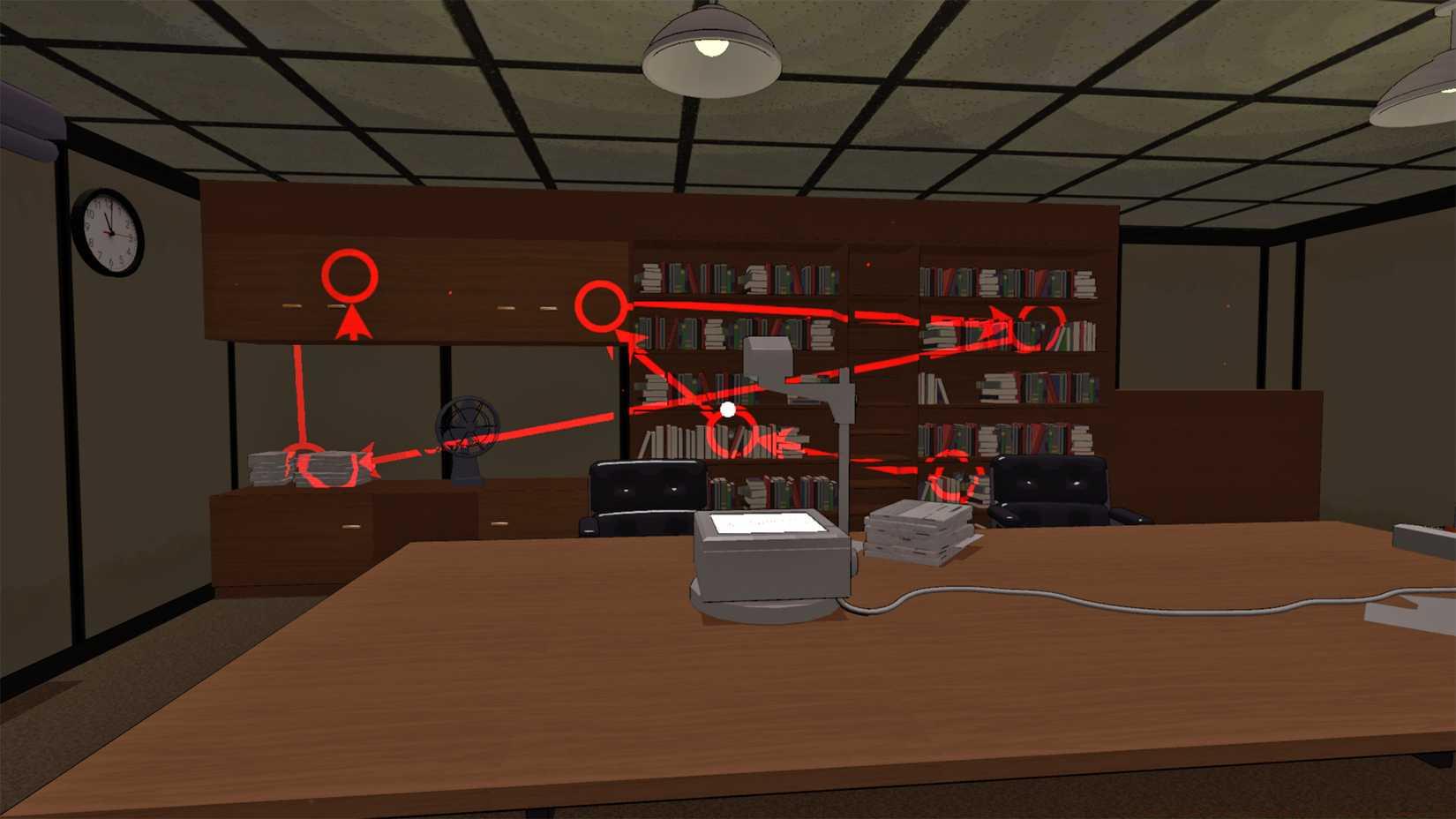
Image: 13AM Games/Mighty Yell via Polygon
If you’ve previously experimented with the control panel and disrupted the default configuration, reset the projection using this comprehensive method:
- Green button (on/off): Verify the projection is active. If inactive, press the green button once to enable it
- Reset purple button to default by pressing until achieving smallest size
- Reset orange button by cycling through placements to neutral position
- Then execute the standard solution sequence above
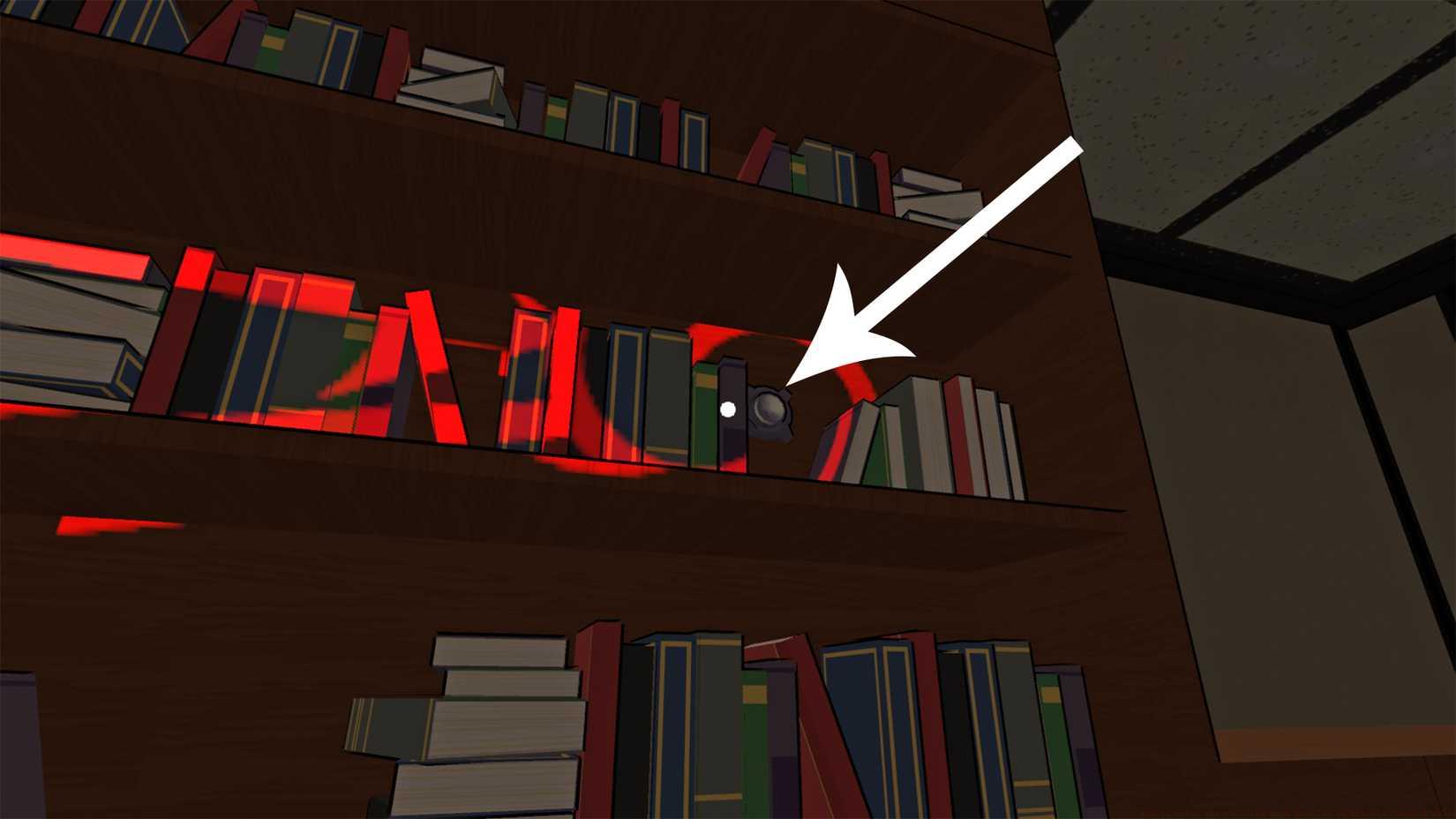
Image: 13AM Games/Mighty Yell via Polygon
The mandatory keypad puzzle requires deciphering numerical codes through environmental observation and projection alignment. This puzzle gates critical story progression.
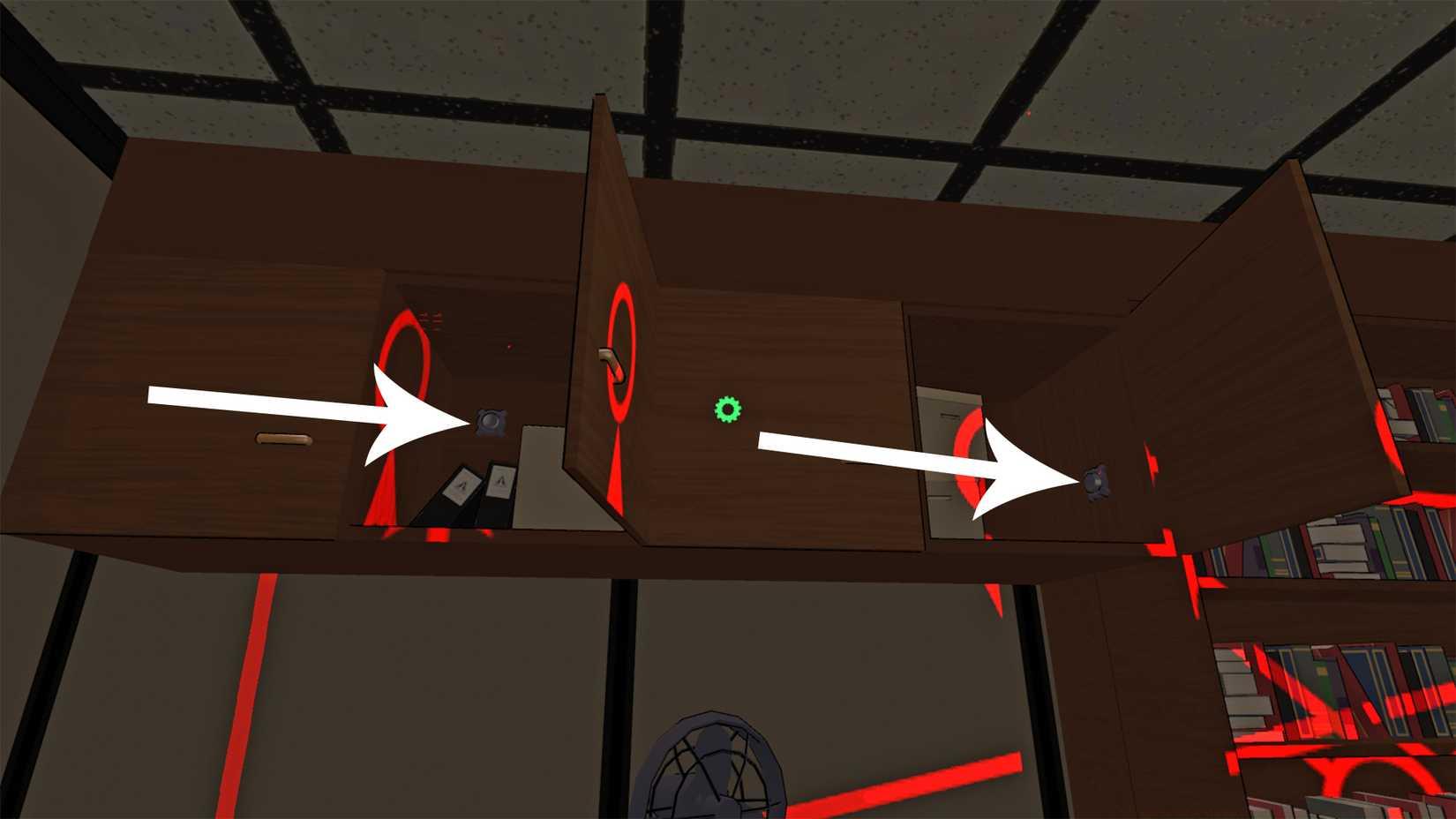
Image: 13AM Games/Mighty Yell via Polygon
Code Discovery Method:
- Examine missile schematics and documents scattered throughout the room
- Note numerical sequences that appear when the projection aligns with specific surfaces
- Cross-reference these numbers with positional data from the control panel settings
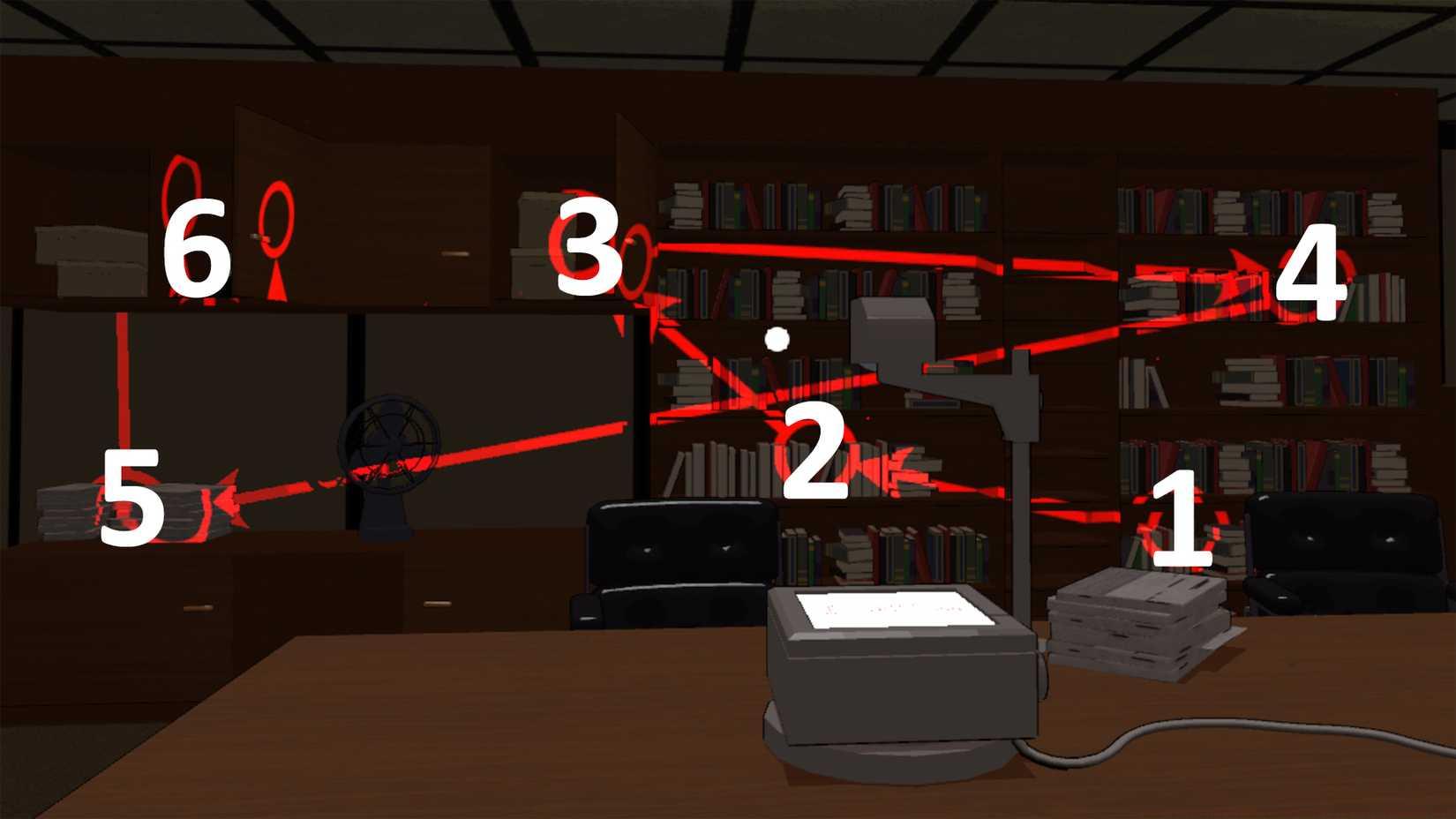
Image: 13AM Games/Mighty Yell via Polygon
Successfully inputting the correct code sequence unlocks access to restricted areas and provides essential resources for advancing through Missile Command Delta’s narrative. The solution typically involves multiple numerical inputs discovered through systematic exploration.
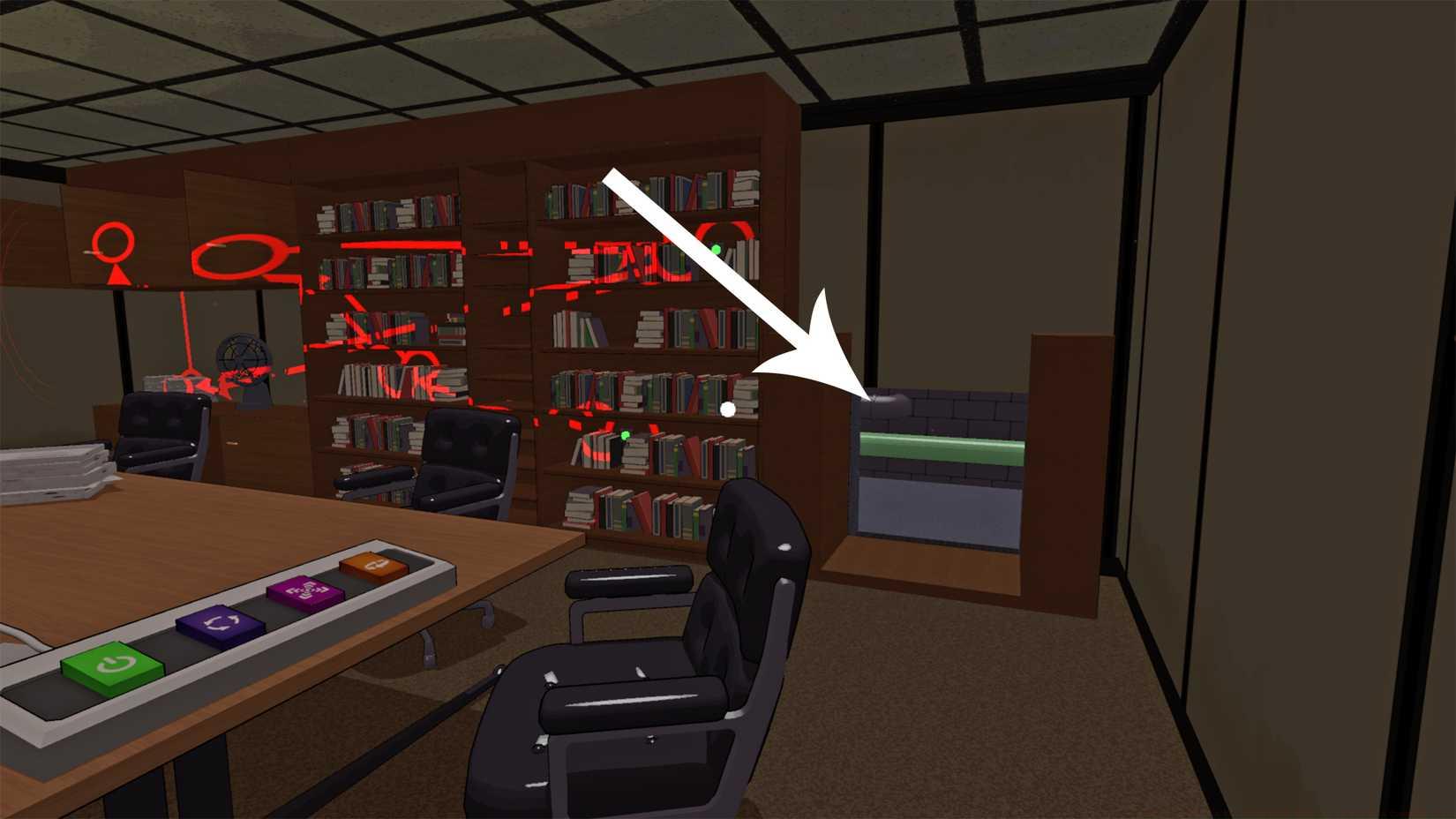
Image: 13AM Games/Mighty Yell via Polygon
Beyond the basic solutions, several advanced strategies can enhance your puzzle-solving efficiency and prevent common frustrations.
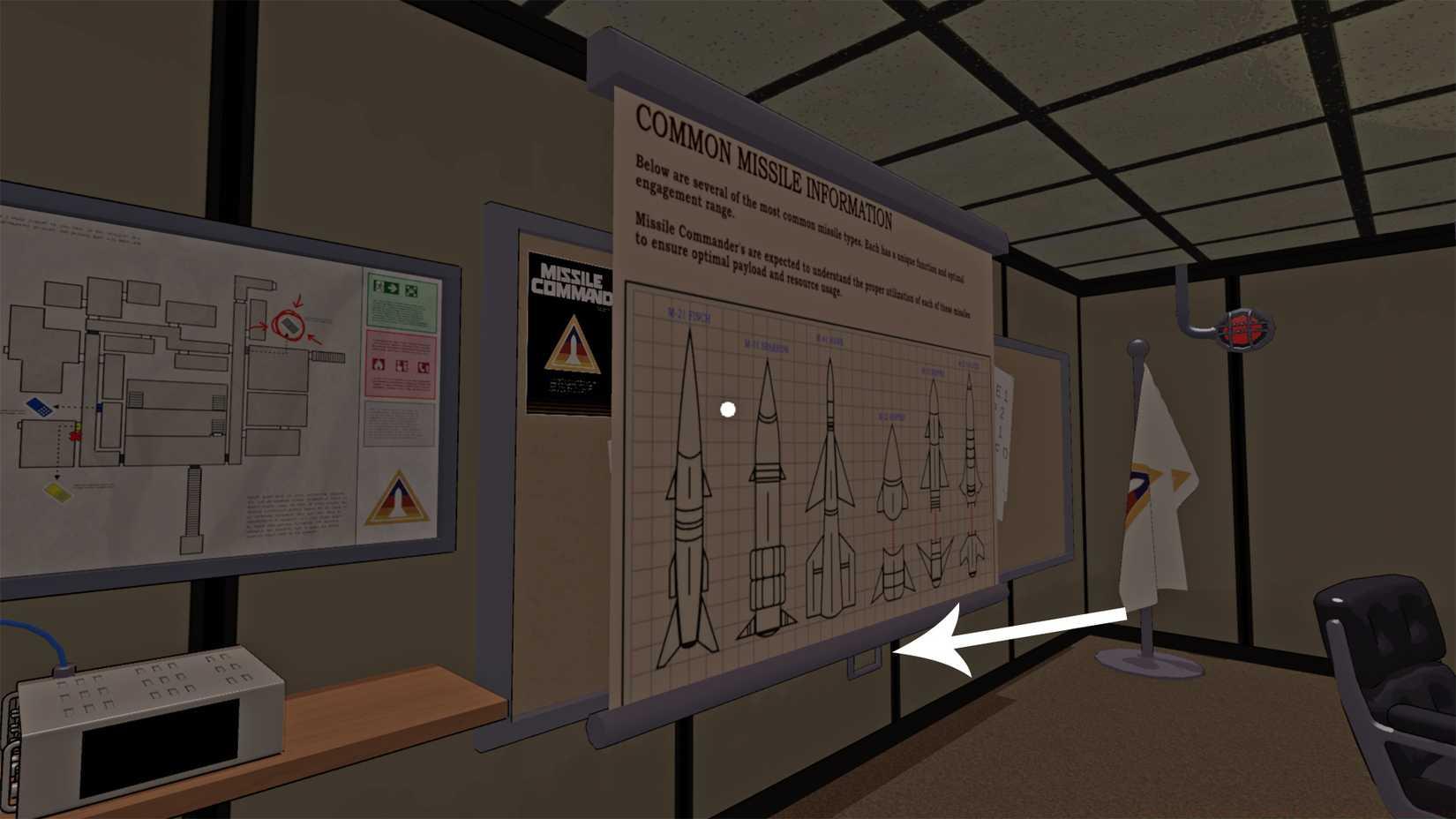
Image: 13AM Games/Mighty Yell via Polygon
Time Optimization Tips:
- Complete the bookcase puzzle first to obtain missile cards before attempting the keypad sequence
- Take screenshots of projection alignments for reference during complex manipulations
- Methodically test each button function separately before attempting combined sequences
Common Pitfalls to Avoid:
- Over-adjusting buttons beyond necessary parameters
- Neglecting to examine environmental clues before manipulating projections
- Attempting puzzles in incorrect order, potentially missing valuable resources
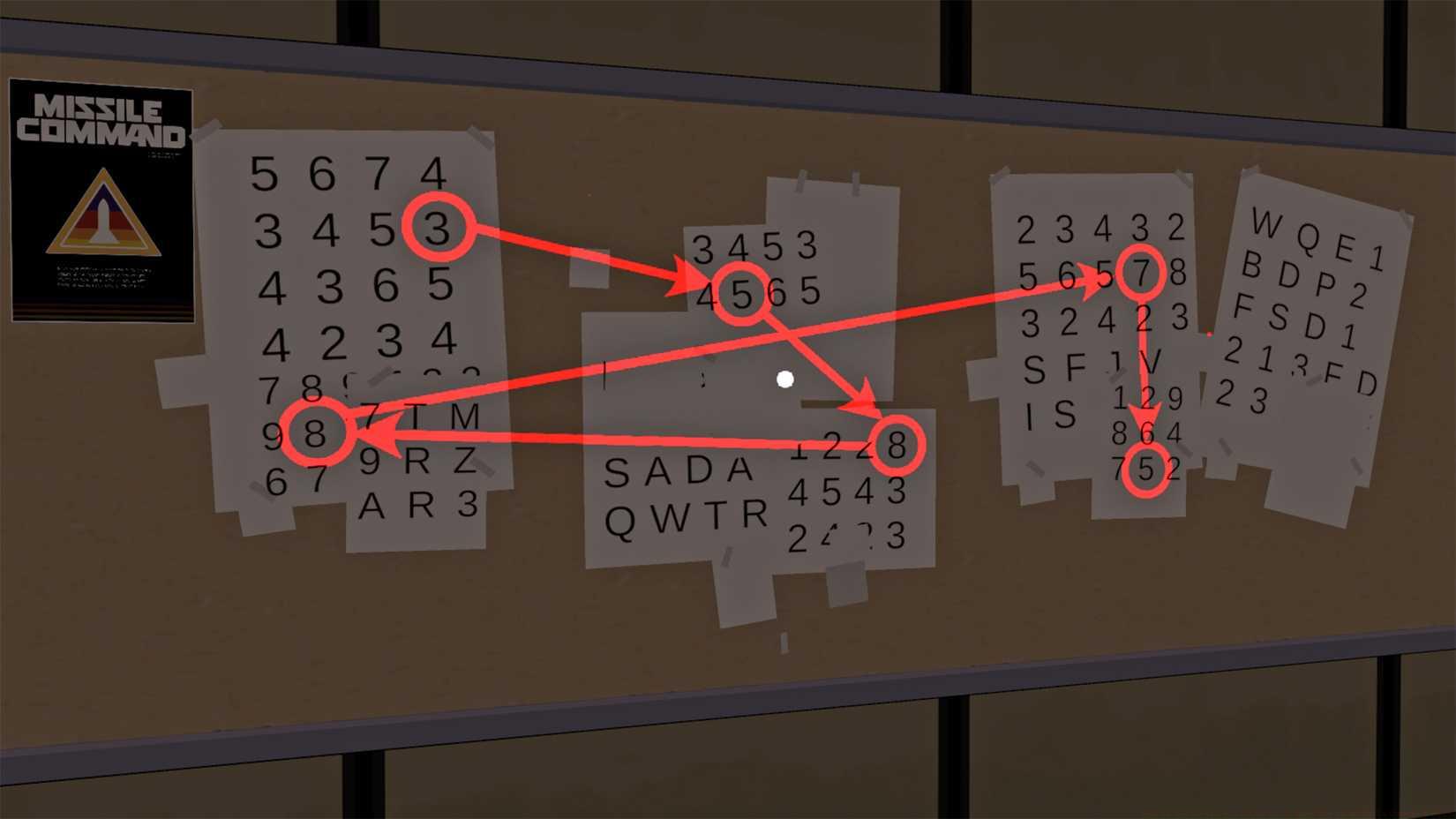
Image: 13AM Games/Mighty Yell via Polygon
For players seeking comprehensive mastery of Missile Command Delta’s systems, our Complete Guide provides extensive coverage of advanced mechanics and strategic approaches to similar challenges throughout the game.
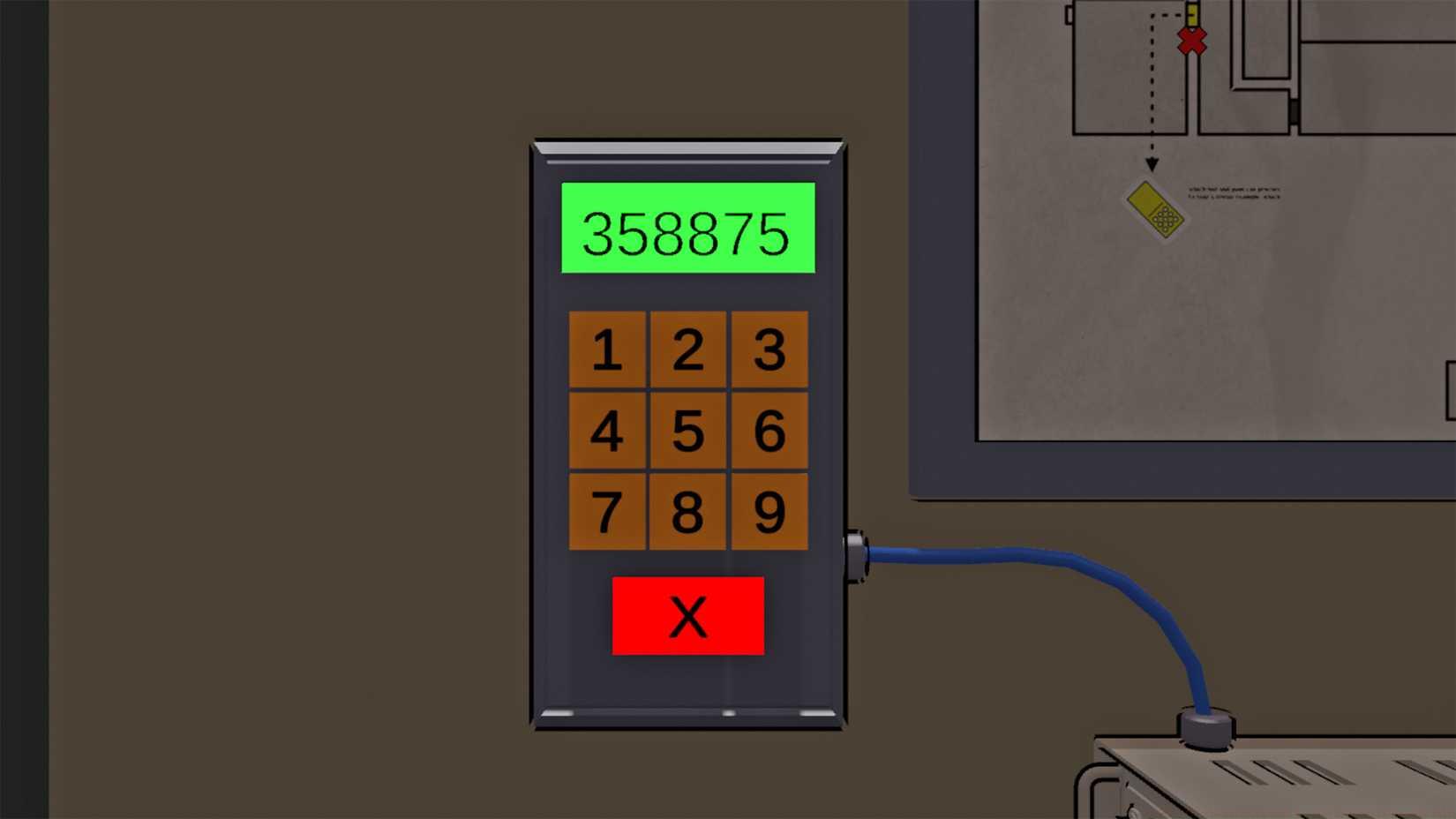
Image: 13AM Games/Mighty Yell via Polygon
Action Checklist
- Acquire yellow keycard from Rahim after bunker exit attempt
- Locate Briefing Room in West Hall and examine control panel
- Solve bookcase puzzle: purple button once, orange button three times
- Collect two missile cards from completed bookcase puzzle
- Decipher keypad codes through environmental observation
- Input correct sequence to unlock progression and resources
No reproduction without permission:SeeYouSoon Game Club » How to solve the Briefing Room puzzles in Missile Command Delta Master the Briefing Room puzzles in Missile Command Delta with expert strategies and step-by-step solutions