
Complete guide to claiming P.A.T.H. Pathfinder skin and optimizing Apex Legends on Nintendo Switch 2
Understanding the P.A.T.H. Pathfinder Exclusive Skin
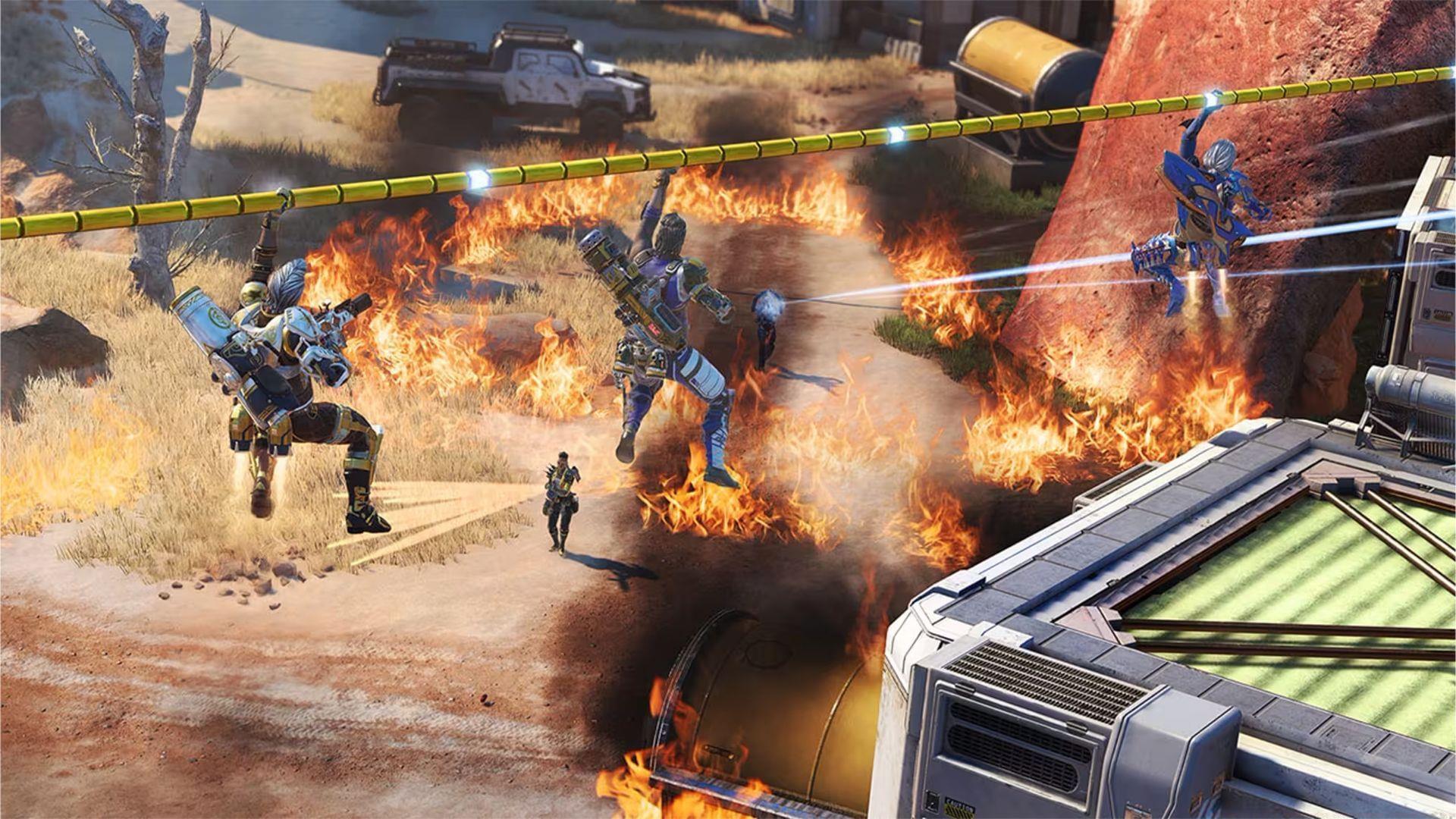
The P.A.T.H. Pathfinder Skin in Apex Legends represents a platform-exclusive cosmetic item available exclusively for Nintendo Switch and Nintendo Switch 2 users. This distinctive appearance for the popular robotic legend was originally introduced as part of the game’s launch celebration on Nintendo’s handheld console ecosystem. What makes this cosmetic particularly valuable is its status as a legacy item that cannot be obtained through conventional means like Apex Packs or the in-game store.
Claiming this exclusive reward follows an automated process – simply logging into your Apex Legends account through any Nintendo Switch device will instantly unlock the P.A.T.H. cosmetic in your inventory. However, players should understand the strict limitation: this reward adheres to a one-time redemption policy per gaming account. If you’ve previously acquired this cosmetic during the initial Switch release period, attempting to claim it again on Switch 2 will not yield duplicate items.
Also read: Legend Amps in Apex Legends Season 26
Nintendo Switch 2 Performance Enhancements
With Apex Legends now fully optimized for Nintendo Switch 2 hardware, developers have implemented substantial technical improvements that dramatically enhance the gaming experience. The upgraded hardware capabilities allow for significantly improved visual fidelity and smoother gameplay compared to the original Switch version.
The resolution specifications demonstrate clear upgrades:
These display enhancements contribute to better target acquisition and overall visual clarity during intense firefights. It’s important to recognize that these performance parameters remain contingent upon your specific hardware setup and network conditions. The combination of these technical optimizations with the introduction of the permanent Wildcard game mode creates an appealing package for both casual and competitive players seeking a fresh Apex Legends experience on modern handheld hardware.
Advanced Optimization Strategies
Beyond the automatic performance enhancements, several manual optimizations can further improve your Apex Legends experience on Nintendo Switch 2. Begin by accessing the game’s settings menu and adjusting the field of view (FOV) to between 90-100 degrees – this expands your peripheral vision without significant performance cost. Additionally, disable motion blur and reduce shadow quality to maintain stable frame rates during hectic end-game scenarios.
Controller configuration plays a crucial role in competitive performance. Consider experimenting with the ‘Advanced Look Controls’ settings to fine-tune sensitivity curves that match your playstyle. Many professional players recommend using ‘Linear’ response curves with custom dead zones for more precise aiming. For network performance, ensure you’re playing in handheld mode near your router or consider using a wired Ethernet connection when docked for reduced latency.
The Wildcard game mode introduces unique strategic considerations. Since this mode features randomized rule sets each match, adaptability becomes more valuable than specialized loadouts. Focus on mastering versatile legends like Pathfinder, Wraith, or Bangalore who can perform well across various game conditions.
Common Mistakes and Solutions
Many players encounter issues when attempting to claim the P.A.T.H. Pathfinder skin due to account confusion. Ensure you’re logging into the same EA account previously used on your original Switch – cross-progression enables cosmetic synchronization but requires account consistency. If the skin doesn’t appear immediately, check your ‘Legend Skins’ section specifically for Pathfinder rather than relying on notifications.
Performance problems often stem from background applications draining system resources. Before gaming sessions, close other running applications and ensure your Switch 2 has adequate storage space available. For persistent frame rate issues, try rebooting the console completely rather than using sleep mode resumption.
Stay tuned to Sportskeeda for more updates, guides, and news.
No reproduction without permission:SeeYouSoon Game Club » How to get P.A.T.H. Pathfinder Skin in Apex Legends for free Complete guide to claiming P.A.T.H. Pathfinder skin and optimizing Apex Legends on Nintendo Switch 2