
TL;DR
- Pre-order standard edition for $35 or own Edge of Darkness edition for instant beta access
- Access is distributed in waves – patience required regardless of purchase method
- Download official Escape from Tarkov launcher to install and play Arena
- Check email and launcher notifications regularly for access invitations
- Prepare for installation by ensuring sufficient storage space and system requirements
Games and Esports Articles
On December 17, 2023, Battlestate Games initiated the closed beta testing phase for Escape from Tarkov: Arena, marking a significant expansion of the Tarkov universe into competitive team-based gameplay. This comprehensive guide provides detailed strategies for securing early access to this tactical shooter spinoff before its official public release.
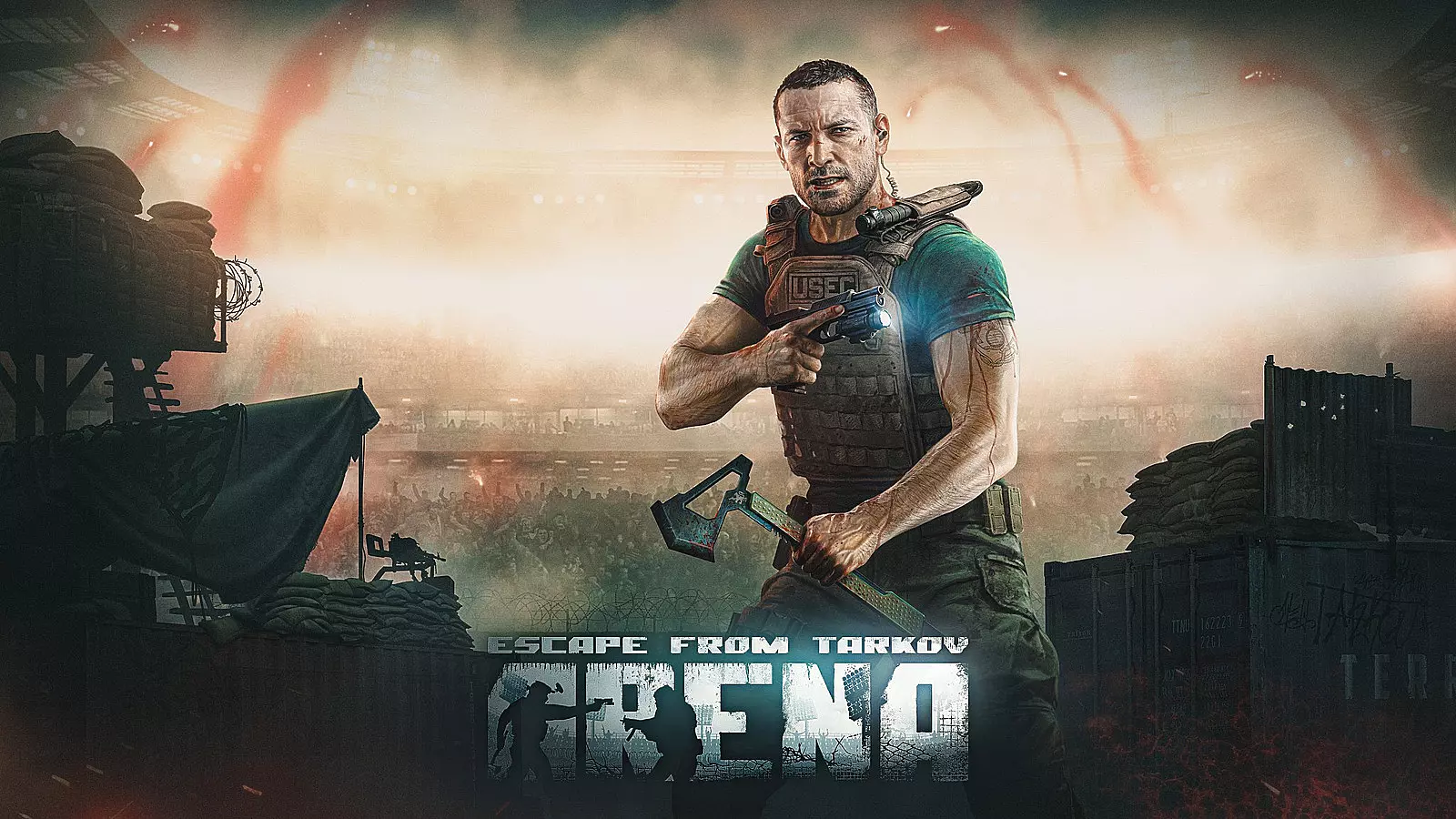
How to get the beta test access in Escape from Tarkov: Arena
Standard Edition Pre-order Strategy
The most straightforward approach to enter the Escape from Tarkov: Arena beta involves purchasing the standard edition through the official website for $35. This investment guarantees eventual beta participation, though immediate access isn’t assured. Invitation distribution occurs in carefully managed waves, meaning you might experience waiting periods ranging from several days to a few weeks before receiving your activation.
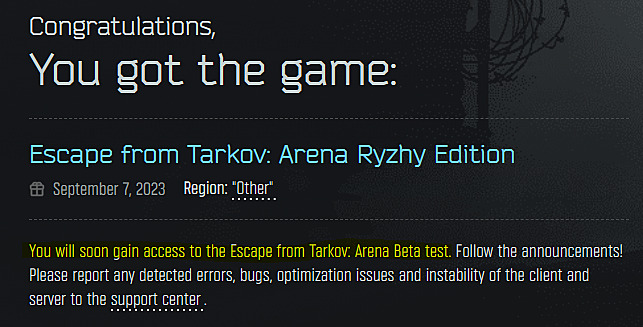
Edge of Darkness Edition Advantages
Players who previously invested in Escape from Tarkov’s premium Edge of Darkness edition automatically qualify for instant Arena access. Priced at $150, this top-tier package delivers comprehensive benefits including specialized equipment packages, enhanced starting resources, improved merchant relationships, and lifetime DLC access. Despite the premium status, even Edge of Darkness holders must await their specific invitation wave for activation.
How to download and play Escape from Tarkov: Arena
Once you receive beta access confirmation, the installation process requires downloading the official Escape from Tarkov launcher if not already installed. After launching the application and authenticating your account, navigate to the main menu where you’ll find a dedicated Escape from Tarkov Arena section featuring a prominent play button. Clicking this initiates the game download, after which you can immediately begin playing the beta version.
For optimal performance, ensure your system meets the recommended specifications and allocate approximately 25GB of free storage space. The download duration varies based on internet connection speed, typically requiring 30-90 minutes for most users.
Avoid Common Access Mistakes
Many players mistakenly expect instant access after purchase. Remember that wave-based distribution means you might wait 1-3 weeks. Regularly check both your email spam folder and the launcher notifications tab, as access confirmations can sometimes be filtered incorrectly or overlooked.
Strategic Timing Considerations
Purchase timing can influence your wait duration. Early buyers typically receive priority in invitation waves. If you’re considering the Complete Guide to competitive shooters, understanding that beta phases often feature server instability and limited matchmaking pools during off-peak hours.
For weapon enthusiasts transitioning from other tactical shooters, our Weapons Unlock guide provides valuable insights into loadout optimization strategies that translate well to Arena’s combat dynamics.
Action Checklist
- Choose your access method: Standard Edition ($35) or verify Edge of Darkness ownership
- Complete purchase through official website and await invitation wave
- Download Escape from Tarkov launcher and log into your account
- Check email and launcher notifications daily for access confirmation
- Install Arena through launcher and verify system meets requirements
- Review Class Guide for tactical positioning strategies applicable to Arena
No reproduction without permission:SeeYouSoon Game Club » How to get beta test access in Escape from Tarkov: Arena. How to download and play EFT: Arena Complete guide to securing EFT: Arena beta access and mastering the download process with expert tips