
TL;DR
- Switch 2 battery indicator bugs show false empty readings despite hours of remaining playtime
- Use official HAC-002 charger and complete system updates as primary fixes
- Perform full power cycles and battery calibration for persistent issues
- Normal battery range is 2.5-6.5 hours depending on game intensity and settings
- Regular maintenance prevents recurrence and extends overall battery lifespan
When your Nintendo Switch 2 displays confusing battery readings, it’s essential to recognize this as a known software glitch rather than immediate hardware failure. The console’s power management system occasionally miscommunicates with the battery sensor, creating inaccurate percentage displays that don’t reflect actual charge levels.
Fix the broken battery charge indicator on your Switch 2, and you’ll regain confidence in your gaming sessions without constant power anxiety. This common issue causes the system to show depleted battery warnings prematurely, sometimes when you still have multiple hours of gameplay remaining before needing to recharge.
Current Nintendo Switch 2 units experience a firmware bug that distorts battery life reporting, resulting in empty battery icons appearing despite substantial remaining power reserves. This discrepancy creates unnecessary interruptions during gameplay, though fortunately, multiple resolution methods exist to restore accurate power monitoring.
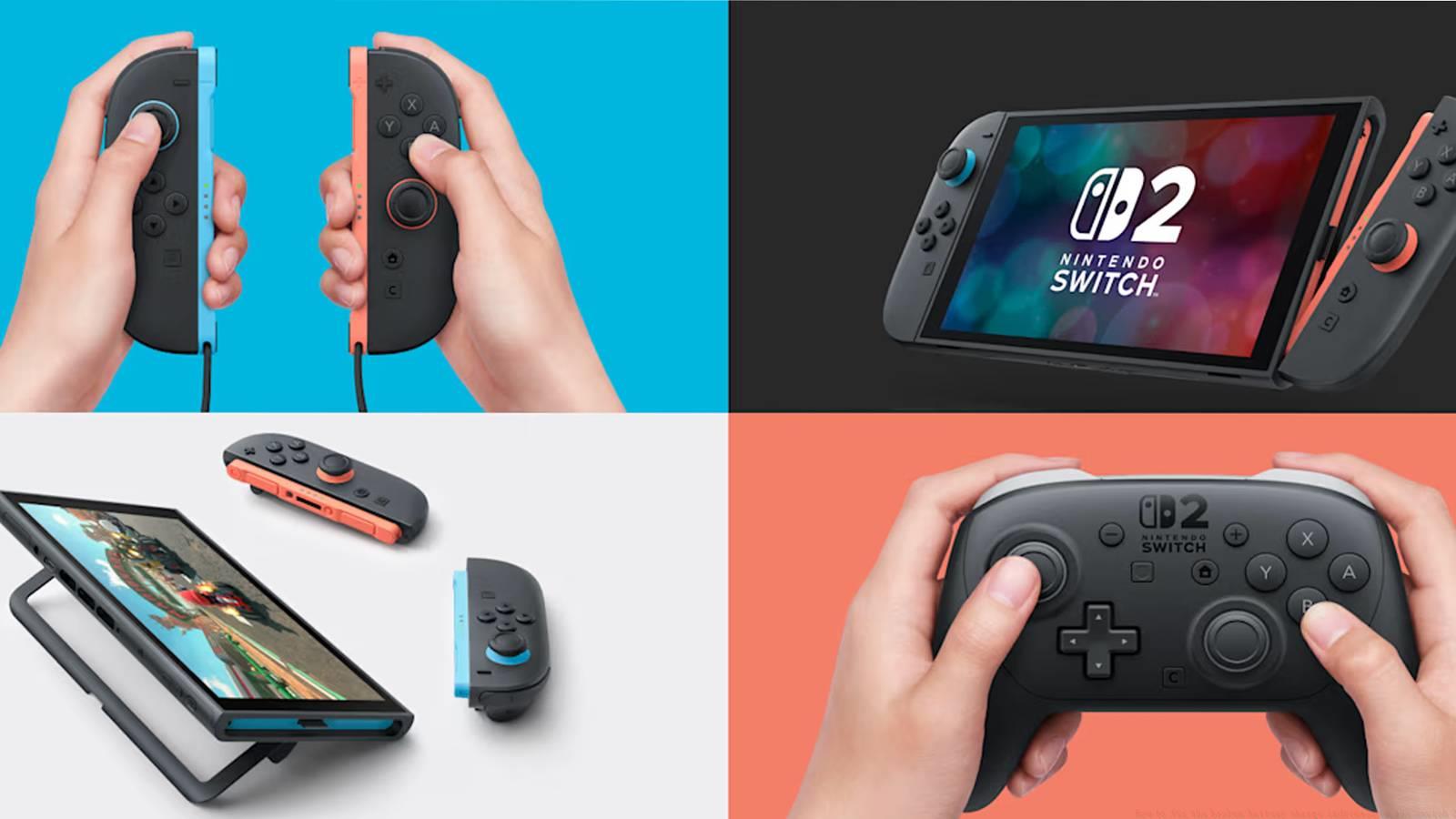
If your Switch 2 appears to lose power unexpectedly fast, the culprit is likely the charge display system rather than the physical battery itself. You might encounter empty battery symbols while still being able to continue playing for extended periods, creating confusion about when to actually connect your charger.
For reference, a fully-charged Switch 2 should deliver between 2.5 to 6.5 hours of continuous gameplay. This wide variance depends on multiple factors including screen brightness, wireless connectivity, and game intensity. If you’ve only played briefly after a full charge, empty battery indicators clearly signal the display bug rather than actual power depletion.
Nintendo’s official support documentation outlines specific procedures to resolve battery display inaccuracies. Begin with these fundamental steps before progressing to more advanced calibration techniques for persistent cases.
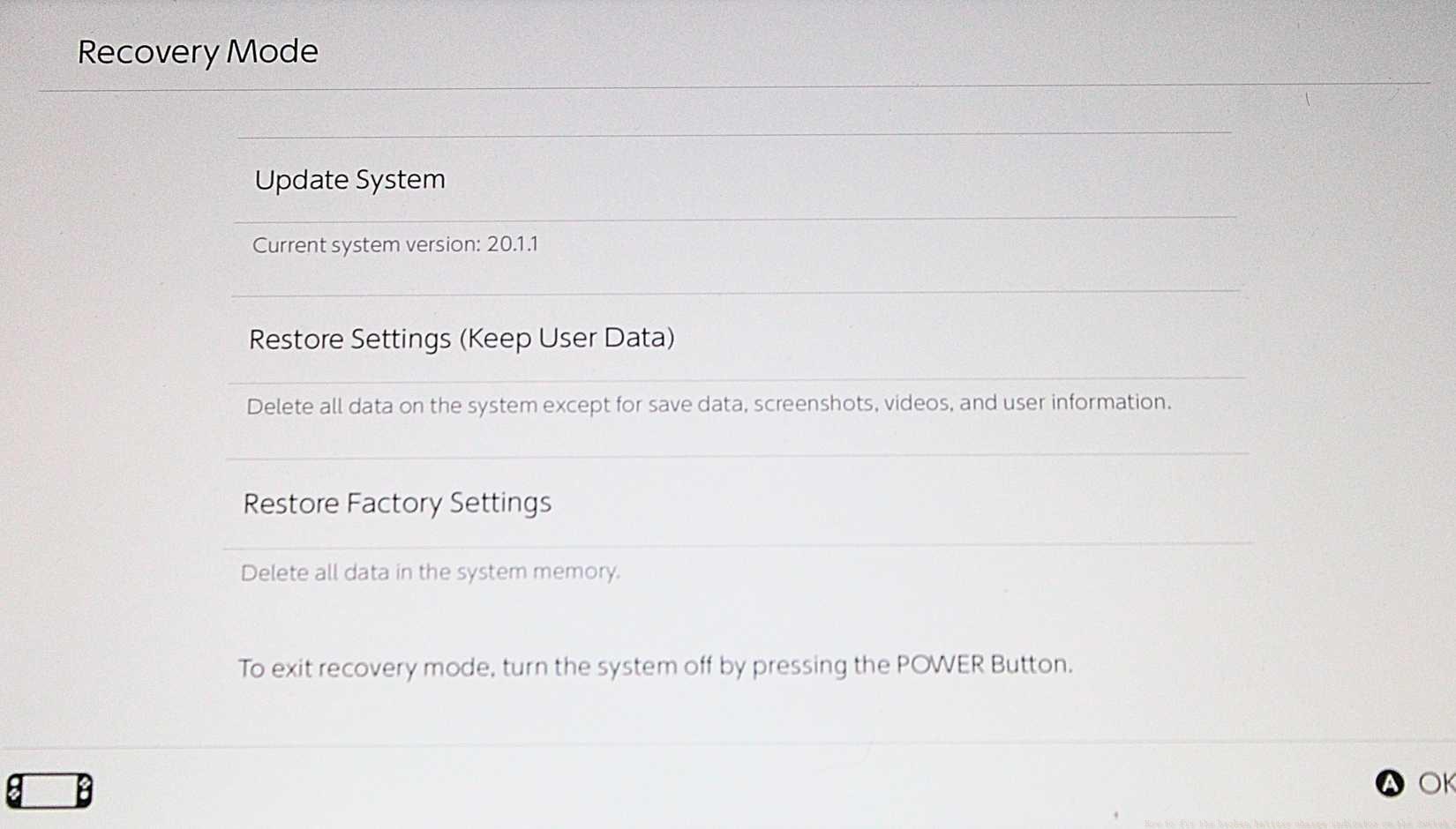
Image: Polygon
To systematically address the issue, follow Nintendo’s recommended troubleshooting sequence:
- Verify you’re using the correct AC adapter (charging cable). The Nintendo Switch AC adapter “Model HAC-002” must connect directly to your console, as third-party chargers may not provide proper power communication.
- Confirm you’ve installed the most recent system update. Outdated firmware often contains the battery reporting bugs that cause these display inaccuracies. Check for updates in System Settings if unsure.
- Completely power down your Switch 2 rather than using sleep mode. A full shutdown allows the system to reset power management subsystems that may be causing incorrect battery readings.
For ongoing battery indicator problems, advanced calibration methods can restore accuracy. Drain the battery completely until the system automatically powers off, then charge uninterrupted to 100% without using the device during charging. This recalibrates the battery monitoring system and often resolves persistent display issues.
Hardware verification represents the final troubleshooting tier. Inspect charging port for debris, test with different power outlets, and monitor charging behavior patterns. Consistent charging problems might indicate hardware issues requiring professional service, though most battery display inaccuracies stem from software glitches.
Proactive maintenance significantly reduces recurrence of battery indicator problems. Establish consistent charging routines that avoid frequent partial charges, as these can confuse the battery monitoring system over time. Instead, aim for full charge cycles when possible to maintain calibration accuracy.
Image: Polygon
System update management plays a crucial role in preventing battery display issues. Enable automatic downloads for system updates in Settings > System > Auto-Update Software to ensure you receive bug fixes as Nintendo releases them. Many battery indicator problems stem from outdated firmware that lacks recent corrective patches.
Long-term battery health maintenance extends beyond simple charging habits. Avoid exposing your Switch 2 to extreme temperatures, as both excessive heat and cold can affect battery performance and monitoring accuracy. Store your console in moderate environments and avoid leaving it in direct sunlight or vehicles during temperature extremes.
Regular calibration cycles every 2-3 months can prevent minor inaccuracies from developing into significant display problems. Allow the battery to drain completely followed by an uninterrupted full charge while the device is powered off. This simple maintenance routine keeps the battery monitoring system properly synchronized with actual power levels.
Action Checklist
- Verify HAC-002 charger connection and inspect port for debris
- Check for system updates in Settings and install if available
- Perform complete power cycle (not sleep mode) to reset power management
- Calibrate battery by draining completely then charging to 100% uninterrupted
- Enable auto-updates and establish regular calibration schedule
No reproduction without permission:SeeYouSoon Game Club » How to fix the broken battery charge indicator on the Switch 2 Comprehensive guide to troubleshoot and resolve Nintendo Switch 2 battery indicator issues with practical solutions