
Master Elden Ring Nightreign emotes with advanced strategies, timing tips, and currency optimization techniques
Understanding the Emote System in Nightreign
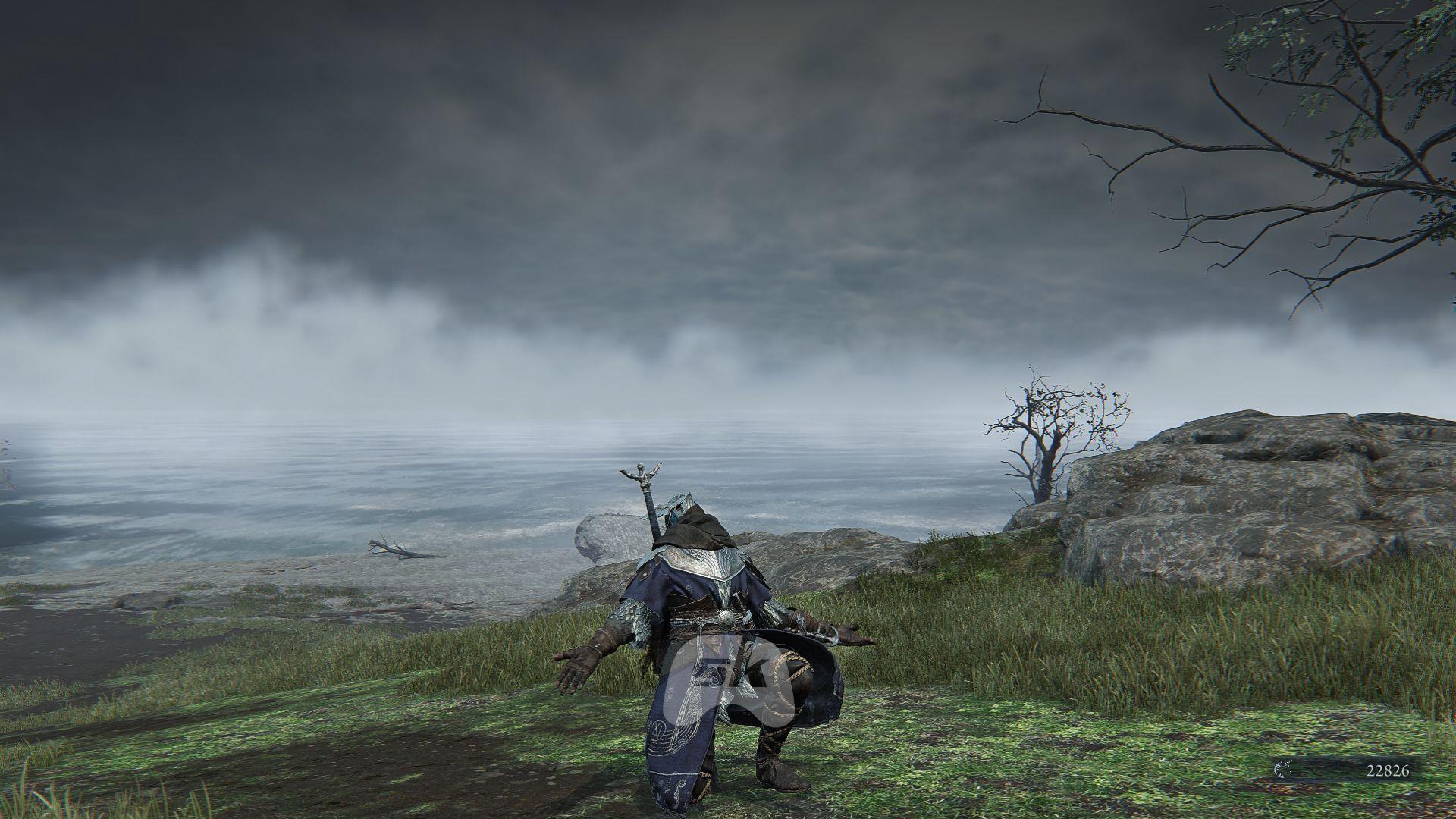
The emote system in Elden Ring Nightreign serves as your primary communication tool when teaming up with other players. Since the game intentionally omits traditional text or voice chat features, these expressive animations become crucial for coordinating strategies and building camaraderie during challenging expeditions. Many players underestimate how much these simple gestures can transform random matchmaking sessions into cohesive team experiences.
FromSoftware has thoughtfully preserved the beloved gesture mechanics from the original Elden Ring, adapting them perfectly for Nightreign’s cooperative gameplay. During particularly intense runs where every second counts, a well-timed celebratory emote after overcoming a difficult encounter can significantly boost team morale. The psychological impact of positive reinforcement through emotes shouldn’t be overlooked – it often makes the difference between a frustrated team and a determined one.
How to Access and Use Emotes Effectively
Mastering emote navigation is essential for efficient communication during time-sensitive expeditions. Here’s your comprehensive control guide:
- Initiate the Equipment interface by pressing the Escape key on PC or the Start button on Xbox controllers – this is your command center for all character customization
- Locate the distinctive waving figure icon positioned on the right side panel – this specialized menu is easily identifiable by its human silhouette symbol
- Activate the expanded emote wheel by pressing 1 on keyboard layouts or Y when using Xbox controller configurations – this reveals your complete gesture library
- Browse through available animations and confirm your selection to perform the chosen emote – consider practicing quick selections to reduce menu time during critical moments
Advanced players should leverage the favorite emotes system by pressing 2 (keyboard) or X (Xbox) to pin preferred gestures to quick-access positions. This organizational strategy proves invaluable during chaotic encounters where rapid communication becomes essential for survival. Curating 3-4 situational emotes for common scenarios like ‘follow me’, ‘wait’, or ‘danger’ can dramatically improve team coordination efficiency.
Expanding Your Emote Collection
While the initial selection of free emotes provides basic functionality, serious players will want to expand their communicative capabilities. The Small Jar Bazaar represents your primary source for gesture variety, offering more than 15 additional emotes for acquisition.
To access this specialized merchant:
- Navigate to Roundtable Hold and open your world map – this hub area serves as your expedition preparation zone
- Select the Small Jar Bazaar waypoint marker – it appears as a distinctive jar icon on your map interface
- Initiate fast travel to teleport directly to the merchant’s location – this eliminates unnecessary traversal time
- Browse the available emote inventory and purchase desired animations using Murks currency
Each additional emote carries a consistent price of 200 Murks, making currency management straightforward. Efficient Murks accumulation requires strategic expedition planning – deeper runs through more challenging areas yield substantially higher currency rewards. Prioritize emotes that fill communication gaps in your current collection, focusing on practical gestures that enhance team coordination rather than purely cosmetic animations.
Also read: All major map locations in Nightreign
Advanced Emote Strategies and Timing
Strategic emote deployment separates novice players from expedition veterans. Understanding optimal usage windows prevents costly time mismanagement during critical missions.
The Roundtable Hold provides the safest environment for extended emote use, allowing unlimited experimentation without expedition consequences. However, during active missions, timing becomes crucial. The most effective windows occur:
- Immediately after surviving the first night cycle – this brief respite provides natural communication opportunities
- During the unlimited time period before confronting the Nightlord boss – use this preparation phase for final strategy coordination
- After successfully clearing major encounter areas – quick celebratory gestures maintain team momentum
Avoid emote usage during active combat phases or time-sensitive puzzle sequences. The half-second animation lock can prove fatal when dodging enemy attacks or solving environmental challenges. Instead, develop the discipline to use brief, purposeful emotes during natural pauses in action. Many experienced players create ’emergency’ emote slots for urgent warnings or directional indicators that can be activated without breaking combat focus.
Also read: How to access an Evergaol in Elden Ring Nightreign
Check out more Nightreign news updates:
- Can you play Nightreign as a newcomer to the Soulsborne series?
- Relic Rites in Elden Ring Nightreign, explained
- All achievements in Elden Ring Nightreign and how to unlock
No reproduction without permission:SeeYouSoon Game Club » How to emote in Elden Ring Nightreign Master Elden Ring Nightreign emotes with advanced strategies, timing tips, and currency optimization techniques