
Comprehensive guide to installing custom songs in Beat Saber for PC and Oculus Quest with expert tips
Introduction to Beat Saber Custom Content
Looking to expand your Beat Saber music library with your favorite tracks? This definitive guide covers everything you need to transform your VR rhythm gaming experience with custom songs and maps.
Beat Saber features an excellent built-in soundtrack, but the real magic happens when you add personalized music selections. Discover comprehensive methods for integrating custom tracks across PC and Oculus Quest platforms.
Rhythm gaming represents one of the most engaging genres in interactive entertainment, with Beat Saber standing as a premier VR experience since its 2018 debut. The game continues attracting new enthusiasts daily who seek to enhance their musical journey. While the default song collection provides substantial entertainment value, incorporating personally meaningful tracks elevates the experience significantly. Custom maps—the community term for user-created song patterns featuring block arrangements and wall obstacles—allow players to slash their way through virtually any musical composition. This guide delivers step-by-step instructions for expanding your Beat Saber repertoire across multiple platforms. Guide Contents
PC Method 1: Using ModAssistant
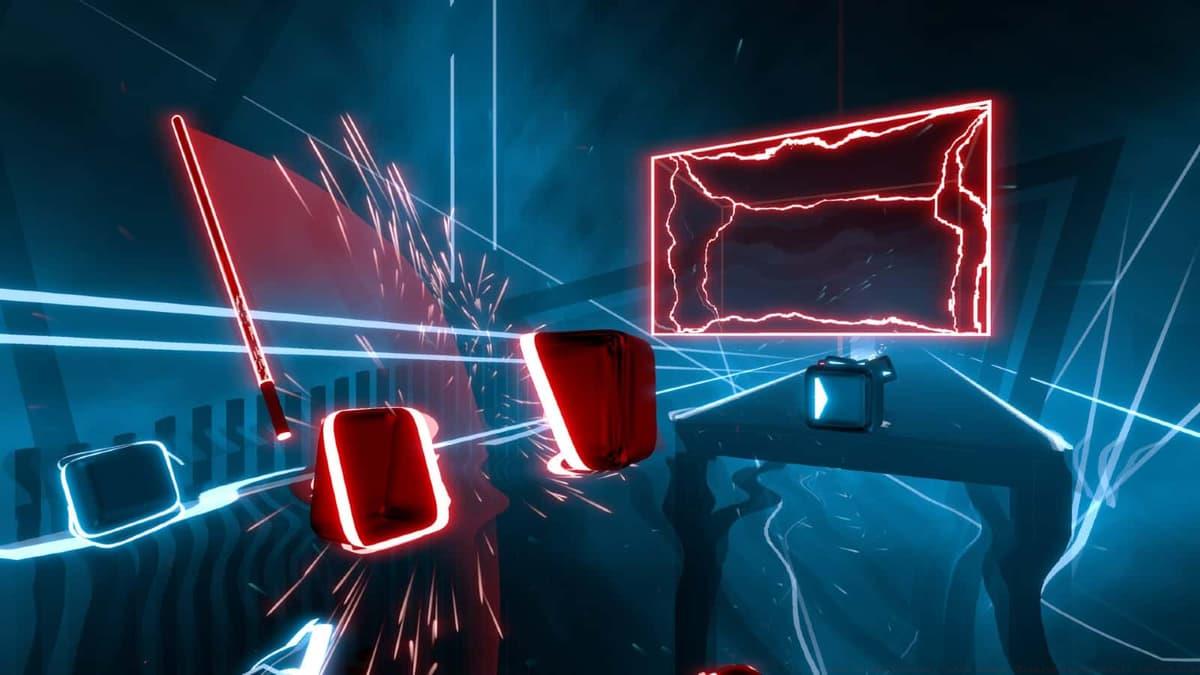 Beat Games
Custom Beat Saber content arrives as specialized maps—community-developed patterns dictating block sequences and environmental obstacles synchronized to music tracks. Security represents the foremost consideration when expanding your Beat Saber library. We strongly recommend exclusively using BeatSaver, the community-vetted repository trusted by modding enthusiasts worldwide. PC users have two primary approaches for song integration: the streamlined ModAssistant application or manual file management. The ModAssistant method provides automated convenience through these steps:
Completion of these steps automatically transfers your selected song to the appropriate Beat Saber directory. For optimal performance, restart your game to ensure proper cataloging of new content. ModAssistant frequently receives updates, so periodically check for new versions to maintain compatibility with the latest Beat Saber patches. Many users overlook the importance of verifying song metadata—always check difficulty ratings and mapper reputation to ensure quality gameplay experiences.
PC Method 2: Manual Installation
Players preferring minimal software installations can achieve identical results through hands-on file management, though this demands individual attention for each additional track:
Game restart may be necessary before your added track appears permanently within your music collection. Manual installation provides greater control over file organization but requires understanding of basic directory navigation. Common pitfalls include incorrect folder naming conventions and placement in wrong directories—double-check that your CustomLevels folder contains individually named song folders rather than loose files. For organization, consider creating subfolders by genre or difficulty to manage large custom song collections effectively. Always scan downloaded files with antivirus software, as manual installation bypasses the security checks automated tools provide.
Oculus Quest Installation
 Beat Games/Oculus
Oculus Quest devices support custom song integration through modified installation procedures requiring additional preparation steps. Quest platform customization involves more complex preparation than PC versions. Before initiation, users must install foundational modding frameworks like SideQuest and song-patching utilities such as BMBF to enable custom content functionality. These tools facilitate the modification process necessary for third-party song integration. Once prerequisite software is configured, the actual song implementation follows straightforward procedures:
Metroid Prime 4 players stunned as music locked behind $30 toy
Driving Empire codes (December 2025)
Roblox music codes (January 2026)
Following these procedures unlocks your downloaded track for immediate play or continued library expansion. Quest users should note that game updates often break mod functionality, requiring reinstallation of BMBF and custom songs. Always backup your custom song collection before updating Beat Saber. Additionally, monitor community forums for compatibility reports following new game patches. For optimal performance, avoid overloading your Quest with excessive custom songs, as this can impact loading times and system stability.
Advanced Tips and Best Practices
You now possess comprehensive knowledge for installing custom songs across Beat Saber platforms. For additional virtual reality guidance, explore these related resources:VR System Requirements Analysis
| Meta Quest 3 Configuration Guide | Premium VR Headset Recommendations | Top Virtual Reality Games | PlayStation VR2 Game Catalog | Among Us VR Implementation | Exceptional VR Horror Titles | Resident Evil 4 VR Adaptation | VR Headset Purchasing Advice | Best Meta Quest 2 Game Experiences
Beyond basic installation, advanced users should consider these professional recommendations for optimal custom song experiences. Curate your library by prioritizing highly-rated maps from established creators to ensure quality gameplay. Monitor file sizes—exceptionally large maps may indicate poor optimization or embedded media that could impact performance. For competitive players, focus on maps with accurate timing and balanced difficulty progression. Regularly prune your custom song collection removing poorly-rated or malfunctioning tracks to maintain system performance. Engage with Beat Saber modding communities to discover new talented mappers and stay informed about tool updates. Remember that custom songs represent community contributions—consider supporting creators through ratings and constructive feedback to sustain the modding ecosystem.
No reproduction without permission:SeeYouSoon Game Club » How to add new Beat Saber songs: Download and install custom maps Comprehensive guide to installing custom songs in Beat Saber for PC and Oculus Quest with expert tips