
Complete guide to adding friends in Mecha BREAK with cross-platform tips and team strategies
Introduction to Mecha BREAK’s Social Ecosystem
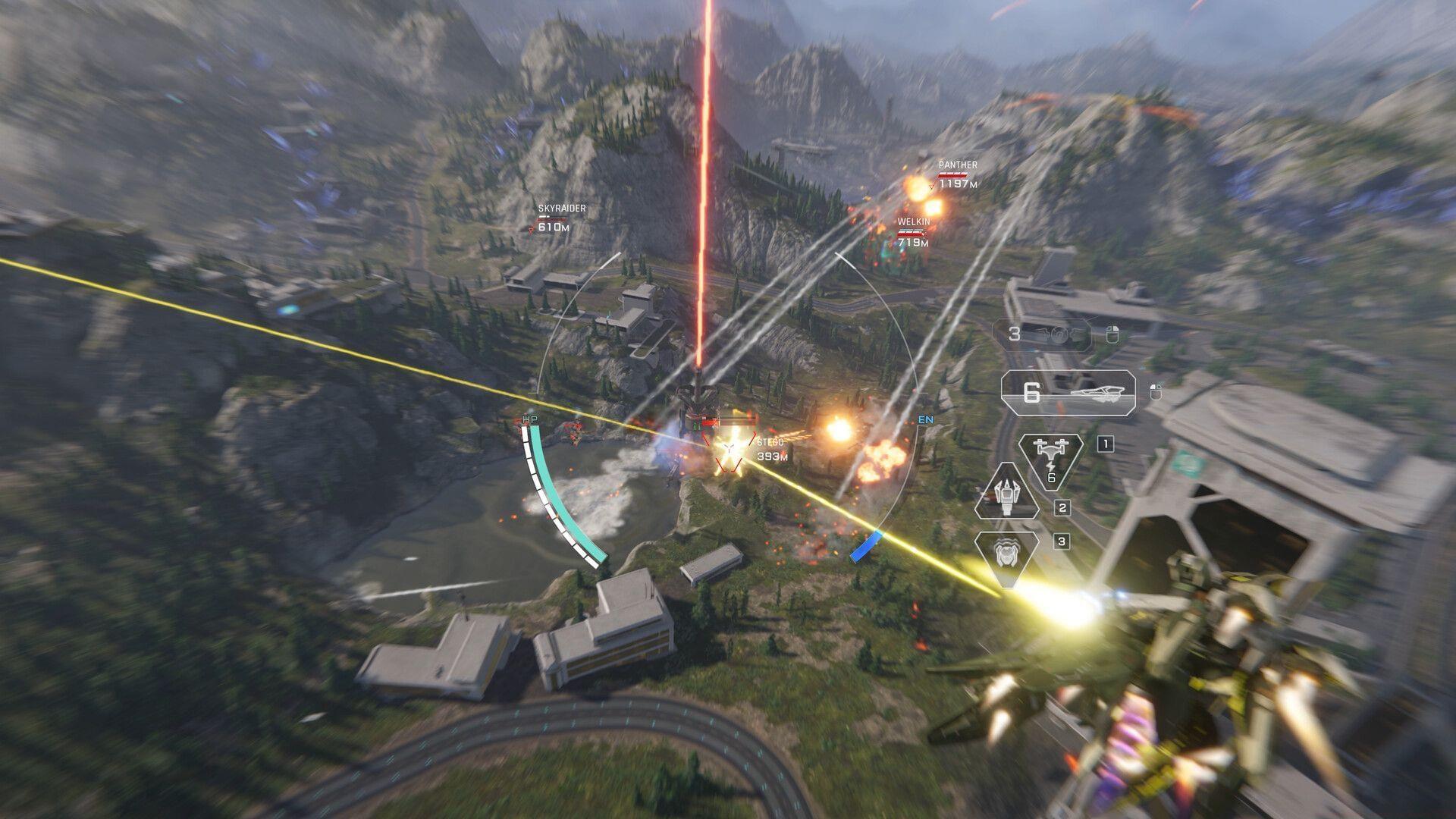
Navigating the friend addition process in Mecha BREAK represents a crucial component for maximizing your gaming experience in this innovative PvP mecha shooter. As pilots command their specialized Strikers through intense combat scenarios, establishing reliable squad connections becomes essential for tactical superiority. The game’s high-octane combat mechanics demand coordinated team play, making the social infrastructure not just convenient but strategically mandatory for competitive success.
Step-by-Step Friend Addition Process
Mastering Mecha BREAK’s social interface requires understanding its intuitive navigation system. Begin by launching the game on your preferred platform, whether PC or console, and authenticate using your personal credentials. Upon reaching the primary interface, known as the Striker Bay, direct your attention to the lower-left quadrant where the ‘Comm’ functionality resides.
- Initiate Mecha BREAK on your gaming platform of choice
- Authenticate using your account credentials securely
- Navigate to the central hub interface (Striker Bay)
- Locate and select the ‘Comm’ option in the bottom-left screen region
- Access the friendship management system through the ‘Add Friends’ interface
The communication panel serves as your central social command center, providing comprehensive access to relationship management tools and team coordination features essential for building your mecha combat network.
Cross-Platform Friend Integration
The communication interface incorporates specialized ‘Steam Friends’ functionality that seamlessly integrates your existing Steam social network. This integration permits immediate access to your complete Steam contacts list, enabling straightforward in-game invitation distribution without requiring additional authentication steps.
Recommended reading: Mecha BREAK not launching error: Possible fixes and reasons
For cross-platform social connectivity, utilize the dedicated ‘Add Friends’ search feature. This requires precise input of your allies’ exact usernames within the Mecha BREAK global database. Successful identification enables direct friend request transmission across different gaming platforms, breaking down traditional platform barriers.
Upon recipient approval of your connection invitation, their profile integrates into your permanent friends roster, establishing the foundation for persistent squad formations and strategic alliances.
Additional resource: Mecha BREAK not working on PC: Possible fixes and reasons
Advanced Friend System Strategies
Once you’ve established your social network within Mecha BREAK, advanced team formation becomes possible. Assemble balanced squads combining complementary mecha types—pair long-range artillery units with close-quarters brawlers and support specialists for optimal combat effectiveness. Strategic team composition often determines match outcomes more significantly than individual pilot skill.
Effective communication represents the cornerstone of successful mecha operations. Establish pre-match strategy sessions and develop specialized call-out systems for different combat scenarios. Consider designating specific roles within your squad: scout, assault, defense, and support positions create cohesive team dynamics.
Advanced pilots should maintain multiple specialized friend lists categorized by playstyle compatibility, availability timing, and mecha specialization preferences. This organizational approach ensures you can quickly assemble appropriate squads for specific mission types or competitive scenarios.
Troubleshooting Common Issues
Occasionally, pilots encounter connectivity challenges when attempting friend additions. If usernames fail to appear in search results, verify exact spelling including capitalization and special characters. Cross-platform invitations may experience brief synchronization delays—allow 5-10 minutes for system propagation before reattempting.
When Steam integration malfunctions, ensure your Steam client maintains an active connection and that Mecha BREAK has necessary permissions to access your friend list. Platform-restricted players might need to adjust privacy settings to enable cross-platform functionality.
Persistent connection issues often resolve through game restart sequences or verifying network stability. For ongoing challenges, consult the official Mecha BREAK support channels where dedicated assistance teams address social system complications.
This comprehensive guide provides everything necessary to master friend management in Mecha BREAK. For expanded gaming guidance, continue exploring Sportskeeda’s esports and gaming knowledge base.
No reproduction without permission:SeeYouSoon Game Club » How to add friends in Mecha BREAK Complete guide to adding friends in Mecha BREAK with cross-platform tips and team strategies