
Proven solutions to fix Handler NPC issues in Schedule 1 with advanced troubleshooting strategies
Understanding Handler NPCs and Common Issues
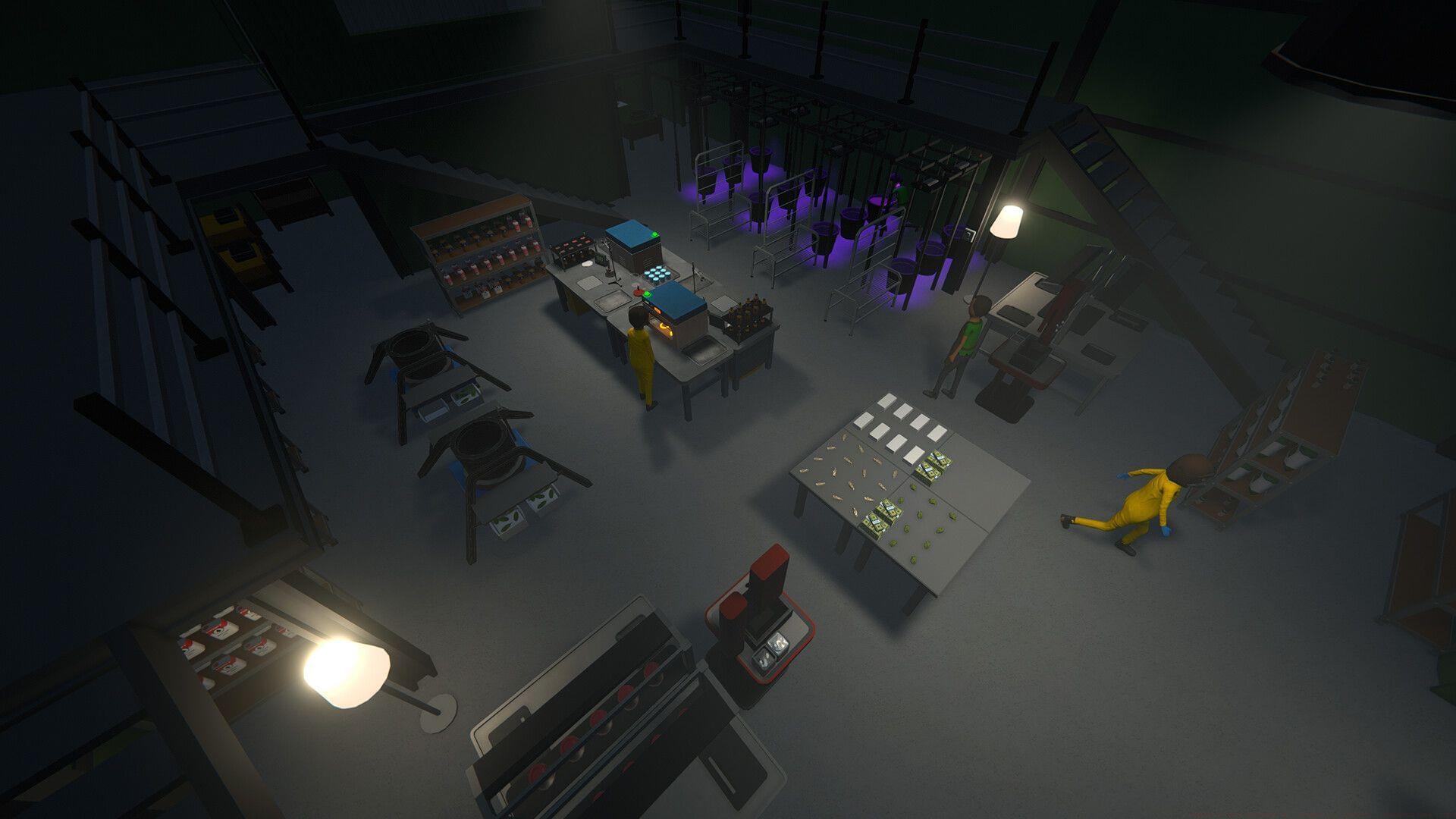
Schedule 1 players frequently encounter the Handler not working bug, which significantly disrupts farm automation workflows. Handlers serve as essential NPCs responsible for managing your production output pipeline, handling everything from material packaging to precise delivery coordination. When these automated workers malfunction, your entire production chain can grind to a halt.
Common symptoms include handlers standing idle despite assigned tasks, ignoring specific stations, or becoming stuck in repetitive animation loops. Understanding their critical role in your automation system helps identify when intervention becomes necessary to maintain production efficiency.
Immediate Troubleshooting Solutions
To address the persistent Handler malfunction issue, we’ve developed comprehensive troubleshooting methods that combine immediate fixes with long-term prevention strategies.
Read more: Schedule 1: How to make your farm automatic
Here are the most effective workarounds to resolve Handler functionality problems in Schedule 1:
Effective Handler activation requires proper station assignment combined with environmental optimization. When your assigned Handler refuses to perform duties despite correct station assignment, begin with thorough workstation decluttering. Remove all residual materials including leftover buds, excess packaging components, and any obstructive debris blocking workflow paths. This clearing process often resolves pathfinding issues that prevent proper NPC function.
The save game restart method remains highly effective when combined with proper preparation. Simply restarting without preparation yields poor results. First, completely clear the Handler’s designated workstation of all materials and ingredients. Then perform a full game restart, ensuring the clean environment loads properly. This combination approach has resolved issues for numerous players experiencing persistent Handler bugs.
Read more: Schedule 1: Best customers for dealers
Proactive Prevention Strategies
Beyond immediate fixes, implementing strategic prevention methods significantly reduces Handler malfunction frequency. Optimize station placement to ensure clear access paths without obstruction. Maintain consistent material flow by preventing backlog accumulation at processing stations. Regularly monitor production metrics to identify early warning signs of automation breakdown.
Avoid overloading individual Handlers with excessive station assignments. Distribute workload across multiple NPCs when possible, and establish clear material routing to prevent congestion points. Implement periodic maintenance checks where you manually inspect and clear all automated stations, even when they appear functional.
Advanced players should consider establishing redundant automation systems where critical production stages have backup Handlers available. This ensures continuous operation even when individual NPCs experience temporary malfunctions, maintaining your farm’s productivity during troubleshooting periods.
Advanced Player Solutions
The widespread Handler malfunction problem in Schedule 1 indicates a systemic issue that may require developer intervention. While the previously mentioned solutions resolve most instances, persistent cases might need official patches.
For advanced optimization, experienced players should analyze their entire production chain for bottlenecks that trigger Handler bugs. Monitor resource flow from raw materials through finished products, identifying where congestion typically occurs. Adjust production rates and storage capacities to maintain smooth material movement throughout your automation system.
When standard solutions prove ineffective, consider temporarily reassigning Handlers to different stations or restructuring your automation layout. Sometimes the bug relates to specific station configurations rather than the NPCs themselves. Document any successful workarounds to share with the community while awaiting official developer hotfixes for permanent resolution.
That covers comprehensive knowledge about Handler malfunction causes and solutions in Schedule 1. Explore additional related content below:
- 5 games you should try if you enjoyed S1
- All ingredients in S1 and their effects
- Can you play S1 on PlayStation and Xbox?
- All ranks in S1 and what they unlock
- Explosive products in S1: How to make, and effect
No reproduction without permission:SeeYouSoon Game Club » Handler not working in Schedule 1: Possible reasons and fixes Proven solutions to fix Handler NPC issues in Schedule 1 with advanced troubleshooting strategies