
Comprehensive troubleshooting guide for Genshin Impact ‘Too many requests’ error with advanced fixes
Understanding the Error and Its Causes
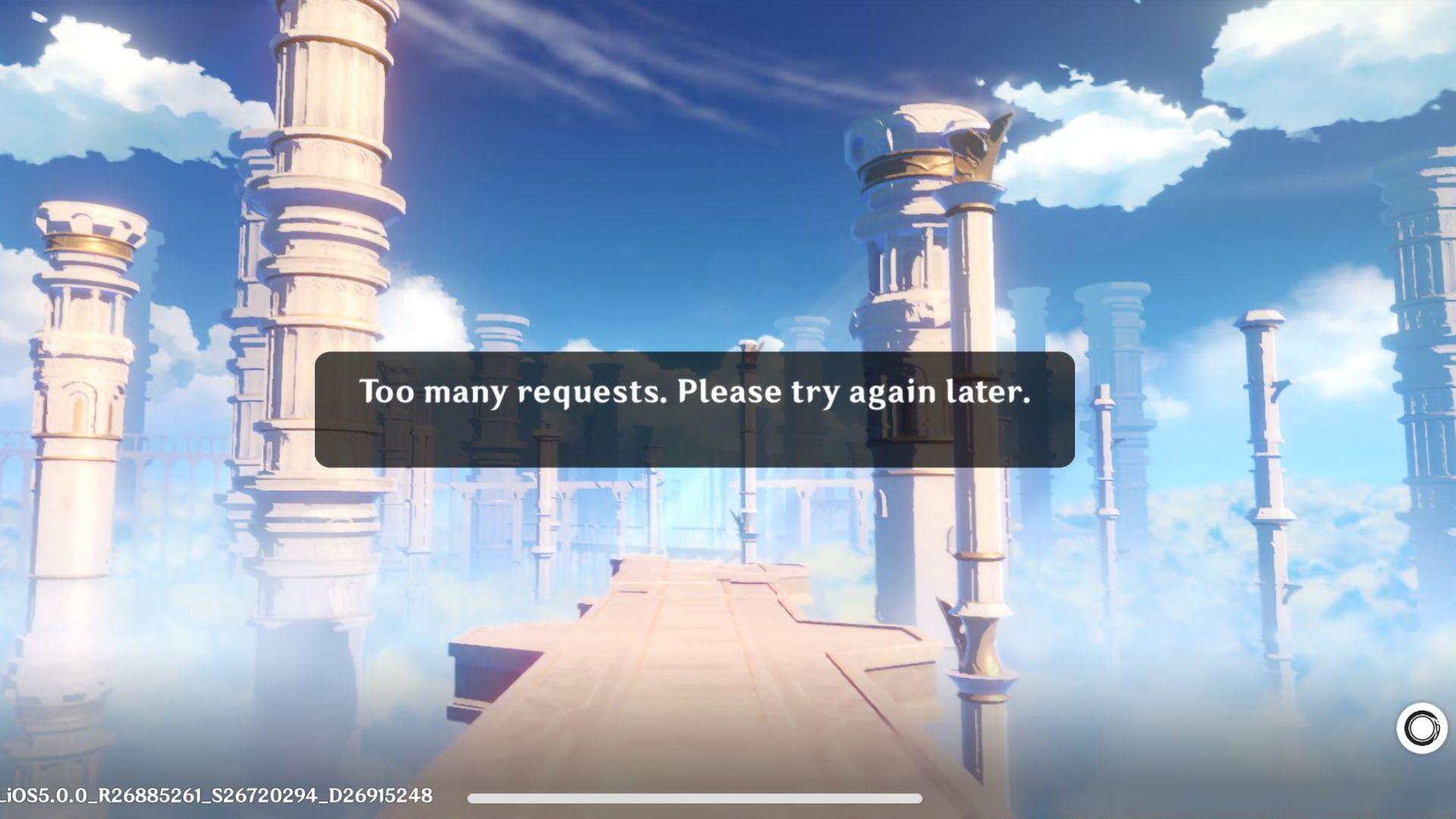
Genshin Impact’s frustrating “Too many requests. Please try again later.” message represents a security-related authentication block that prevents account access. This protection mechanism typically activates when the game’s servers detect unusual login patterns or potential security threats. Players commonly encounter this obstacle after switching between different gaming locations, alternating between multiple accounts, or when network configurations trigger security flags.
The error serves as a protective barrier against unauthorized access attempts, but legitimate players often find themselves inadvertently blocked. Understanding that this represents a security feature rather than a permanent ban can help approach troubleshooting with the right mindset. The system essentially imposes temporary restrictions when it detects what it interprets as suspicious activity patterns.
PC Platform Solutions
PC gamers facing the authentication error should implement a systematic troubleshooting approach. Begin by completely logging out of Genshin Impact and ensuring the game client is fully closed—verify through Task Manager that no background processes remain active. This clean slate approach prevents residual authentication conflicts.
Navigate to the official HoYoverse account management portal at https://account.hoyoverse.com/ and access your security settings. Locate the trusted devices section and remove any devices that might be causing authentication conflicts, particularly if you’ve recently changed hardware or locations. This resets your device authorization status.
Network configuration plays a crucial role in authentication errors. Power cycle your router by turning it off completely for at least 30 seconds before restarting. This clears temporary network conflicts and refreshes your IP assignment. For Windows users, open Command Prompt as administrator and execute “ipconfig /flushdns” to clear DNS cache that might be serving outdated server information.
Advanced PC users can address registry conflicts by opening Registry Editor via the Start menu (search “regedit”). Carefully navigate to HKEY_CURRENT_USER > SOFTWARE and delete both miHoYo and miHoYoSDK registry entries. This resets game configuration data but requires caution—always backup your registry before making changes.
Mobile Device Solutions
Mobile gamers encounter unique challenges with the authentication error due to device-specific limitations. Start by force-closing the Genshin Impact application completely—swipe it away from your recent apps and ensure it’s not running in background. Mobile devices often maintain persistent connections that can trigger authentication conflicts.
Access your device’s application settings and locate Genshin Impact in the installed apps list. Clear both the cache and application data—this resets local authentication tokens and configuration files. Be aware that clearing data may require re-downloading some game resources upon next launch.
Network flexibility becomes your advantage on mobile platforms. If experiencing the error on WiFi, switch to cellular data temporarily to determine if the issue is network-specific. Conversely, if using mobile data, connect to a stable WiFi network. This simple switch often bypasses IP-based restrictions.
VPN applications from official app stores can provide alternative routing when standard networks fail. Install a reputable VPN service and connect through a different server location—this assigns you a fresh IP address that may bypass regional authentication blocks. However, be cautious with free VPN services as some may violate HoYoverse’s terms of service.
Advanced Troubleshooting Techniques
When standard solutions prove ineffective, advanced techniques may resolve persistent authentication issues. Consider the timing of your login attempts—server load varies significantly during peak hours, maintenance periods, and new update releases. Attempting access during off-peak hours (typically early morning or late night) often yields better results.
For stubborn cases, the nuclear option involves complete game reinstallation. Uninstall Genshin Impact entirely, then perform a fresh installation from the official source. This ensures all game files and configurations are completely reset, eliminating deep-seated corruption issues.
Preventive measures can reduce recurrence risks. Avoid rapid account switching between devices, maintain consistent network environments when possible, and ensure your HoYoverse account has proper security verification enabled. Regular cache maintenance and network reboots can preemptively address many common triggers.
If all self-help measures fail, direct communication with HoYoverse support becomes necessary. Contact their customer service team at genshin_cs@hoyoverse.com with detailed information about your issue, including error screenshots, your account details, and the troubleshooting steps you’ve already attempted. This enables their team to provide targeted assistance.
For comprehensive Genshin Impact coverage and ongoing updates, follow Sportskeeda’s dedicated gaming hub for the latest news and community insights.
No reproduction without permission:SeeYouSoon Game Club » Genshin Impact “Too many requests. Please try again later.” error: Potential fixes explored Comprehensive troubleshooting guide for Genshin Impact 'Too many requests' error with advanced fixes