
Complete guide to fixing Doom The Dark Ages GPU driver errors with proven troubleshooting methods
Understanding the GPU Driver Error
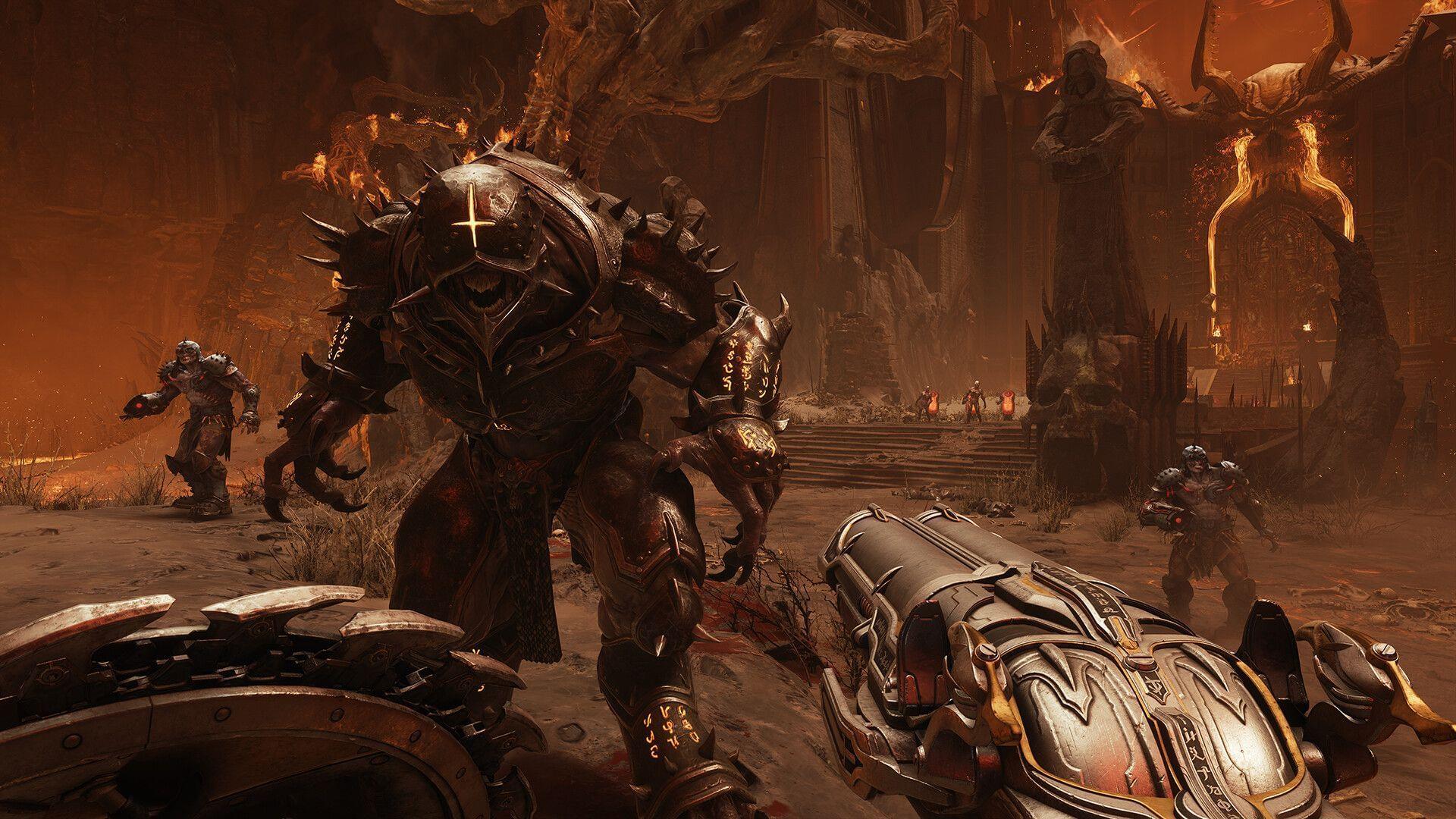
Doom The Dark Ages players frequently encounter GPU driver compatibility warnings during game initialization. This alert typically appears immediately upon launch, demanding updated graphics drivers before permitting access to the game. While technically possible to bypass this notification and proceed directly to gameplay, doing so often results in launch failures or unstable performance.
Modern gaming titles like Doom The Dark Ages leverage advanced graphical technologies that require specific driver optimizations. The error manifests when your current driver version lacks necessary compatibility patches or performance enhancements specifically coded for this release. Understanding whether the issue stems from outdated drivers or game-specific bugs is crucial for effective troubleshooting.
Immediate Driver Solutions
Utilize the dedicated applications from your GPU manufacturer to maintain current driver versions. NVIDIA users should access GeForce Experience, while AMD adherents can employ Adrenalin Software. Launch these platforms and scan for available updates, downloading and installing any detected newer versions to ensure optimal system compatibility and potentially eliminate the GPU driver alert.
Alternatively, manually visit the official GPU developer portal to procure the latest drivers. Navigate directly to their driver download section, carefully selecting the correct model and operating system specifications. For additional support, contact the technical assistance team through their official support channels if you encounter installation difficulties or version confusion.
Also read: Doom The Dark Ages ‘Belly of the Beast’ mission walkthrough
Many players overlook driver installation best practices that can prevent recurring issues. Always create a system restore point before updating drivers, enabling easy rollback if problems emerge. Additionally, consider using Display Driver Uninstaller (DDU) in safe mode for completely clean installations when transitioning between major driver versions.
Advanced Troubleshooting Methods
Access Task Manager on your Windows system to identify background processes consuming GPU resources. Doom The Dark Ages demands substantial graphical processing capacity during both launch sequences and gameplay. Resource shortages frequently trigger compatibility errors, making it essential to terminate GPU-intensive applications before attempting to restart the game.
Even after implementing the newest drivers, the game might persistently display the same GPU error notification. System reboots are often necessary to finalize driver installations and ensure proper detection. This straightforward step can frequently resolve launch issues without requiring more complex interventions.
When conventional methods prove ineffective, complete driver removal and reinstallation becomes necessary. This advanced procedure carries inherent risks, so strictly follow established guides to avoid system instability. Meticulously uninstall current drivers through Device Manager before installing fresh versions from official sources.
A thorough driver reinstallation can eradicate underlying system conflicts and ensure proper software functionality. This comprehensive approach often resolves persistent Doom The Dark Ages GPU driver errors that resist simpler solutions. Always backup important data before undertaking such significant system modifications.
Game-Specific Considerations
Doom The Dark Ages represents a recent release that may exhibit GPU driver compatibility challenges. Since the error message explicitly references driver issues, the problem could originate from either the game’s coding or local system configurations. New game engines often introduce rendering techniques that demand updated driver support.
Development teams are typically aware of such compatibility problems and generally release patches to address them. Players should monitor the official Bethesda social media channels, particularly their X platform account, for announcements regarding forthcoming fixes and game updates. Community forums also provide valuable insight into widespread issues and temporary workarounds.
Stay tuned to Sportskeeda for more updates, guides, and news.
When troubleshooting, consider checking the game’s graphics settings for any options that might reduce driver compatibility demands. Lowering texture quality or disabling advanced ray tracing features can sometimes bypass driver verification requirements while permanent solutions are developed.
No reproduction without permission:SeeYouSoon Game Club » Doom The Dark Ages GPU driver error: Possible fixes and reasons Complete guide to fixing Doom The Dark Ages GPU driver errors with proven troubleshooting methods