
Complete troubleshooting guide for Doom The Dark Ages early access issues with practical fixes
Understanding the Early Access Problem
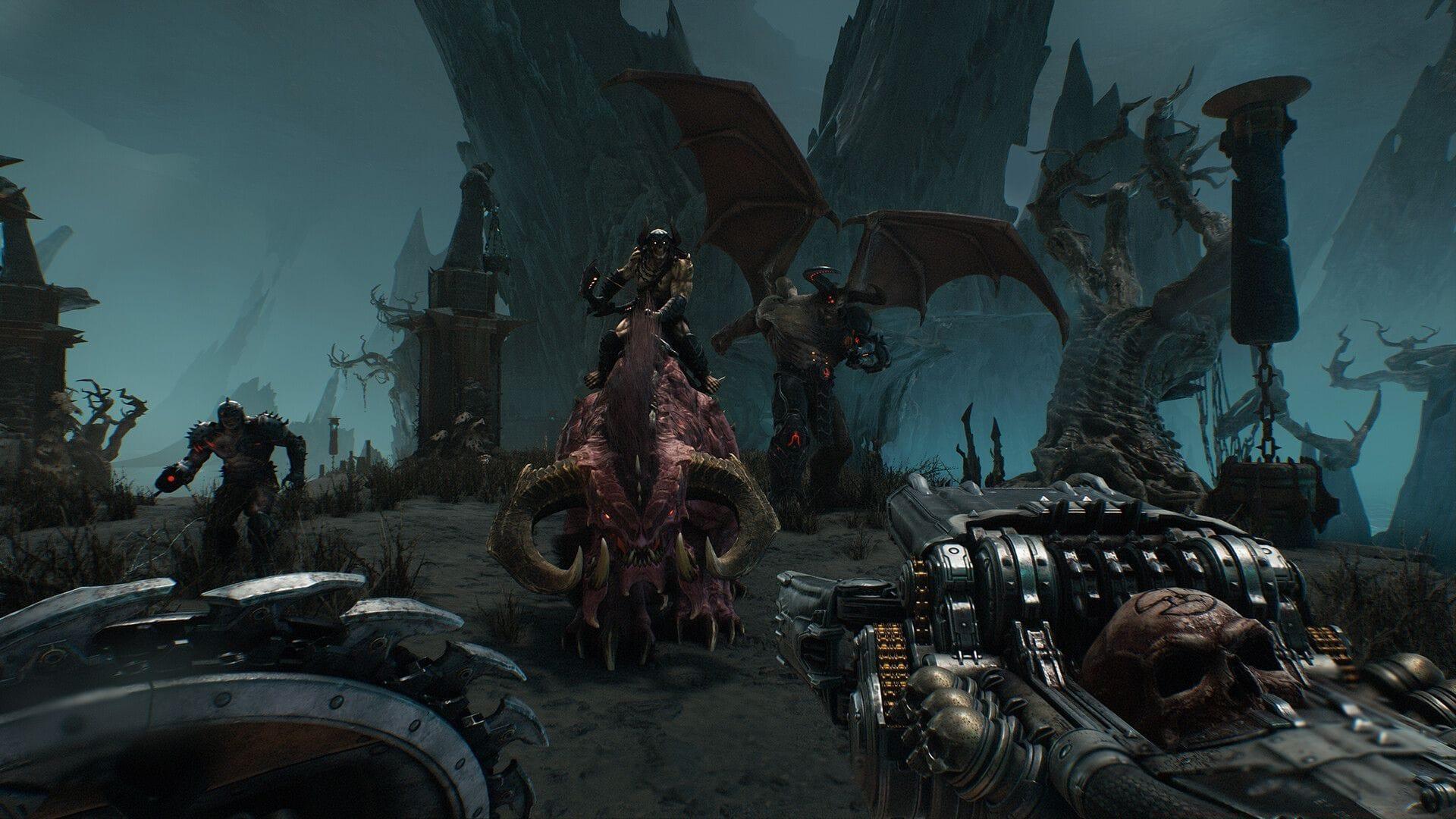
The Doom The Dark Ages early access not working issue represents a significant technical hurdle affecting numerous gamers attempting to play Bethesda’s highly anticipated release. Since the game’s official launch on May 13, 2025, at 5:30 AM IST, substantial numbers of players with legitimate early-bird access keys have encountered frustrating barriers preventing them from entering the game environment.
This connectivity problem typically manifests through various error messages or complete failure to initialize the game client, despite proper key redemption and system specifications that meet minimum requirements. The issue appears to affect both veteran Doom franchise players and newcomers to the series equally.
Many affected users report that the game client either crashes during the loading sequence, displays authentication errors, or becomes stuck in an endless loading loop. Some players have noted that the problem seems more prevalent on systems with hybrid graphics configurations, where both integrated and dedicated GPUs are present.
Graphics Configuration Solutions
Modern gaming systems, particularly laptops and all-in-one computers, frequently incorporate dual graphics processing solutions: an energy-efficient integrated GPU and a high-performance discrete GPU. For optimal gaming performance in demanding titles like Doom The Dark Ages, ensuring your system utilizes the discrete graphics card is absolutely essential.
When your gaming rig is properly configured to leverage the discrete GPU, all graphical computations and rendering tasks are delegated to this specialized hardware component. This arrangement bypasses the limitations of integrated graphics processors, which are primarily designed for basic display functions rather than intensive gaming workloads.
To guarantee that Doom The Dark Ages utilizes your discrete graphics card, implement these precise configuration steps:
- Access the Windows search function and type ‘Graphics Settings’ to locate the configuration panel
- Launch the graphics settings application and navigate to the ‘Graphics performance preference’ section
- Select ‘Desktop app’ from the dropdown menu and click ‘Browse’ to locate your Doom The Dark Ages executable file
- After adding the game, click on it and select ‘Options’ to choose your high-performance graphics processor
- Designate your discrete GPU as the preferred graphics processor and confirm your selection by saving these settings
Pro Tip: Many gamers overlook that some gaming laptops have manufacturer-specific control panels (like NVIDIA Control Panel or AMD Radeon Software) that may override Windows graphics settings. Always check both locations to ensure consistency.
You might be interested in: All missions in Doom The Dark Ages campaign
Driver and System Updates
Outdated, corrupted, or incompatible graphics drivers represent the most frequent technical culprits behind game launch failures and early access problems. The Doom The Dark Ages early access not working error frequently resolves following a comprehensive driver update procedure using current manufacturer releases.
Navigate directly to either NVIDIA’s or AMD’s official website, depending on your graphics hardware manufacturer. Avoid using third-party driver update utilities, as these may not provide the specific optimizations required for newly released games. Locate the most recent driver version compatible with your specific graphics card model and operating system.
Execute a clean installation of the graphics drivers rather than a standard update. This process thoroughly removes previous driver versions and associated configuration files, eliminating potential conflicts from residual software components. During installation, select the ‘Custom Installation’ option and check the ‘Perform clean installation’ checkbox to ensure complete driver refresh.
Advanced Consideration: Some players have reported success by using DDU (Display Driver Uninstaller) before installing fresh drivers. This third-party utility performs an extremely thorough removal of graphics drivers and is particularly effective for resolving stubborn driver-related issues.
Read more: Doom: The Dark Ages crashing on PC error: Possible reasons and fixes
Advanced Troubleshooting Techniques
If the fundamental solutions previously outlined don’t resolve your Doom The Dark Ages early access difficulties, several advanced troubleshooting approaches may prove effective. Begin by verifying that your system meets or exceeds the game’s minimum specifications, with particular attention to RAM, processor speed, and available storage space.
Temporarily disable background applications that might interfere with game operation, including overlay software (like Discord overlay), screen recording utilities, and system monitoring tools. Antivirus software and firewall configurations sometimes mistakenly flag game executables as suspicious; adding the game to your security software’s exclusion list may resolve access issues.
When persistent problems continue despite exhaustive troubleshooting efforts, contacting Bethesda’s official support team becomes the recommended course of action. Prepare detailed information about your system specifications, the exact error messages received, and a comprehensive list of troubleshooting steps already attempted before initiating a support ticket.
Prevention Strategy: Regularly updating your operating system, maintaining current graphics drivers, and monitoring official game patches can prevent many early access issues before they occur. Subscribe to official Bethesda communications to receive timely notifications about game updates and known issue resolutions.
For more related guides, check these links below:
- Doom: The Dark Ages ‘Village of Khalim’ mission walkthrough ‘Chapter 1’
- Doom: The Dark Ages ‘Hebeth’ mission walkthrough ‘Chapter 2’
- Doom: The Dark Ages ‘Barrier Core’ mission walkthrough ‘Chapter 3’
- Doom: The Dark Ages ‘Sentinel Barracks’ mission walkthrough ‘Chapter 4’
No reproduction without permission:SeeYouSoon Game Club » Doom The Dark Ages early access not working: Possible reasons and fixes Complete troubleshooting guide for Doom The Dark Ages early access issues with practical fixes