
Essential Days Gone PC patch analysis with performance optimization tips and troubleshooting guide
Introduction to Days Gone PC Version
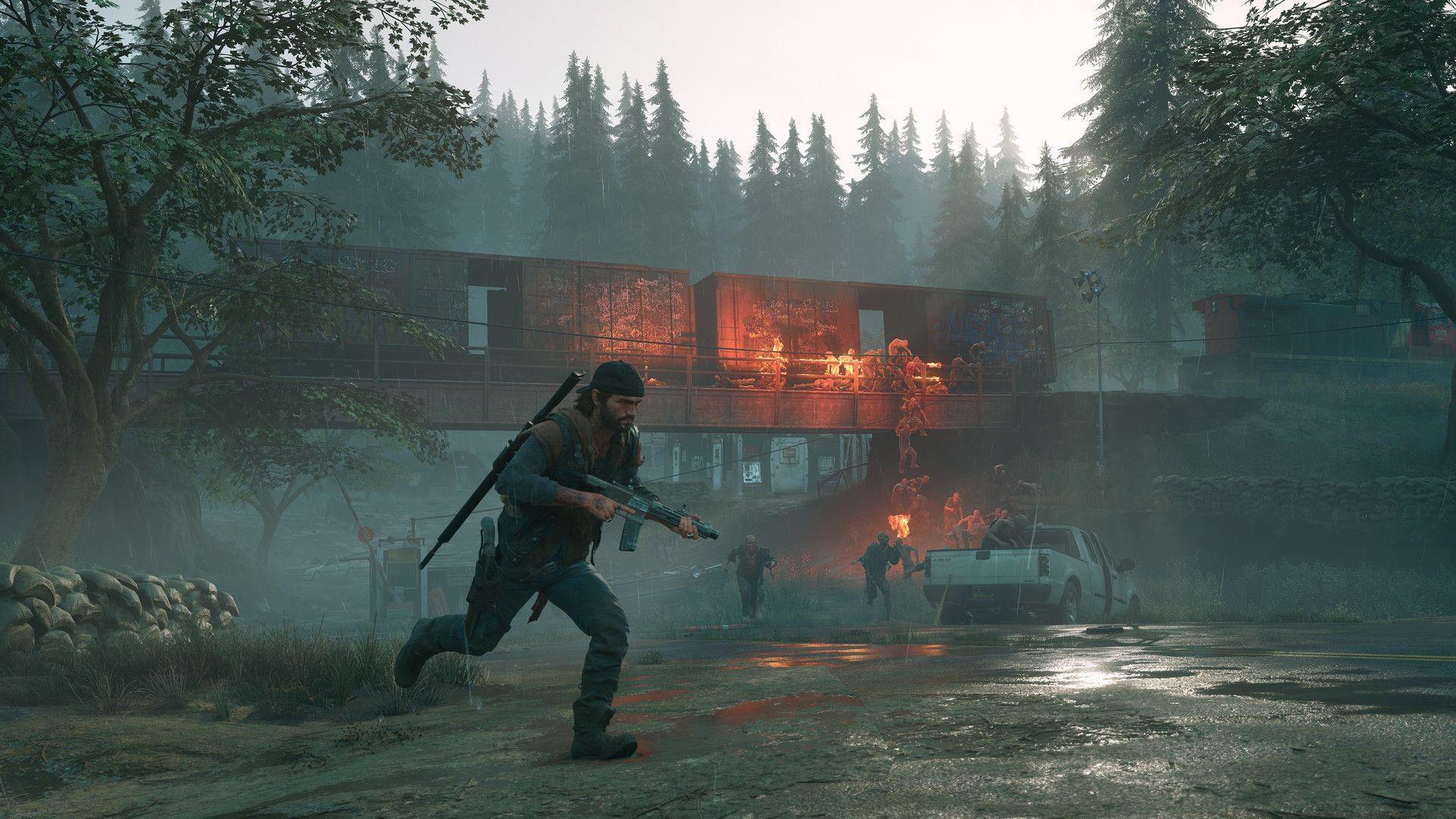
Originally launched as a PlayStation 4 exclusive in 2019, Days Gone expanded its reach significantly with a PC release in May 2021. This platform expansion introduced the gripping narrative of Deacon St. John to a broader audience, resulting in substantial player adoption and commercial achievement. The game’s success stems from its deeply engaging open-world design, compelling character development, and intense survival mechanics that challenge players in a post-apocalyptic Pacific Northwest.
Critical Technical Fixes Analysis
Resolution and Loading System Improvements
The latest update addresses a critical problem where improper resolution settings could trigger endless loading screens during initial startup. This issue previously blocked access to the main menu entirely, preventing players from even beginning their survival journey. Developers emphasize the importance of verifying display settings before launching to ensure optimal performance.
Stability and Crash Prevention
- Multiple crash scenarios related to GPU performance and specific mission failures in Permadeath mode have been resolved, significantly improving gameplay reliability for hardcore players.
- An audio system crash occurring when PCs entered sleep mode during active gameplay sessions has been eliminated, preventing data loss and progress interruption.
Audio System Enhancements
- Volume normalization adjustments correct previously excessive sound levels that could cause discomfort or hardware strain.
- Extended Horde Assault sessions now maintain proper audio looping beyond the 30-minute threshold, ensuring consistent immersive sound design during prolonged encounters.
Advanced Technical Details
Application and File Modifications
- DaysGone.exe executable file reduced by 21.50 KiB, indicating code optimization and potential performance improvements
- Primary game data package (BendGame-WindowsNoEditor.pak) updated with revised content and asset organization
- Manifest identification updated from 1402851423826569100 to 3341519663870409373, reflecting significant version changes
Secondary Update Package
- Additional executable modification with identical size reduction of 21.50 KiB
- Secondary content package update for comprehensive coverage
- Alternative manifest change from 4108115870749978881 to 3724277051785280814, suggesting multiple update components
Practical Performance Optimization
Display Configuration Best Practices
Always verify your monitor’s native resolution matches the in-game display settings to prevent initialization failures. For optimal visual quality, enable V-Sync if experiencing screen tearing, and adjust anti-aliasing based on your GPU capabilities. Higher-end cards benefit from 4x MSAA, while mid-range systems perform better with 2x or FXAA settings.
Audio Configuration Strategy
Configure audio output to match your speaker or headphone setup specifically. Use the Windows sound control panel to set appropriate sample rates (44.1kHz or 48kHz) that align with the game’s audio engine. For surround sound systems, ensure Windows spatial sound settings correspond with your hardware configuration.
System Performance Optimization
Maintain updated GPU drivers from either NVIDIA or AMD, as both manufacturers frequently release game-ready drivers that significantly improve Days Gone performance. Monitor system temperatures during extended gameplay sessions, as thermal throttling can impact frame rates during intense horde encounters.
Troubleshooting Common Issues
Problem Prevention Strategies
Regularly clear your icon cache if the Unreal Engine logo appears instead of the Days Gone icon, as this temporary system glitch can persist through multiple launches. Create regular save backups, especially before attempting challenging Permadeath mode missions where crash risks were previously higher.
Advanced User Solutions
For persistent audio issues, verify that no other applications are monopolizing your audio device exclusively. Consider adding DaysGone.exe to your antivirus exclusion list to prevent real-time scanning from impacting loading times. Monitor system resource usage through Task Manager to identify potential conflicts with background applications during gameplay.
Explore additional Days Gone resources and guides:
- DG Remastered: Comprehensive guide to the enhanced New Game Plus mode features and mechanics
- Complete voice actor roster and character performances in DG Remastered edition
No reproduction without permission:SeeYouSoon Game Club » Days Gone update 1.09: Everything improved with the latest patch Essential Days Gone PC patch analysis with performance optimization tips and troubleshooting guide