
Clair Obscur: Expedition 33 update 1.4.0 patch notes  

Essential guide to Clair Obscur: Expedition 33 update 1.4.0 with performance optimizations and gameplay improvements

Update Overview and Graphics Enhancements
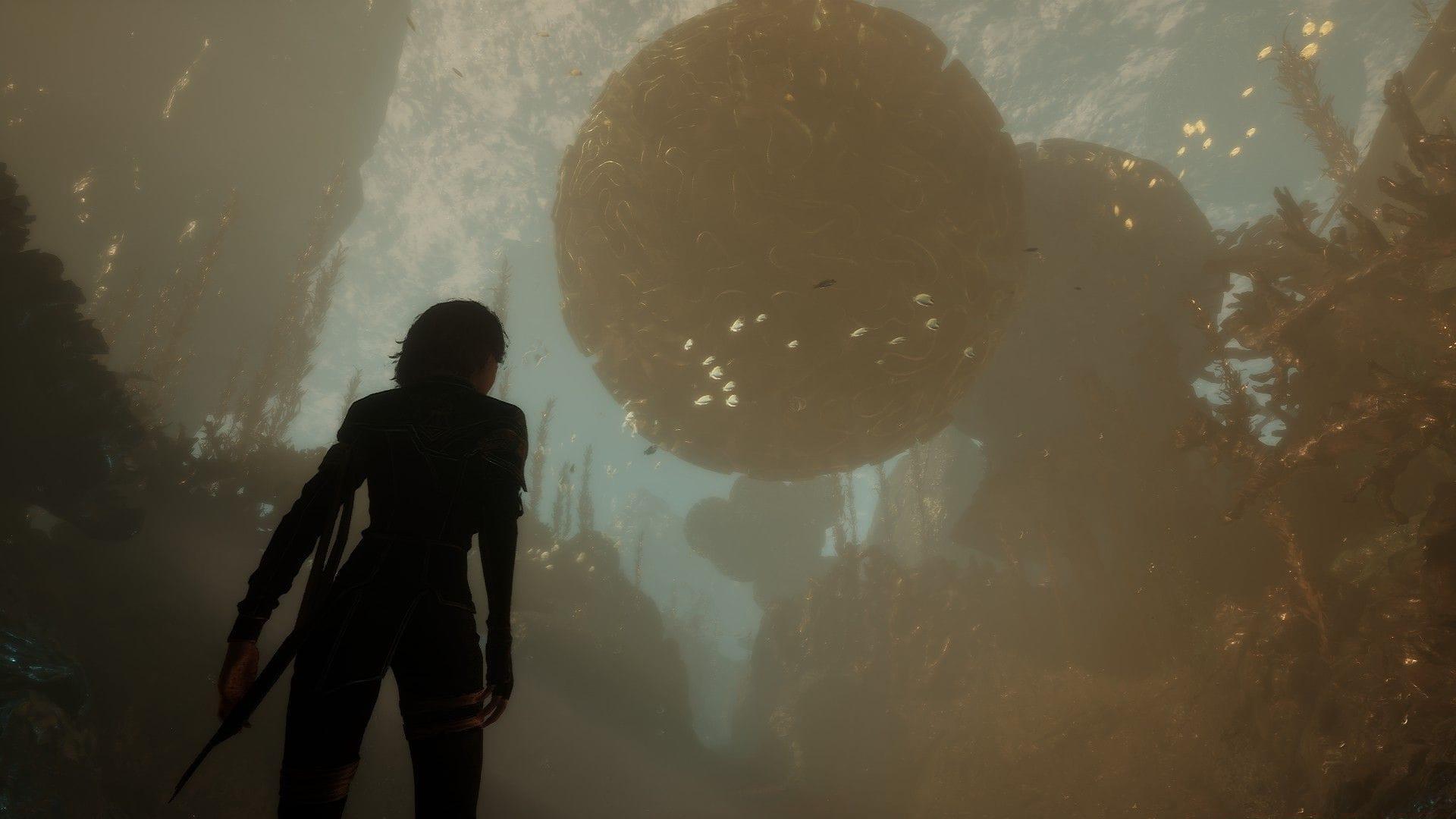
Clair Obscur Expedition 33 update 1.4.0 patch notes
Significant visual and performance upgrades enhance the Expedition 33 experience (Image via Kepler Interactive)

Sandfall Interactive continues their commitment to player satisfaction with the substantial 1.4.0 update for Clair Obscur: Expedition 33. This comprehensive patch delivers crucial refinements to the acclaimed fantasy RPG, focusing on performance optimization and user experience enhancements that address community feedback.

Graphics Performance Upgrades

  • DLSS & XeSS Enhancements: NVIDIA DLSS and Intel XeSS now support Frame Generation technology alongside Low Latency Mode implementations. These features dramatically improve visual fluidity and responsiveness for compatible GPU owners, reducing input delay during fast-paced combat sequences.
  • For optimal performance, ensure your graphics drivers are updated to the latest version. Frame Generation works best when your base framerate already exceeds 60 FPS, while Low Latency Mode provides the most noticeable improvement in reaction-heavy boss encounters where timing is critical.

    Quality of Life Improvements

    Battle System Refinements

  • Battle Retry Prompt: Eliminates tedious reloading by presenting immediate retry options after defeat. This streamlined approach maintains combat momentum and allows for rapid strategy adjustments without disrupting gameplay flow.
  • Lumina Cost Display: The Pictos interface now transparently shows ability costs, enabling better resource management during tense encounters. Plan your skill rotations more effectively by understanding the Lumina expenditure for each tactical option.
  • Accessibility and Interface

  • Autoplay Dialogue: New optional feature automates non-cutscene conversations while maintaining player control through toggle settings available both in menus and during active dialogues.
  • Separate Volume Sliders: Granular audio control allows independent adjustment of exploration and combat sound levels. This proves particularly useful for players who prefer different audio balances during puzzle-solving versus intense battle sequences.
  • Lune’s Stains Icons: Enhanced colorblind accessibility through distinctive iconography improves readability for players with color vision deficiencies, ensuring all users can effectively utilize the stain system.
  • Balance Changes and Bug Fixes

    Gameplay Balance Adjustments

  • Lune’s “Thermal Transfer” skill now properly requires Stain consumption before granting additional turns, correcting an unintended advantage that disrupted combat balance.
  • Fixed immortality exploit involving Second Chance pictos combined with Healing Boon and Protecting Death, restoring intended risk-reward dynamics to defensive strategies.
  • Achievement and Progression Fixes

    The following trophy issues have been resolved and should automatically unlock upon loading affected save files:

  • “Expeditioner” and “Trailbreaker” achievements now correctly trigger when characters exceed levels 33 or 66 post-battle.
  • ‘Connoisseur’ and ‘Follow The Trail’ achievements properly register collected items across all save files.
  • Technical Corrections

  • Resolved Rocher crystal despawning in Stone Wave Cliffs after area reentry.
  • Fixed Monolith teleportation bug occurring during save loading sequences.
  • Corrected gameplay modifiers incorrectly applying to new game saves.
  • Addressed Esquie landing party spawn failure causing input loss.
  • Eliminated Steam Deck visual obstruction from Flying Manor fog effects.
  • Fixed journal collection bugs related to precise timing during save file creation.
  • Various environmental polish updates enhance immersion across multiple game regions.
  • Advanced Strategies and Optimization Tips

    Performance Optimization Guide

    To maximize the new DLSS and XeSS features, prioritize stable framerates above 60 FPS before enabling Frame Generation. Monitor your GPU utilization during intensive combat scenes—if you notice stuttering, consider adjusting shadow quality or ambient occlusion settings first, as these typically have the highest performance impact.

    Combat Strategy Adjustments

    With the Thermal Transfer nerf, Lune players should now focus on efficient Stain management. Plan your skill sequences to ensure you have sufficient Stains available for critical turns. The new Lumina cost display makes this planning significantly easier—use it to optimize your ability rotations around key combat moments.

    Avoiding Common Pitfalls

    Many players mistakenly enable gameplay modifiers expecting them to apply only to specific saves. Remember that modifier settings are global—disable them before starting new games if you want a vanilla experience. For achievement hunters, the fixed trophy system now reliably tracks progress, but ensure you completely exit and reload your game to trigger any previously missed unlocks.

    Platform Availability

    Clair Obscur: Expedition 33 continues to be accessible across PC, PlayStation 5, and Xbox Series X|S platforms, with update 1.4.0 delivering consistent improvements across all versions.

    Also Read: Clair Obscur: Expedition 33 PC Review

    No reproduction without permission:SeeYouSoon Game Club » Clair Obscur: Expedition 33 update 1.4.0 patch notes   Essential guide to Clair Obscur: Expedition 33 update 1.4.0 with performance optimizations and gameplay improvements