
Master Valorant aim with pro crosshair codes, import guides, and optimization strategies for competitive advantage
Best Valorant crosshairs used by pros
Finding the optimal crosshair in Valorant can significantly impact your aiming precision and overall performance. Rather than spending hours experimenting with settings, you can leverage configurations perfected by professional competitors. These players have refined their crosshairs through thousands of competitive matches, making their choices excellent starting points for any player.
Crafting an ideal crosshair from scratch demands considerable trial and error. You must balance visibility, distraction level, and personal comfort—whether you prefer minimalist dots or more complex reticles. Fortunately, Valorant’s competitive scene provides a rich repository of proven configurations. Many VCT professionals publicly share their crosshair codes, allowing you to bypass the experimentation phase entirely.
Adopting a professionally-tested crosshair offers tangible advantages beyond mere convenience. These configurations are optimized for clarity during intense firefights and minimize visual obstruction when tracking targets. By starting with a pro’s settings, you gain immediate access to refinements developed through high-stakes competition.
Pro Tip: Use the copy button in the ‘crosshair code’ column below for instant access. Click any image to view it at full resolution for detailed inspection.
| Professional Player | Crosshair Configuration Code |
|---|---|
aspas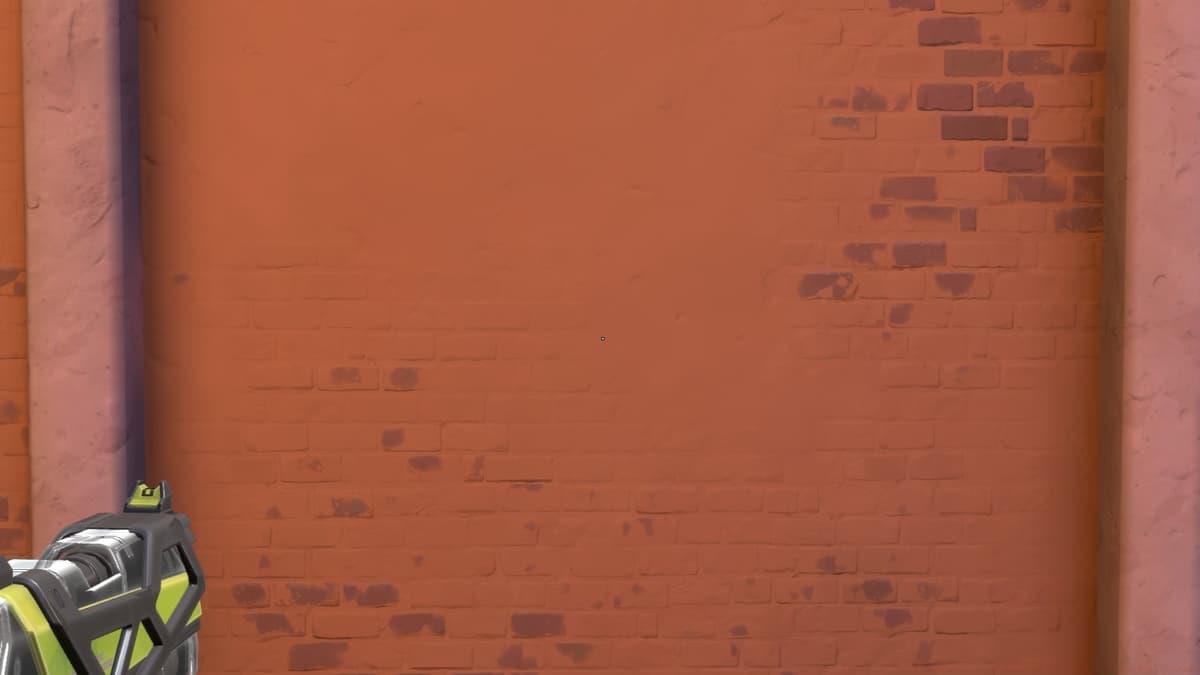 |
0;s;1;P;o;1;d;1;0b;0;1b;0;S;c;0 |
Best Valorant crosshairs used by streamers
Top Streaming Personalities and Their Crosshair Preferences
Popular Valorant streamers often develop distinctive crosshair styles that balance performance with viewer entertainment. These creators typically use settings that remain visible during fast-paced gameplay while providing clear visual feedback for their audience. Streamer crosshairs frequently emphasize brightness and unique designs that stand out on stream.
| Content Creator | Crosshair Configuration Code |
|---|---|
tarik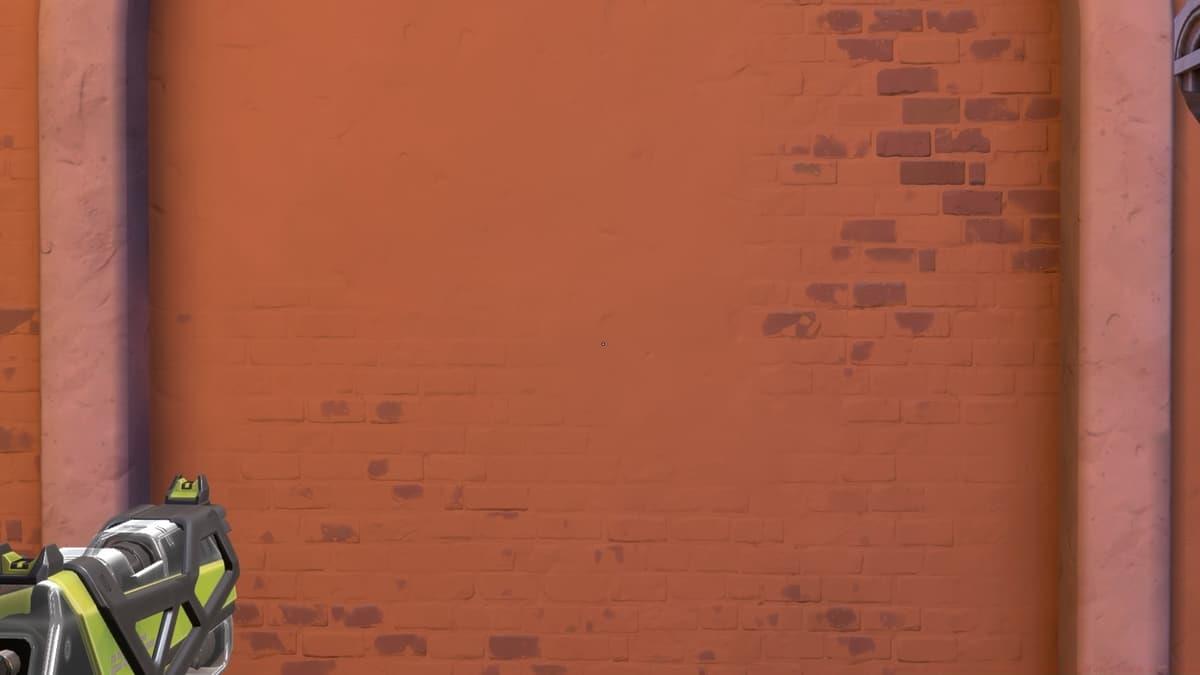 |
0;s;1;P;o;1;d;1;f;0;0b;0;1b;0;S;d;0 |
Additional crosshair configurations
Expanded Selection of Player Crosshairs
If your preferred competitor or streamer doesn’t appear in the preceding lists, explore these additional configurations. This curated collection includes diverse styles suitable for various aiming preferences and playstyles.
| Player Identifier | Crosshair Code |
|---|---|
| ANGE1 | 0;P;c;7;h;0;f;0;0l;4;0o;0;0a;1;0f;0;1b;0 |
Advanced Strategy: When testing multiple crosshairs, dedicate at least 2-3 deathmatches to each configuration before making judgments. Your brain needs time to adapt to new visual references, and immediate reactions often don’t reflect true compatibility.
How to import crosshair codes into Valorant
Step-by-Step Crosshair Import Procedure
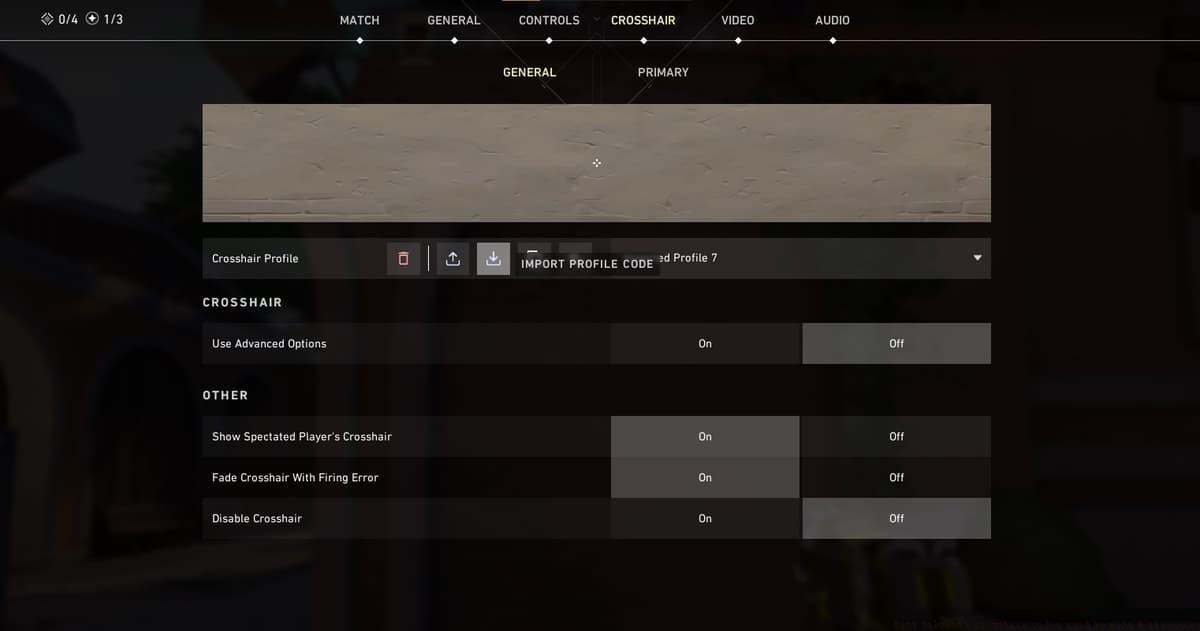
To implement any crosshair configuration in your Valorant account, begin by selecting and copying your desired code from the tables above. Launch the Valorant game client, access the Settings menu via the gear icon positioned in the upper-right corner, then execute these sequential steps:
- Proceed to the Crosshair subsection within Settings.
- Locate the Crosshair Profile management area at the interface’s apex.
- Select the downward-pointing arrow symbol adjacent to your preferred profile slot.
- Insert the copied code into the text field and activate the Import function.
Important Reminder: Valorant restricts the number of stored crosshair profiles. Consider exporting your current favorites before overwriting them with new imports.
 Dexerto
 The crosshair configuration panel within Valorant’s settings interface.
Complementary Valorant Resources
- Beginner-friendly Agent selections
- Comprehensive crosshair code collections
- Optimal dot-style reticle configurations
- Competitive Agent tier rankings
- Real-time player population statistics
- Premium cosmetic bundle analyses
- Valorant Night Market schedule predictions
Selecting your ideal crosshair configuration
Principles for Optimal Crosshair Selection
Valorant’s crosshair customization system permits nearly infinite configuration possibilities. While personal preference dominates, several evidence-based guidelines can accelerate your search for the perfect reticle.
- Prioritize high-visibility colors like cyan or bright green that contrast with most map environments. These ensure your crosshair remains discernible during chaotic engagements.
- Employ symmetrical numerical values to maintain perfect screen center alignment. Asymmetrical settings can create subconscious aiming biases.
- Consistently disable movement-based crosshair expansion. Dynamic reticles introduce unnecessary visual noise and can obscure targets during strafe battles.
- Avoid overly thick outlines that obstruct target visibility. Thin outlines (1-2 pixels) provide definition without sacrificing precision.
- Experiment with inner gap settings to find your optimal balance between visibility and target coverage. Smaller gaps work well for flick shots, while larger gaps aid tracking.
Since Episode 5 Act 2 introduced full RGB color customization, you can replicate any player’s settings exactly or modify them to suit your preferences. Professional configurations serve as excellent foundations for personalized optimization.
Common Mistake Alert: Many players frequently change crosshairs hoping for instant improvement. Consistency matters more than perfect settings—select a configuration and commit to it for at least two weeks before considering adjustments.
Related gaming content
Additional Gaming Resources
Professional CS2 crosshair configurations
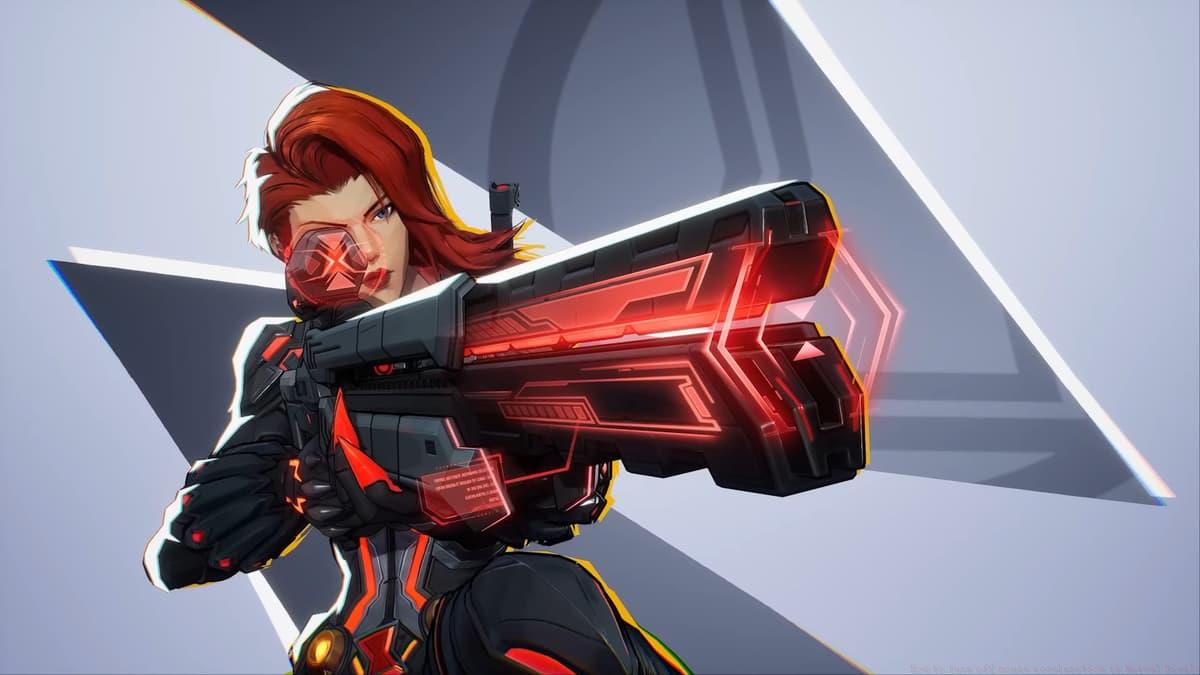
Marvel Rivals reticle code compilation

Valorant 11.10 update: Harbor ability revisions
For comprehensive Valorant optimization, explore recommended controller configurations, specialized dot crosshair guides, and detailed analyses of cosmetic bundle systems.
No reproduction without permission:SeeYouSoon Game Club » Best Valorant crosshair codes used by pros & streamers Master Valorant aim with pro crosshair codes, import guides, and optimization strategies for competitive advantage