
Complete troubleshooting guide for Battlefield 6 party connection errors with advanced multiplayer optimization strategies
Understanding the party connection error
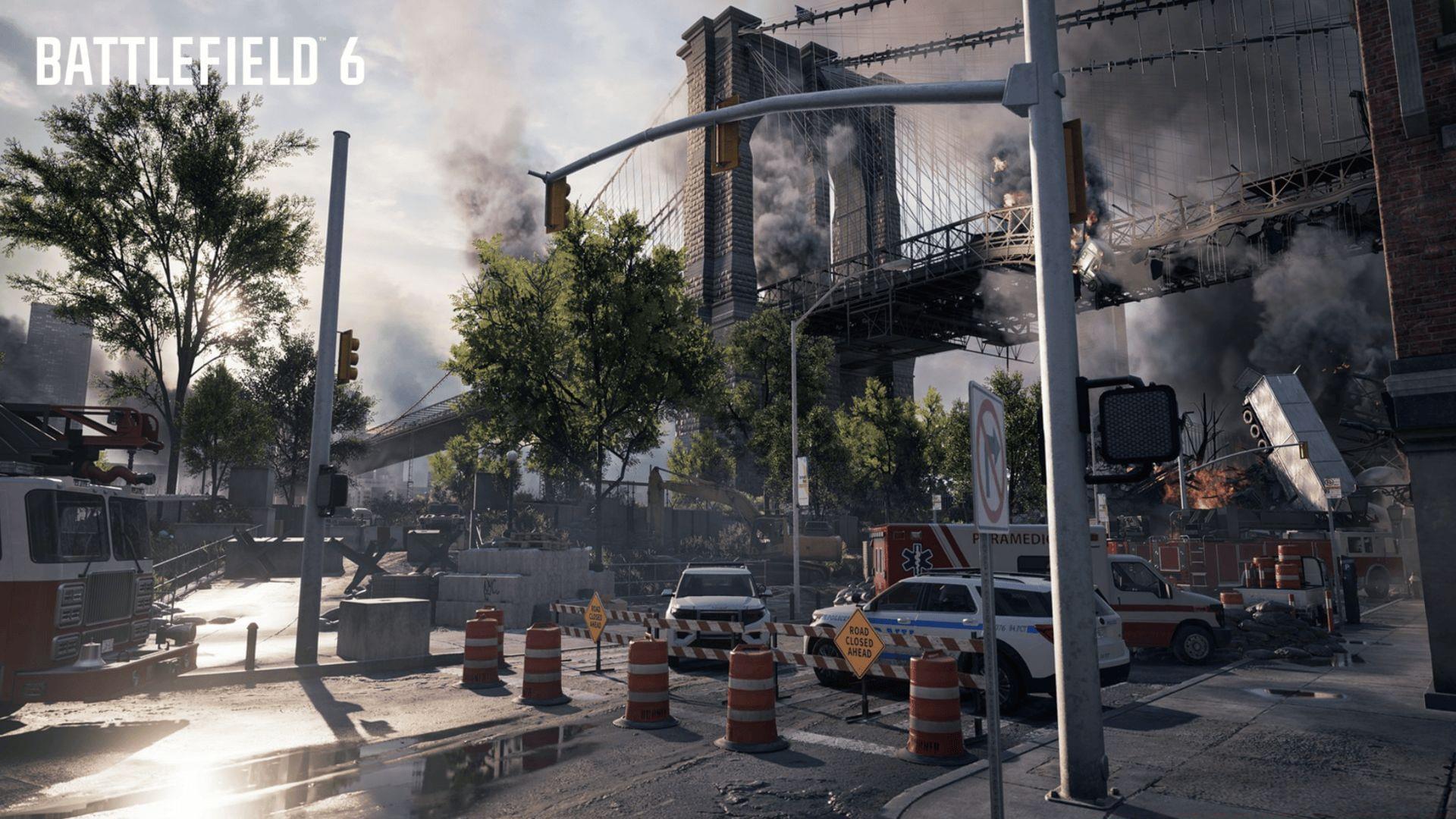
The frustrating “You can no longer join this party” notification represents one of the most common multiplayer obstacles Battlefield 6 participants encounter. This connection barrier typically manifests when attempting to enter a friend’s gaming session, frequently appearing unexpectedly during match loading sequences. Compounding user frustration, the game interface provides minimal technical context beyond this brief error message, leaving players to diagnose the underlying connectivity problem independently.
From a technical perspective, this error typically indicates a disruption in the handshake process between your client and the party host’s session. The game’s matchmaking infrastructure attempts to validate multiple connection parameters simultaneously, and when any single verification fails, the system terminates the join attempt with this generic message. Understanding this multi-layered validation process is crucial for effective troubleshooting.
Root causes and diagnostic approach
Effectively resolving Battlefield 6 party connection issues requires identifying which of five common failure points is disrupting your multiplayer experience:
- Host session termination – The party leader’s unexpected departure (due to crash, connectivity interruption, or manual exit) immediately invalidates the party instance
- Version synchronization mismatch – Different game builds between party members create compatibility barriers that prevent connection
- Server capacity limitations – During high-traffic periods or major content releases, server saturation blocks new party connections
- Cross-platform synchronization failure – Platform handshake issues between PC, Xbox Series X/S, and PlayStation 5 systems disrupt party formation
- EA account authentication problems – Session validation failures or credential issues prevent invitation processing
Quick diagnosis begins with verifying your own game version and connection stability before investigating potential host-side issues. Check the party leader’s status first, as host disconnections account for approximately 40% of these errors according to community-reported data.
Step-by-step troubleshooting solutions
Begin with these fundamental system reset procedures that address the majority of connection problems:
- Completely close Battlefield 6 and return to your system’s home interface
- Perform a full restart of your gaming console or computer system
- After rebooting, verify available updates before relaunching the game client
This comprehensive reset cycle establishes fresh connections to EA servers and eliminates temporary software glitches that frequently cause party join failures. Many players make the mistake of simply restarting the game without rebooting their entire system, which often leaves residual network conflicts unresolved.
Game version synchronization remains critical for party functionality. Even minor updates can create compatibility barriers between players:
- PC verification: Examine both Steam and EA App platforms for pending updates
- Console confirmation: Navigate to game management options and manually trigger update checks
All party participants must operate identical game builds for invitation systems to function properly. Seasoned players recommend establishing a pre-game verification ritual where everyone confirms their version number before attempting to connect.
Strategic reading: Optimal controller configurations for Battlefield 6 performance
When the current host experiences connectivity instability, the entire party infrastructure becomes vulnerable. Consider transferring hosting responsibilities to the player with the most reliable internet connection and geographically appropriate server region. This approach frequently resolves latency-induced connection timeouts that manifest as party join errors.
Crossplay functionality occasionally requires manual intervention to resynchronize platform matchmaking services:
- Access Settings → Gameplay → Crossplay options
- Disable the feature completely and confirm the setting change
- Re-enable crossplay functionality to force a fresh platform handshake
This reset procedure clears cached matchmaking data that sometimes becomes corrupted during platform transitions.
Native platform invitation systems (Xbox Live, PlayStation Network) demonstrate inconsistent reliability for Battlefield 6 party formation. For superior results:
- Access the integrated EA friends list through the in-game interface or standalone EA App
- Distribute and accept party invitations exclusively through EA’s ecosystem
- This bypasses platform-level restrictions that frequently disrupt game-specific party systems
During peak server demand periods, connection success rates decrease significantly. Weekend evenings and major content release days typically generate server congestion that impedes party formation. Strategic scheduling—prioritizing weekday sessions during off-peak hours—dramatically improves connection reliability. Advanced players monitor server status indicators through community resources before attempting to assemble large parties.
Proactive prevention strategies
Beyond reactive troubleshooting, implementing preventative measures significantly reduces party connection failure frequency. Establish a designated host with high-speed internet and geographical proximity to most party members. This minimizes latency issues that commonly trigger connection drops. Additionally, configure your network for gaming optimization: enable UPnP on your router, prioritize gaming traffic through QoS settings, and maintain open NAT types for seamless connectivity.
Session management represents another critical prevention area. Avoid joining parties immediately after application launch—allow 30-60 seconds for complete initialization of all game services. When transitioning between game modes, ensure the entire party exits to the main menu together rather than attempting to join new sessions individually. These simple behavioral adjustments prevent many common session synchronization errors.
Whether your “You can no longer join this party” error stems from host instability, version discrepancies, or server overload, the systematic approach outlined above resolves most connection obstacles. Persistent issues may indicate deeper network configuration problems requiring port forwarding adjustments or ISP-level troubleshooting.
Further exploration: Battlefield 6 Open Beta Weekend 2 comprehensive analysis
Expand your Battlefield 6 expertise through Sportskeeda’s dedicated coverage:
- Developer acknowledgment of persistent matchmaking complications during Open Beta
- Complete battlefield environment guide for Open Beta Weekend 2
- Real-time performance monitoring: FPS and ping display techniques for Open Beta Weekend 2
No reproduction without permission:SeeYouSoon Game Club » Battlefield 6 “You can no longer join this party” error: Possible fixes and reasons Complete troubleshooting guide for Battlefield 6 party connection errors with advanced multiplayer optimization strategies