
Complete breakdown of Baldur’s Gate 3 Hotfix 32 with expert troubleshooting strategies and optimization tips
Hotfix Overview and Major Update Context
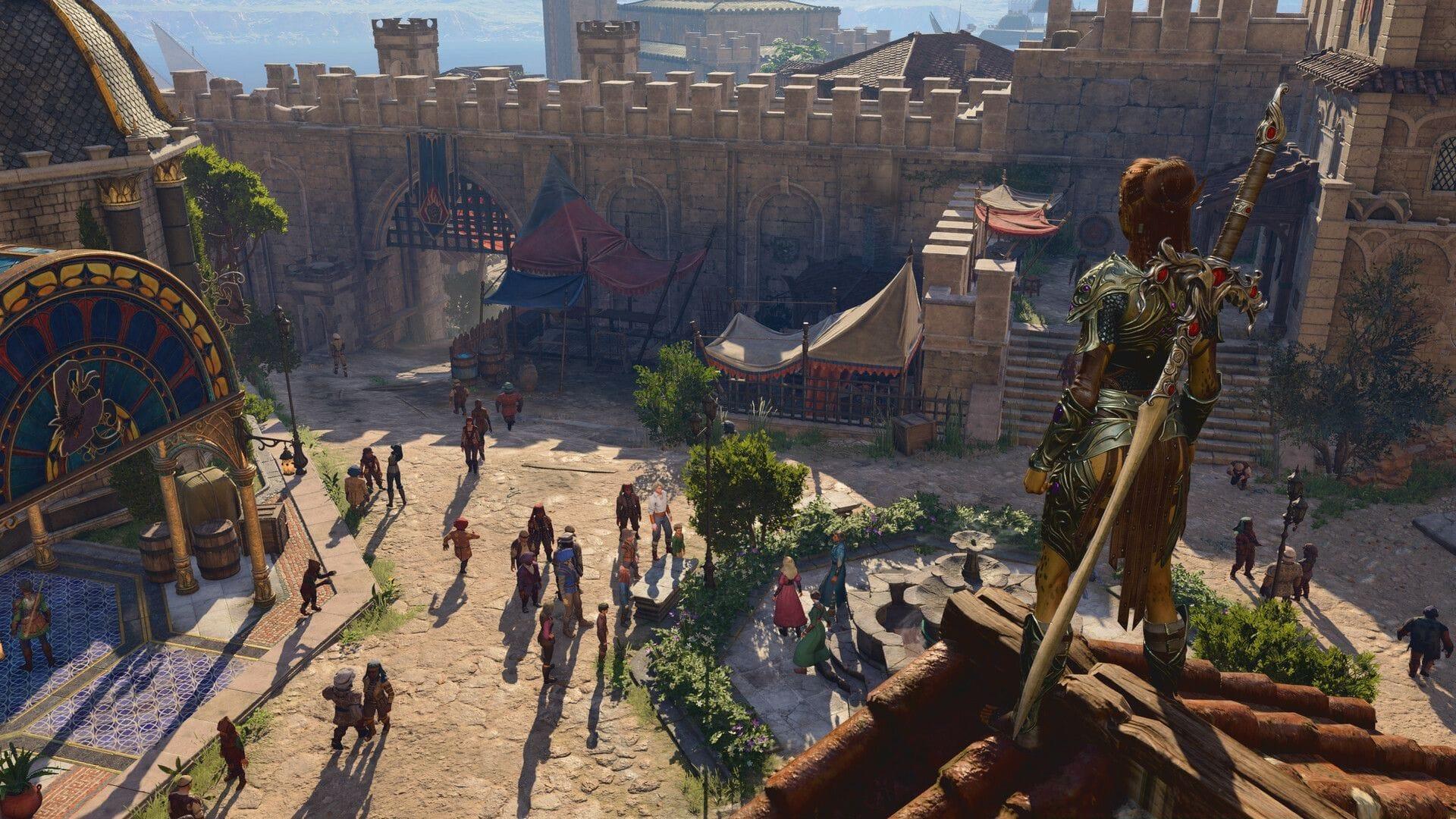
Larian Studios continues their exceptional post-launch support with Baldur’s Gate 3 Hotfix 32, arriving shortly after the game’s substantial content expansion. This latest patch builds upon the foundation established by the previous major update that introduced comprehensive modding integration, additional character customization options, and refined cross-platform cooperative gameplay. The development team has maintained their rapid response cadence to address emergent technical concerns while enhancing overall player experience.
The timing of this hotfix demonstrates Larian’s commitment to addressing critical gameplay disruptions promptly. Following significant content additions, stability becomes paramount, and Hotfix 32 specifically targets crash scenarios that could interrupt immersive gameplay sessions. This systematic approach to post-release support has become a hallmark of Larian’s development philosophy, ensuring players enjoy a polished experience throughout their adventures in Faerûn.
Critical Crash Fixes and System Stability
Multiplayer stability receives significant attention in this update, with several crash scenarios now resolved. The development team identified and corrected a problematic interaction occurring when players modified input methods during multiplayer session initialization. This particular issue could cause complete game termination, especially problematic for players coordinating cooperative campaigns across different platforms.
Xbox Series X|S users benefit from crucial cross-play crash resolution, specifically addressing system suspension during regional transitions. This fix prevents data corruption that could occur when putting the console into standby mode while moving between game areas. Additionally, split-screen enthusiasts using Vulkan API with DLSS enabled can now enjoy stable gameplay without unexpected application closures.
Advanced technical improvements address underlying engine issues where aura effects attempted to apply to incompatible items. This sophisticated fix prevents memory allocation errors and performance degradation that could gradually accumulate during extended play sessions. The resolution demonstrates Larian’s deep understanding of their game’s complex mechanical interactions.
- Eliminated crash triggered by invalid control character input during resource naming procedures
- Resolved multiplayer initialization crash when switching input methods mid-launch
- Fixed Xbox cross-play crash occurring during system suspension between region transitions
- Corrected Vulkan API split-screen crash with DLSS enabled
- Optimized aura application logic to prevent crashes with incompatible items
Gameplay Bug Resolutions and Quality Improvements
Character progression and visual integrity receive comprehensive attention in Hotfix 32. The restoration of Starry Forms functionality represents a significant victory for Druid players, as this core class feature now properly persists through Shadow Curse encounters. This correction ensures strategic build choices remain viable throughout challenging environmental hazards.
Multiplayer visual synchronization issues have been addressed, resolving the problematic client avatar invisibility that occurred until movement initiation. This fix enhances cooperative immersion by ensuring all party members render correctly from session start. Additionally, the black screen anomaly affecting both game world and main menu backgrounds after character creation has been eliminated, providing seamless visual transitions.
Cross-play management receives logical improvements with the prevention of contradictory session configurations. The update ensures players cannot accidentally enable cross-play functionality while hosting non-cross-play sessions, preventing connection failures and save compatibility issues. This proactive approach to session management demonstrates thoughtful user experience design.
- Restored Starry Forms persistence through Shadow Curse environmental effects
- Fixed client avatar rendering delay in multiplayer sessions until movement
- Corrected black screen presentation after character creation sequences
- Prevented cross-play activation conflicts in non-cross-play sessions
- Resolved Shadow Blade upcast tooltip displaying developer text
- Fixed rapid deletion button spam incorrectly removing latest save instead of selected save
- Enabled Mod Verification ‘Enable’ button for controller users
- Removed incompatible Direct Connect option from cross-play settings
- Addressed Half Plate Armour +2 material and clipping issues for specific character models
Advanced Troubleshooting and Prevention Strategies
Proactive crash prevention begins with understanding common trigger scenarios. Players experiencing stability issues should first verify their input methods remain consistent during multiplayer launches. Sudden switching between keyboard/mouse and controller inputs during session initialization can still cause instability despite the fixes. For optimal performance, establish your preferred control scheme before initiating multiplayer games.
Cross-play management requires deliberate configuration from the outset. When inviting friends to existing campaigns, ensure cross-play compatibility by verifying save file settings before session initiation. The hotfix prevents accidental mismatches, but proactive verification prevents connection failures and potential save corruption. Regular save management remains crucial—avoid rapid deletion actions and maintain multiple backup saves for critical campaign progression points.
Performance optimization extends beyond the hotfix through strategic graphics configuration. Vulkan API users should monitor DLSS settings during split-screen gameplay, as certain combinations may still cause minor instability. Aura-heavy builds benefit from the optimization but should still avoid equipping non-compatible items to prevent residual performance impacts. Mod users must complete verification processes completely, especially when using controller navigation through mod management interfaces.
Related optimization guidance: Baldur’s Gate 3 PC performance guide: High temperatures, ideal framerates, and more explored
Maintain awareness of Sportskeeda’s continuing coverage for emerging gaming strategies and technical guidance.
No reproduction without permission:SeeYouSoon Game Club » Baldur’s Gate 3 Hotfix 32 patch notes: Everything improved with the latest patch (May 20, 2025) Complete breakdown of Baldur's Gate 3 Hotfix 32 with expert troubleshooting strategies and optimization tips