
Comprehensive troubleshooting guide for Arc Raiders Network Timeout errors with expert networking solutions
Understanding Network Timeout Errors
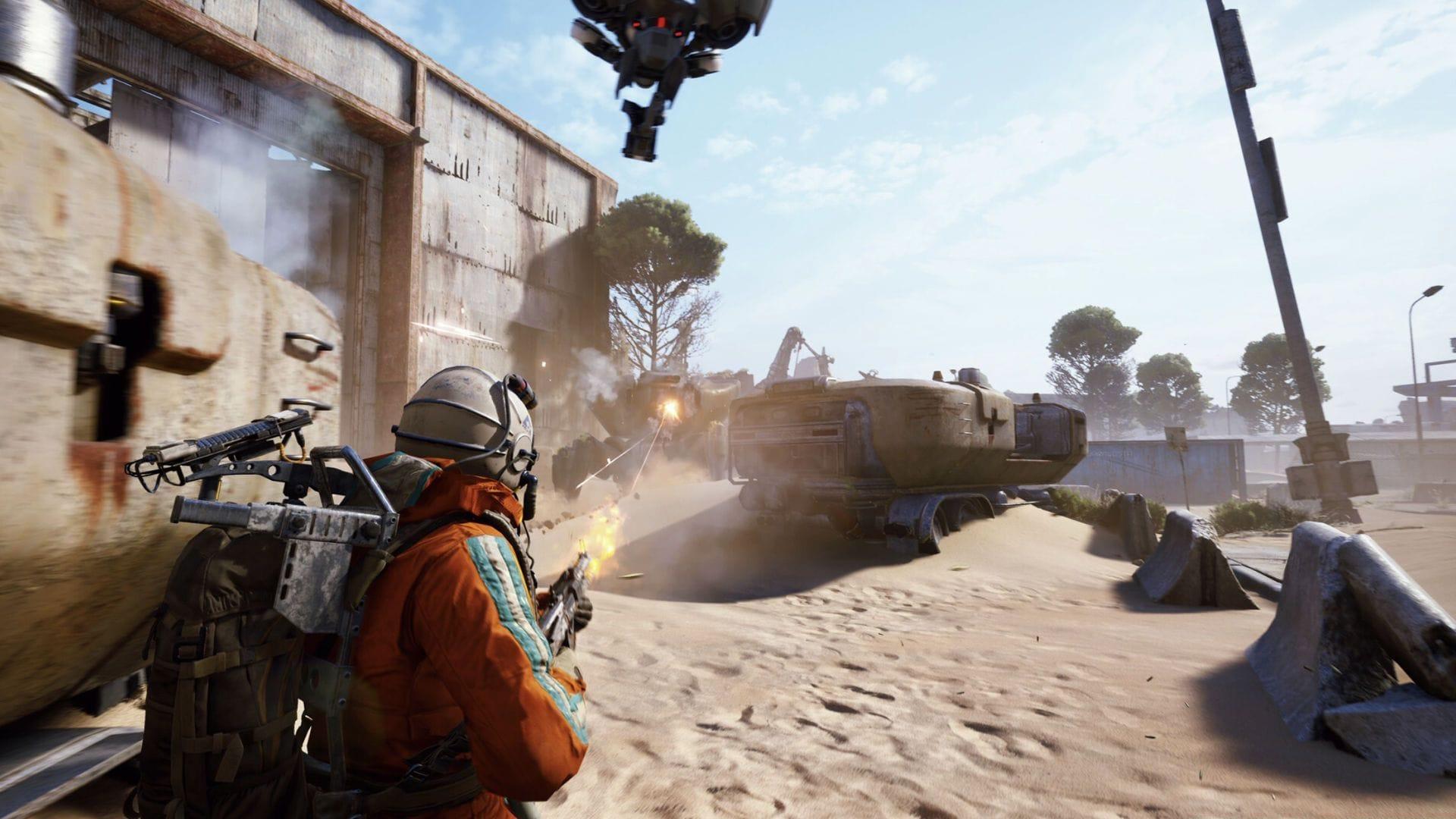
When encountering the frustrating “Network Timeout” notification in Arc Raiders, you’re experiencing a common connectivity challenge affecting numerous players. This interruption typically occurs during critical connection phases: initial server handshake attempts or account synchronization processes. The error may manifest immediately after selecting Play or disrupt loading sequences midway through authentication.
Understanding the technical foundation of these timeout incidents helps contextualize troubleshooting approaches. Network timeouts represent failed communication attempts where the game client cannot establish or maintain stable connection with Embark Studios’ authentication and game servers within specified time thresholds.
Professional network analysis reveals these errors generally indicate one of three failure points: local network configuration issues, client-side software conflicts, or server infrastructure problems. Identifying which category your specific timeout falls into dramatically improves resolution efficiency.
Looking for Crossword hints & solutions? Check out latest NYT Mini Crossword Answers, LA Times Crossword Answers, and Atlantic Crossword Answers
While Embark Studios hasn’t released official documentation detailing specific triggers for the Arc Raiders “Network Timeout” error, community-reported patterns strongly suggest network communication breakdowns as the primary culprit.
Technical investigation points toward these prevalent causation factors:
Quick Diagnostic Framework
Before diving into complex solutions, establish a systematic diagnostic approach to identify your specific timeout origin. This methodology saves significant troubleshooting time by eliminating unnecessary steps.
Begin with basic connection validation: Test your internet stability by accessing other online games or streaming services. If these function normally, the issue likely resides with Arc Raiders specifically rather than your general connectivity. For PC players, utilize Windows Network Diagnostics or command-line tools like ping and tracert to Embark Studios’ servers.
Client-side verification should include checking Task Manager for background processes. Sometimes, Arc Raiders processes hang without proper termination, creating conflicts when relaunching. Ensure complete process termination before restart attempts.
Server status confirmation represents your next critical check. Visit Embark Studios’ official status page or community channels. During peak hours or following updates, server capacity issues frequently trigger timeout errors that resolve automatically once load decreases.
Advanced diagnostic tip: Monitor your network usage during connection attempts. If you see upload spikes without corresponding download activity, this indicates handshake failures where your client transmits data but receives no server response.
Step-by-Step Resolution Methods
Implement these proven resolution techniques in sequential order for maximum effectiveness against Arc Raiders Network Timeout errors.
Initiate with the fundamental restart procedure: Completely close Arc Raiders, ensuring full application termination rather than merely returning to the main menu. This basic action frequently resolves transient connection issues by resetting the authentication handshake between your system and game servers.
When brief connectivity interruptions cause timeout incidents, restarting typically clears the pathway. PC users should additionally access Task Manager to confirm no residual Arc Raiders background processes persist before reinitiating the game.
Launcher-related complications often masquerade as game problems. Steam and Epic Games launchers occasionally develop session management issues that disrupt proper server communication.
Execute these launcher refresh steps:
This straightforward procedure frequently reestablishes your network linkage to game servers by refreshing session tokens and connection parameters.
When initial methods prove ineffective, investigate your network infrastructure. The most rapid solution involves router restarting:
For persistent timeout occurrences, implement comprehensive router reset procedures. This resolves IP conflicts, DNS cache corruption, and connection desynchronization that degrade gaming performance.
Corrupted game files represent another prevalent timeout source. Verification processes identify and repair damaged or missing components:
Epic Games users can access Verify options through the launcher’s game management settings. This process typically requires 2-10 minutes depending on installation size and system performance.
Advanced Network Optimization
For players experiencing recurring Network Timeout errors, these advanced configurations provide lasting solutions beyond basic troubleshooting.
Port forwarding represents the most effective advanced technique. Arc Raiders requires specific ports open for optimal communication. Configure your router to forward these ports to your gaming device:
Quality of Service (QoS) settings prioritize gaming traffic over other network activities. Access your router administration panel and enable QoS, assigning highest priority to your gaming device or specifically to Arc Raiders network traffic.
DNS optimization frequently resolves connection issues. Switch from your ISP’s default DNS to performance-focused alternatives like Google DNS (8.8.8.8, 8.8.4.4) or Cloudflare DNS (1.1.1.1). This change often improves routing efficiency to game servers.
Windows firewall exceptions ensure Arc Raiders communications aren’t blocked. Add explicit inbound and outbound rules permitting Arc Raiders executable files through Windows Defender Firewall. Similar configurations may be necessary for third-party antivirus software.
For wireless connections, channel optimization reduces interference. Use applications like WiFi Analyzer to identify congested channels and switch to less crowded options. Wired Ethernet connections remain superior for gaming stability when possible.
Server-Side Considerations
When exhaustive troubleshooting yields no resolution, the Network Timeout source likely resides with Embark Studios’ infrastructure rather than your local setup.
Server maintenance periods, backend technical difficulties, or unexpected outage incidents can prevent successful connections. During these situations, player-side interventions prove ineffective until developer resolution.
Maintain awareness through official communication channels. Regularly check Arc Raiders’ official X (formerly Twitter) account and Discord server for service status updates. Developers typically post maintenance notifications, outage acknowledgments, and resolution timelines through these platforms.
Regional server status variations may explain why some players experience issues while others connect successfully. Geographic routing problems or localized server overload can create timeout conditions affecting specific player groups.
Scheduled maintenance windows commonly occur following major updates or content releases. These planned downtimes typically last 1-4 hours and resolve various technical issues, including those causing connection timeouts.
The persistent “Network Timeout” error in Arc Raiders challenges player patience, particularly when eager to join squad-based extraction activities. Most community members resolve these incidents through game restarting, router resetting, or file verification processes.
When these methods prove insufficient, server-side issues typically underlie the problem, necessitating patience until developer interventions restore service. Fortunately, these represent temporary rather than permanent obstacles, with normal gameplay resuming following technical resolution.
Also read: Arc Raiders “Online connection error”: Possible fixes and reasons
For more articles on Arc Raiders, follow Sportskeeda:
No reproduction without permission:SeeYouSoon Game Club » Arc Raiders “Network Timeout” error: Possible fixes and reasons Comprehensive troubleshooting guide for Arc Raiders Network Timeout errors with expert networking solutions