
Comprehensive troubleshooting guide to resolve ARC Raiders connection errors and improve online stability
Understanding the Connection Error
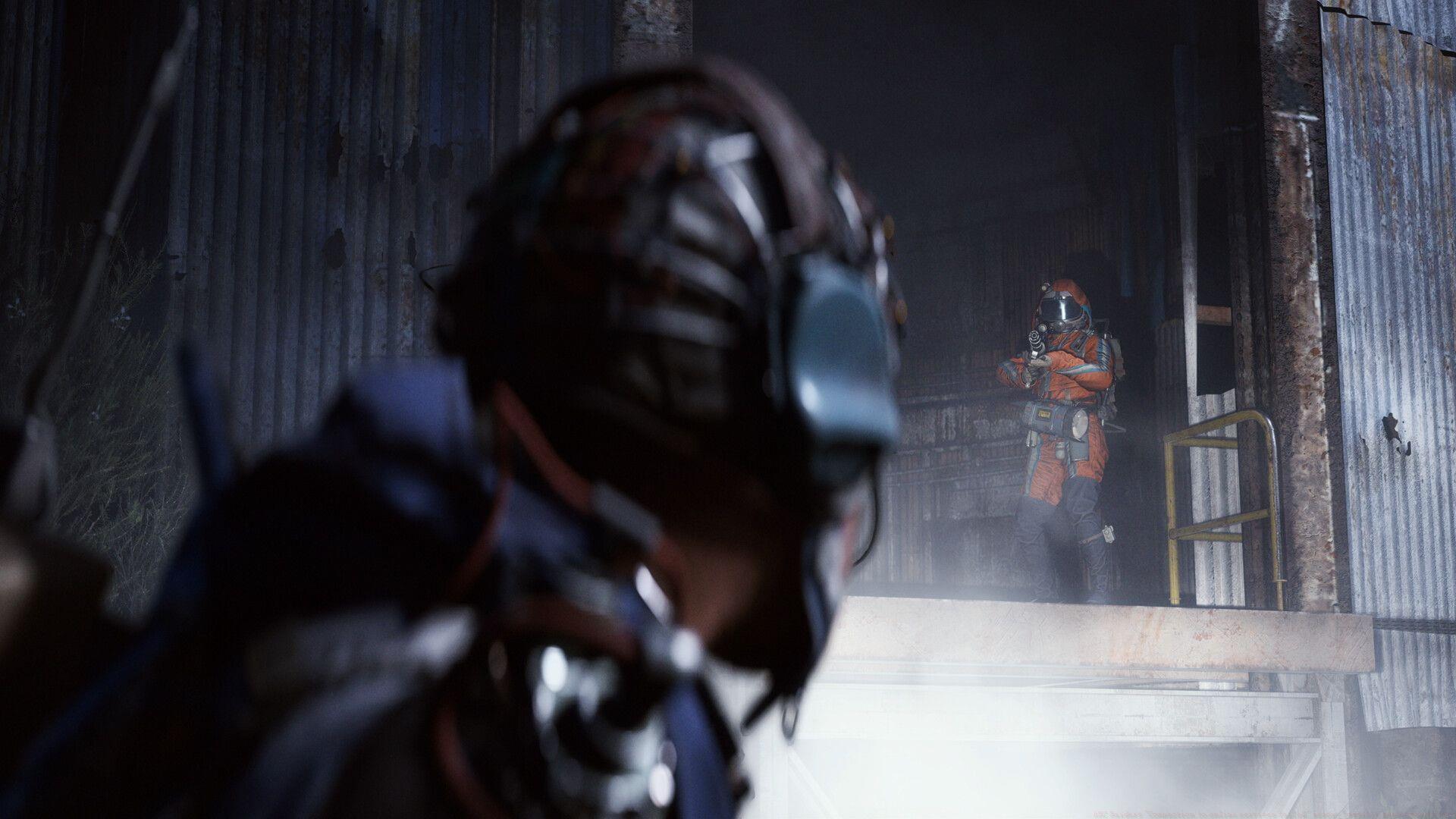
The ARC Raiders “Connection to online services failed” error has emerged as a significant barrier for players attempting to access Embark Studios’ extraction shooter. This connectivity disruption typically manifests during login attempts or mid-game sessions, creating substantial frustration among the gaming community.
When encountering this error, systematic diagnosis becomes essential to identify whether the issue originates from server-side maintenance or local network configuration problems. Understanding the error’s root cause enables targeted troubleshooting approaches.
Before initiating complex troubleshooting procedures, always begin by verifying the official ARC Raiders server status. Game servers frequently undergo scheduled maintenance windows, security updates, or unexpected downtime that temporarily prevents login access. Attempting connection during these periods will consistently trigger the error message regardless of your local setup quality.
Once confirming server availability, proceed with client-side diagnostics. Connection failures often follow predictable patterns – intermittent disconnections typically indicate network instability, while persistent login failures suggest deeper configuration issues requiring advanced intervention.
Network Configuration Solutions
Comprehensive network assessment provides the foundation for resolving connectivity challenges. Begin by evaluating your internet connection’s fundamental metrics: download/upload speeds, packet distribution efficiency, and latency stability. Unstable connections often exhibit packet loss exceeding 2-3% or latency spikes above 150ms, both of which severely impact online gaming performance.
Explore deeper: All quests in Arc Raiders (Objectives, rewards, and more explained)
Virtual Private Networks, while beneficial for privacy, frequently disrupt gaming connections by routing traffic through distant servers and introducing additional latency layers. For optimal ARC Raiders performance, completely disable VPN services during gameplay sessions. Remember to reactivate your VPN protection after concluding your gaming session to maintain security during regular browsing activities.
Domain Name System configuration represents another critical troubleshooting area. Flushing your DNS cache through Command Prompt using the “ipconfig /flushdns” command clears corrupted resolution data that may prevent proper connection to game servers. For enhanced performance, consider switching to gaming-optimized DNS providers like Google DNS (8.8.8.8) or Cloudflare (1.1.1.1) which often provide faster response times and improved reliability.
Advanced Troubleshooting Techniques
When basic solutions prove insufficient, advanced network configuration becomes necessary. Port forwarding represents a powerful technique for ensuring direct communication pathways between your gaming device and ARC Raiders servers. Configure your router to forward ports 27015-27030 TCP/UDP and 3478-3479 UDP, which are commonly used for online gaming services and can significantly improve connection stability.
Firewall and security software often inadvertently block gaming connections despite proper network configuration. Create specific exceptions in Windows Defender Firewall for ARC Raiders executable files, and ensure third-party antivirus applications recognize the game as a trusted program. Temporarily disabling security software during connection attempts can help identify whether overprotective filters cause the connectivity issues.
Further reading: How to complete With A Trace quest in ARC Raiders
Game file integrity verification provides another troubleshooting avenue. Through your gaming platform’s verification tools, scan for corrupted or missing game files that might disrupt online functionality. Additionally, ensure your network drivers and gaming platform clients are fully updated, as outdated software frequently creates compatibility issues with newer game releases.
Proactive Prevention Strategies
Implementing proactive monitoring establishes long-term connection stability. Utilize network diagnostic tools like PingPlotter or Wireshark to identify intermittent connectivity patterns that standard speed tests might miss. These tools provide detailed visualization of packet travel paths, highlighting exactly where connection failures occur within the network chain.
For wireless connections, optimize your setup by selecting less congested WiFi channels, positioning your router for minimal interference, and considering wired Ethernet connections for maximum stability. Wired connections typically reduce latency by 15-30ms compared to wireless and eliminate packet loss caused by signal interference.
When all self-troubleshooting methods exhaust without resolution, escalate to Embark Studios’ customer support with detailed diagnostic information. Provide specific error codes, connection test results, and precise timing of failures to facilitate efficient problem resolution. The development team continuously works on server optimizations and may already be addressing widespread connection issues reported by the community.
If you found this guide helpful, explore these additional ARC Raiders resources:
No reproduction without permission:SeeYouSoon Game Club » ARC Raiders “Connection to online services failed” error: Possible reasons and fixes Comprehensive troubleshooting guide to resolve ARC Raiders connection errors and improve online stability