
Complete guide to claiming ALGS Split 2 Twitch Drops with schedule, linking tips, and reward strategies
Introduction to ALGS Split 2 Twitch Drops
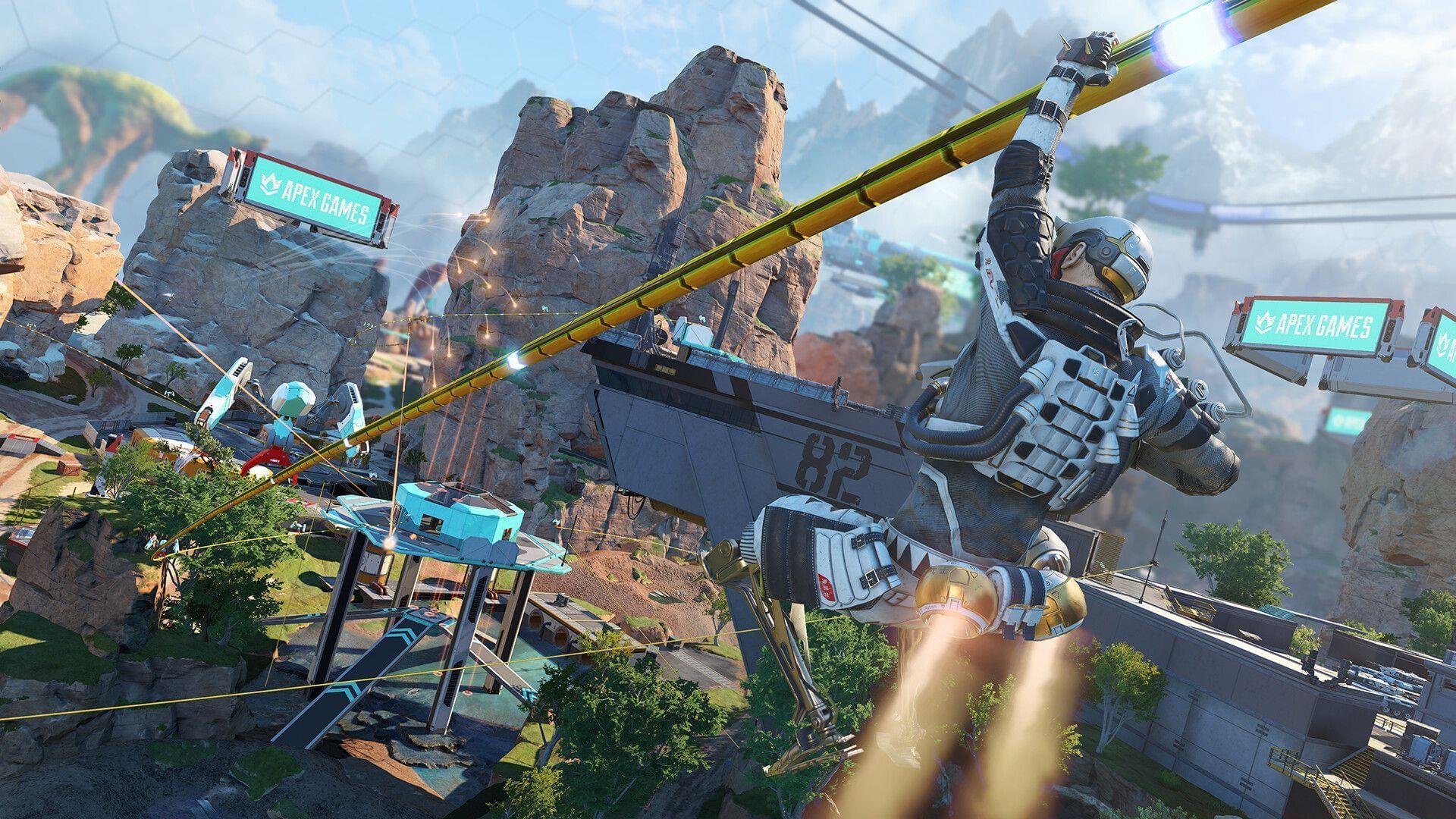
Apex Legends ALGS Split 2 Twitch Drops represent an exciting opportunity for fans to earn exclusive in-game cosmetics while enjoying elite competitive gameplay. As Split 2 launches, the battle intensifies with rising stars from Challenger Circuits challenging established professional squads for championship qualification. Respawn Entertainment celebrates this competitive milestone by offering complimentary Twitch Drops to viewers tuning into official broadcasts or community watch parties throughout the season.
Beyond entertainment, these drops provide tangible value for dedicated players seeking to customize their gameplay experience with limited-edition items unavailable through standard progression systems.
Account Linking Process
Before accessing any ALGS Split 2 rewards, you must establish a secure connection between your gaming and streaming accounts. This foundational step ensures proper reward tracking and delivery to your Apex Legends inventory.
- Access Your EA Account Credentials: Navigate to EA’s official portal and authenticate using the exact account credentials associated with your Apex Legends gameplay history. Account consistency is critical for reward attribution.
- Navigate to Connected Services: Proceed to the account management dashboard where you can manage integrated platform connections and cross-service permissions.
- Select Twitch Integration: From the available platform options, choose Twitch to initiate the connection protocol between your accounts.
- Complete Authorization Process: Click the continuation prompt and securely log into your Twitch account. Successful linkage creates a bidirectional data bridge for drop distribution.
Alternative connection methods include initiating the link directly through Twitch’s connection settings panel. Electronic Arts provides comprehensive video guidance to resolve common synchronization issues. After establishing this connection, your account becomes eligible to receive and claim ALGS Split 2 Twitch Drops automatically.
Pro Tip: Verify your connection status 24 hours before major matches by checking the ‘Connections’ tab in both EA and Twitch accounts to prevent last-minute technical issues.
Also read: Apex Legends minor update (August 26, 2025)
Reward Details and Claiming Strategy
The exclusive “False Call” sticker becomes available starting August 31, 2025, commemorating the Split 2 kickoff event. Unlock this distinctive cosmetic by accumulating 30 minutes of viewership across any authorized ALGS broadcast channels. This straightforward participation requirement lets enthusiasts enjoy premier Apex Legends esports while enriching their personal collection with season-specific memorabilia.
Advanced Strategy: For collectors managing multiple accounts, consider running streams on separate devices during match days to maximize reward acquisition across different profiles. However, ensure each account meets the individual linking requirements beforehand.
Common Mistake Avoidance: Many viewers mistakenly watch unofficial restreams or highlight channels that don’t qualify for drop progression. Always verify stream legitimacy through the official ALGS Twitch directory or partnered broadcaster lists.
Also read: Apex Legends disables Accolades indefinitely
Complete Match Schedule
Strategic viewing planning maximizes your drop acquisition efficiency throughout the ALGS Split 2 season. Mark these essential broadcast dates to ensure you don’t miss reward opportunities:
- August 31, 2025 – Match #1 (Kickoff Weekend)
- September 6–7, 13–14, 27–28, 2025 – Matches #2–7
- October 4–5, 2025 – Matches #8–9
- October 12, 2025 – Regional Finals (Match #10)
Regional Broadcast Times:
- EMEA Start Time: 10:00 AM PT / 6:00 PM BST
- NA Start Time: 3:00 PM PT / 11:00 PM BST
Scheduling Tip: Set calendar reminders for your region’s specific start times, accounting for daylight saving changes that might affect conversion from PT to your local timezone. The most intense competition typically occurs during Regional Finals, making those broadcasts particularly exciting for both entertainment and reward collection.
Pro Viewing Strategies
Elevate your ALGS viewing experience while optimizing reward collection with these professional techniques:
Stream Quality Optimization: Ensure stable internet connectivity and use Twitch’s alternative quality settings if bandwidth becomes constrained during peak viewing periods. Background audio-only streaming via mobile devices counts toward watch time while conserving data.
Multi-Stream Setup: Advanced viewers can utilize multiple monitors or devices to follow both main broadcast and watch party streams simultaneously, though only one stream contributes to progression at a time.
Engagement Techniques: Participate in prediction games and channel points redemption during broadcasts to enhance interactive enjoyment beyond simple reward collection. The fusion of emerging talent from developmental circuits with seasoned professional veterans guarantees high-stakes drama and spectacular gameplay moments throughout Split 2.
Complete your account connections, schedule viewing sessions, and capitalize on this opportunity to obtain exclusive Apex Legends ALGS Split 2 Twitch Drops while supporting competitive esports.
Also read: New Apex Legends bug removes all movement restrictions when using Grand Slam Bat
Follow Sportskeeda for more updates:
- Apex Legends Galactic Games Event
- Apex Legends Accolades temporarily disabled: Everything we know
- Revenant immortality bug resurfaces in Apex Legends Season 26, devs disable character temporarily
- Apex Legends Season 26
No reproduction without permission:SeeYouSoon Game Club » Apex Legends: How to claim Apex Legends ALGS Split 2 Twitch Drops Complete guide to claiming ALGS Split 2 Twitch Drops with schedule, linking tips, and reward strategies