
TL;DR
- Nintendo Switch Online subscription required for automatic island backups
- Backups occur automatically when not playing, even in sleep mode
- Restoration only available for lost or damaged Switch systems
- Save data transfer between consoles coming in future update
- Check title screen for last backup timestamp verification
The summer update for Animal Crossing: New Horizons introduced crucial emergency backup capabilities for your island data. This essential feature provides peace of mind against potential data loss scenarios.
Animal Crossing’s second summer enhancement brought multiple quality-of-life improvements alongside the backup functionality. Beyond the weekly fireworks displays and amusing tripping animations, the save protection system operates differently than standard Nintendo Switch Online cloud saves. Understanding this distinction helps ensure your island remains secure.
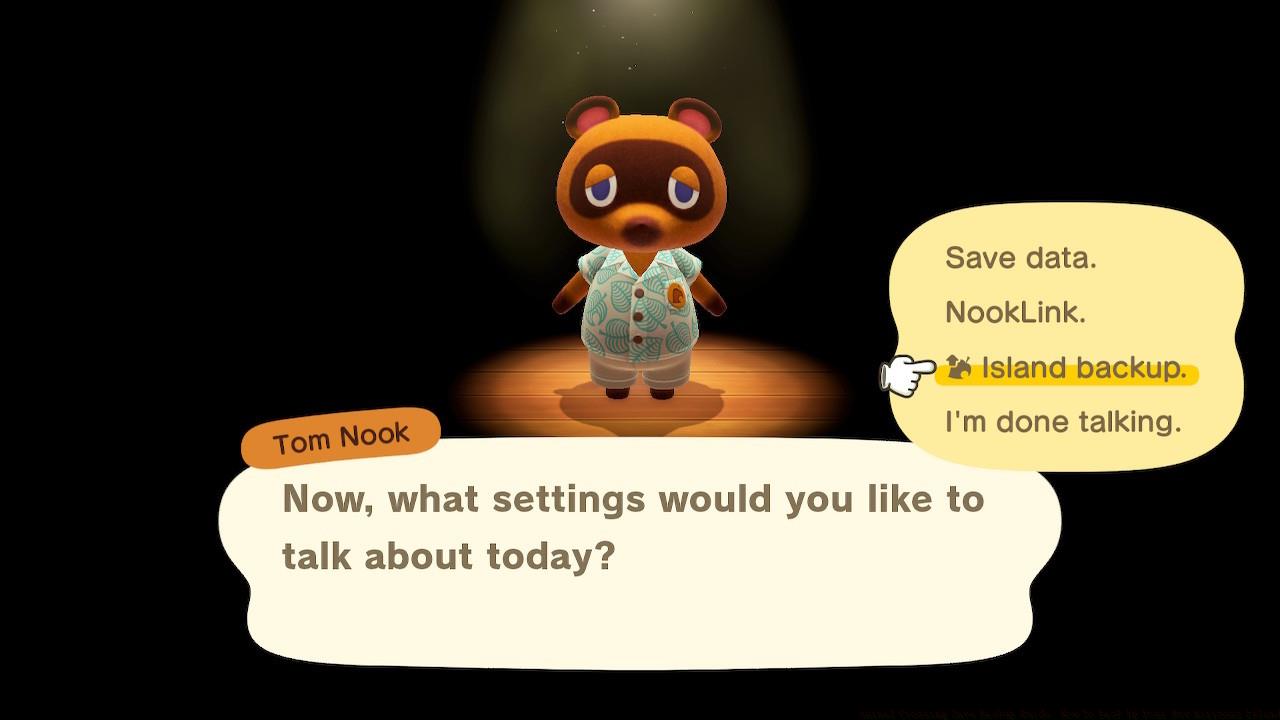
Following installation of the 1.4.0 update, locate the Backups – Not Set indicator positioned below the Settings option on your title screen’s lower left corner. Access the configuration menu by pressing the Minus button, then choose Island Backup from Tom Nook’s available selections to initiate the setup procedure.
After selecting Island Backup, Nook clarifies this function serves exclusively for situations involving lost or damaged Nintendo Switch hardware. The interface presents two choices: Enable island backup to activate the service immediately, or Listen to explanation for comprehensive details about operational requirements.
Utilizing the Island Backup feature mandates an active Nintendo Switch Online paid membership. Subscription plans offer flexible durations: monthly access costs $4 USD, quarterly service runs $8 USD, while annual coverage totals $20 USD. The Family Plan alternative provides exceptional value at $35 USD annually, supporting up to eight separate Nintendo Accounts across different consoles.
Beyond the subscription requirement, you must possess either a physical cartridge or digital edition of Animal Crossing: New Horizons with existing save data. Consistent internet connectivity remains crucial for successful automatic backup operations.
Common Mistake Alert: Many players assume backups occur during gameplay, but the system actually uploads data during offline periods. Ensure your Switch maintains internet connection even when not actively playing.
Pro Tip: Consider the Family Plan if multiple household members play Animal Crossing, as it offers significant cost savings compared to individual subscriptions.
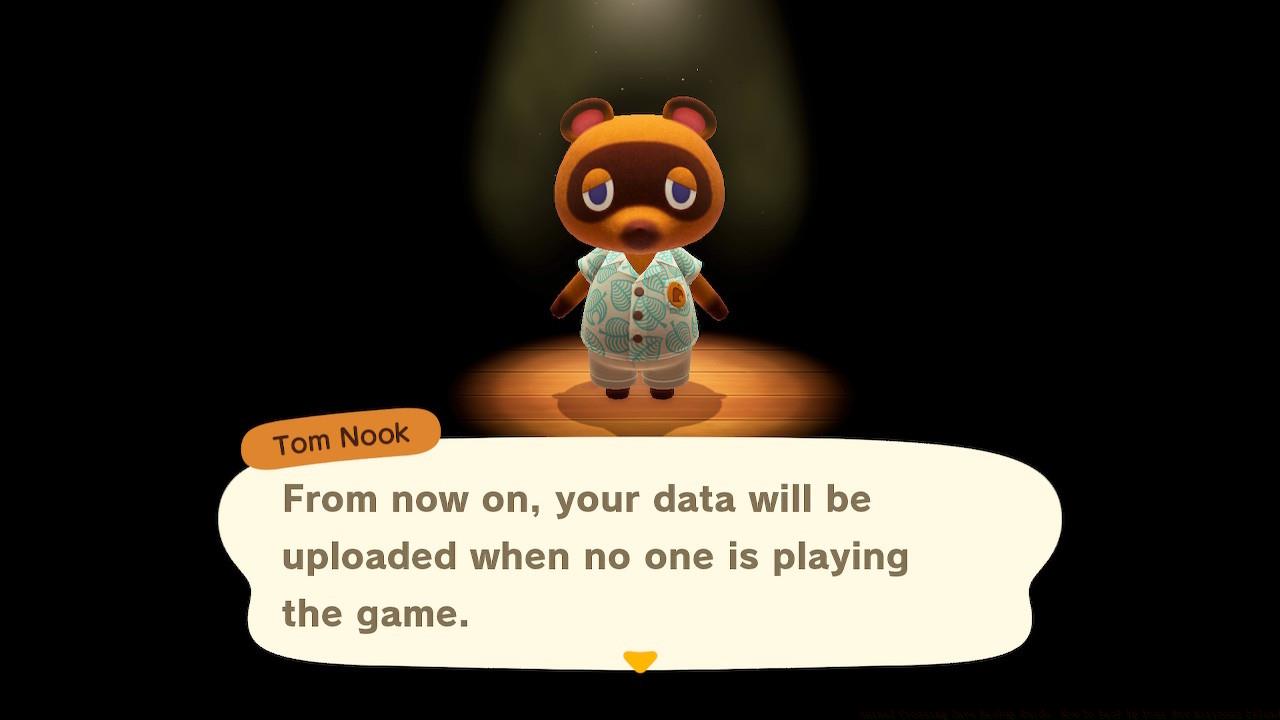
Once you activate the Island Backup functionality, your save information uploads automatically at regular intervals without further manual intervention. Backup operations trigger during non-play sessions, functioning seamlessly even when your console rests in sleep mode, provided internet access remains available.
Monitor your most recent backup timestamp directly from the title screen interface. The lower left display area beneath the Settings option shows the exact date and time of your latest successful data upload.
Technical Insight: Backups typically occur approximately every 4-6 hours during inactive periods, though Nintendo maintains this as an automated process without user-configurable intervals.
Verification Strategy: Regularly check the backup timestamp after extended play sessions or before traveling with your Switch to ensure recent progress remains protected.
As Nintendo consistently emphasizes, restoring your New Horizons save data becomes possible only when facing Switch loss or hardware failure scenarios. Before initiating recovery, you’ll need either a repaired original system or replacement console, plus your Animal Crossing game copy. The Nintendo Account that originally enabled island backups must perform the restoration procedure.
Critical Consideration: Unlike other Switch titles, you cannot manually download your Animal Crossing save data for routine transfers or to revert to previous states.
Emergency Preparedness: Document your Nintendo Account credentials separately from your Switch hardware. Without this information, recovering your island becomes impossible even with functional backups.
For comprehensive gaming strategies beyond backup management, explore our Complete Guide to master various game mechanics.
Currently, New Horizons prevents direct save data migration between different Switch consoles. However, Nintendo has officially confirmed development of dedicated transfer functionality for moving your island to alternative hardware. This anticipated feature lacks specific release timing but remains scheduled for implementation in forthcoming updates.
Development Context: The delayed transfer capability stems from Animal Crossing’s unique single-island-per-console architecture, requiring specialized solutions compared to standard save transfers.
Planning Ahead: If anticipating a console upgrade, maintain your Nintendo Switch Online subscription continuously to preserve backup integrity throughout the transition period.
Enhance your gaming expertise with our detailed Weapons Unlock strategies and Class Guide for optimal character development.
Action Checklist
- Verify Nintendo Switch Online subscription status
- Press Minus button on title screen to access backup settings
- Enable island backup through Tom Nook’s menu
- Confirm internet connectivity for automatic backups
- Regularly check title screen for latest backup timestamp
No reproduction without permission:SeeYouSoon Game Club » Animal Crossing Save Backup Guide: How To Back Up Your New Horizons Island Complete guide to backing up and restoring your Animal Crossing island data with Nintendo Switch Online