
Complete guide to Battlefield 6 errors with troubleshooting solutions and workarounds
Introduction: Understanding Battlefield 6’s Launch State
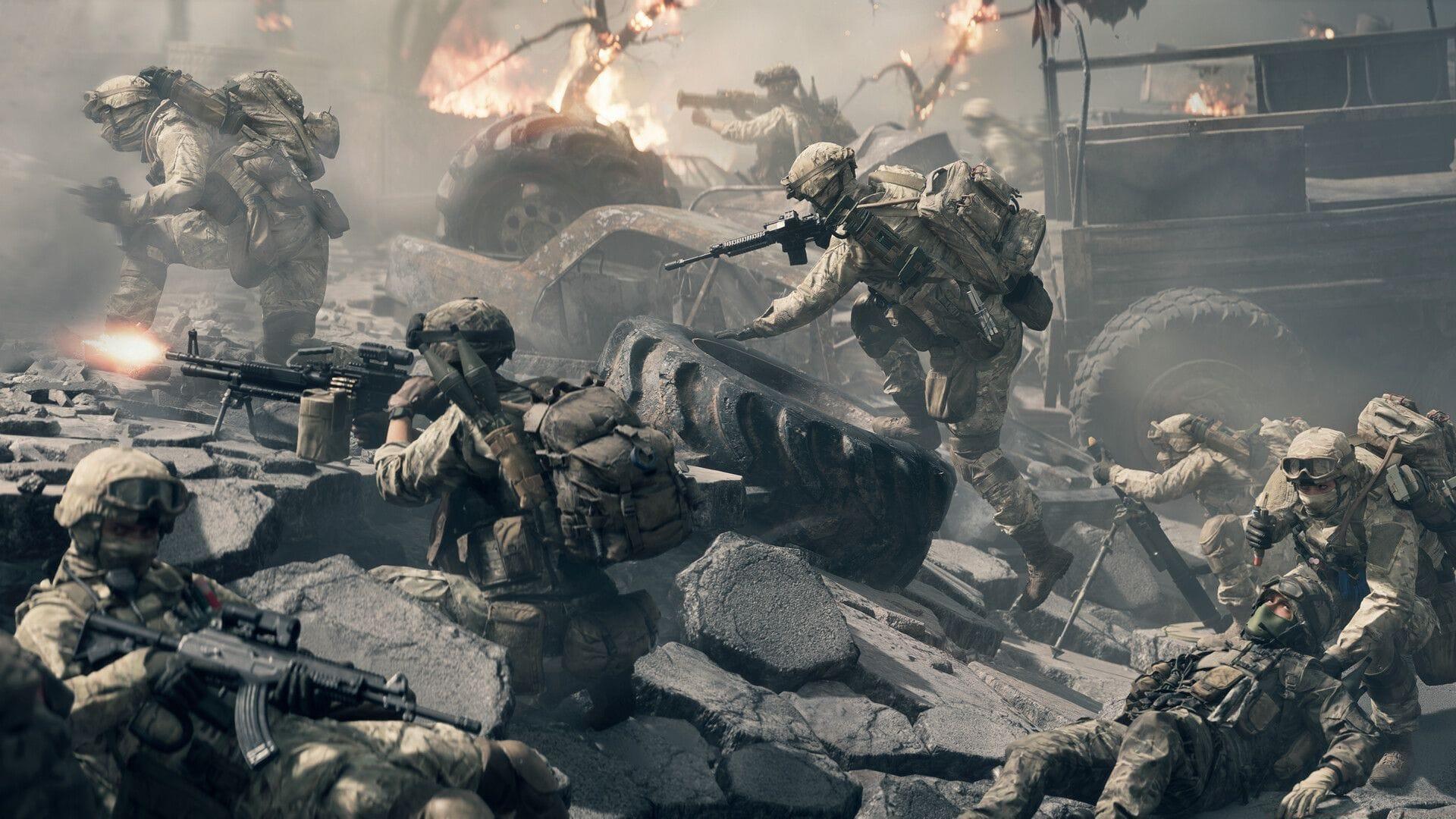
Despite Battlefield 6′s impressive commercial reception, the gaming community has encountered numerous technical challenges and system errors that impact the overall experience. Electronic Arts has officially recognized these concerns through community manager EA_Leeuw, who detailed ongoing development efforts to resolve the most critical problems. The development team is actively deploying patches and temporary solutions while working toward comprehensive fixes.
For players seeking additional entertainment options, explore our guides on NYT Mini Crossword solutions, LA Times Crossword answers, and Atlantic Crossword puzzles for diverse gaming experiences.
This comprehensive guide organizes the identified technical issues by category, providing context about each problem’s impact and the current resolution status from development teams.
Gameplay and Combat System Issues
Core gameplay mechanics in Battlefield 6 exhibit several technical inconsistencies that affect combat fluidity and tactical execution. Movement systems occasionally malfunction when soldiers interact with environmental objects, causing unpredictable physics behavior that can disadvantage players during critical moments.
- Movement Physics: Character vaulting mechanics demonstrate inconsistency when approaching obstacles from suboptimal angles, resulting in soldiers bouncing back instead of successfully clearing barriers. This requires players to approach vault points more deliberately.
- Weapon Functionality: Several firearms experience reload interruption bugs when input commands are executed too rapidly after firing sequences. The EOD Bot deployment system can malfunction when used in proximity to Supply Crates, requiring strategic positioning adjustments.
- Targeting Systems: Defibrillator hit registration suffers from range calculation errors following recent adjustments, while certain optical sights experience lens detachment during aiming down sights sequences. Crosshair scaling problems particularly affect 4K resolution users.
- Vehicle Combat: Air-to-Air missile systems including R-84V2 and AIM-84 variants remain temporarily disabled due to targeting anomalies against aircraft targets. Weapon sway mechanics can improperly reset following vehicle disembarkation.
- Interface Display: The command console remains inaccessible in current builds, while game mode UI elements may fail to update properly for players joining matches mid-round. Minimap rendering occasionally falters on Escalation maps.
Pro Tip: To avoid vaulting failures, approach obstacles directly rather than at angles, and allow brief pauses between firing and reload commands to prevent animation cancellation bugs.
Visual and Technical Performance Problems
Visual presentation and performance optimization represent significant challenge areas in Battlefield 6’s current build. Graphics rendering issues span multiple platforms with distinct manifestations depending on hardware configuration and display settings.
- Rendering Artifacts: Screen tearing occurs frequently across all platforms, though enabling V-Sync typically resolves this visual distraction. Weapon visual effects corruption appears specifically when running at 120Hz refresh rates.
- Shader Performance: Initial mission loading triggers shader compilation stutter on PC platforms, particularly noticeable during Prologue sequences and introductory missions. This typically resolves after initial compilation completes.
- Resolution Scaling: Dynamic Resolution Scaling (DRS) malfunctions in Performance Mode on consoles, requiring manual toggling after each new session initiation. Aspect ratio miscalculations create visible screen borders at certain resolutions.
- Graphics Presets: Auto Performance configuration incorrectly applies Low settings on RTX 5080 graphics cards regardless of resolution selection. Manual settings adjustment provides temporary mitigation.
- Input Configuration: PC players from launch day may experience excessive controller deadzone values (22% default) causing unintended aim drift. Reducing to 8% significantly improves responsiveness.
Advanced Optimization: For PC players, manually compiling shaders before gameplay sessions can reduce in-game stuttering. Console users should toggle Performance Mode after each session join to activate proper DRS functionality.
Progression and Cosmetic System Errors
Player progression tracking and cosmetic customization systems contain several tracking inaccuracies and display errors that impact long-term engagement and reward visibility. These issues primarily affect stat recording and visual representation rather than actual progression capability.
- Challenge Tracking: Multiple progression systems exhibit inaccurate tracking, including Supply Pouch resupply actions, vehicle repair metrics, and Vehicle Supply Crate usage. The Weapon Expert challenge description inaccurately represents actual requirements.
- Assignment Classification: Helicopter vehicles incorrectly register as ground vehicles for Land Vehicle Expert assignments, while Vehicle Challenge 1 fails to properly count helicopter usage. Badge displays show greyed-out Weapon Mastery indicators despite ongoing progression.
- Cosmetic Display: Faction and Class patches disappear on certain character skins, while player-selected patches can override default faction identifiers. Specific skins like Sunstroke, Bramble, and Copperpulse display incorrect patterns or textures.
- Visual Adjustments: The System Override cosmetic applies excessive color saturation pending future adjustment. The Highly Trained Dog Tag incorrectly references AI functionality and will be renamed to Bot Dog Tag while remaining unequippable.
Progression Strategy: Despite display inaccuracies, most challenge progression continues tracking in the background. Restarting missions from the main menu rather than checkpoints can resolve challenge unlock failures from previous attempts.
Also Read: All modes in Battlefield 6
Server and Connection Problems
Network connectivity and online service integration present significant hurdles for Battlefield 6 players across all platforms. These issues range from complete connection failures to specific platform authentication problems.
- Connection Failures: EA server connectivity problems prevent some players from accessing online features entirely. Undefined errors occasionally occur without specific error codes, complicating troubleshooting efforts.
- Platform Authentication: Xbox systems experience game execution failures, while Steam users confront launch failures. EA App users specifically encounter “Multiplayer not owned” errors despite proper game ownership.
- Content Access: Pre-order and deluxe edition bonus content occasionally displays as unowned, preventing access to exclusive items. Purchase failure messages appear in interface menus despite valid transaction status.
- Portal Mode Issues: Server hosting fails when descriptions contain special characters, while the My Experiences tab prevents scrolling to bottom entries. Custom game mode statistics incorrectly contribute to overall player stats.
- Platform-Specific Crashes: PS5 systems crash when party leaders initiate Portal servers with disabled content packs (01 and 04). Campaign continuation attempts crash on both Xbox and PS5 when necessary add-ons are missing.
Connection Strategy: For persistent connection issues, verify game file integrity through platform-specific validation tools and ensure all required content packs are properly installed and enabled.
Also Read: Battlefield 6 not working on PS5 error possible fixes
Also Read: BF6 not launching on Steam possible fixes
Campaign and Single-Player Glitches
Single-player campaign experiences contain several mission-specific and general gameplay issues that can disrupt narrative progression and immersion. These problems typically require specific workarounds to maintain gameplay continuity.
- Mission-Specific Bugs: Mission 07: Nile Guard contains a critical camera malfunction triggered by specific cinematic sequences in first-person view, causing the perspective to break and fly through the game world.
- Progression Blocks: Teammate AI occasionally becomes stuck on geometry, requiring checkpoint restarts. Character collision detection failures can trap players in environmental geometry, similarly necessitating restart procedures.
- Checkpoint Problems: Reloading checkpoints instead of complete missions can introduce various gameplay inconsistencies. Playing outside designated mission boundaries disrupts AI behavior and objective tracking.
- Interface Malfunctions: Challenge Mode UI elements may display incorrectly following pause menu usage. Extended idle periods can cause game unresponsiveness requiring full title restart.
- Control Issues: PC controller input occasionally malfunctions, with temporary mouse and keyboard switching providing resolution. Windowed mode can trigger unintended external application interactions.
- Accessibility Concerns: Rapid perspective switching between first-person and third-person views in vehicles may trigger photosensitivity issues for susceptible players.
Campaign Strategy: Always restart complete missions rather than individual checkpoints when encountering progression blocks, and strictly follow objective markers to avoid boundary-related AI failures. For persistent issues, verify all game content is properly installed before beginning campaign sessions.
No reproduction without permission:SeeYouSoon Game Club » All known issues and errors in Battlefield 6 Complete guide to Battlefield 6 errors with troubleshooting solutions and workarounds