
Battlefield 6 Open Beta issues guide with solutions, workarounds, and performance optimization tips
Introduction to Battlefield 6 Beta Issues
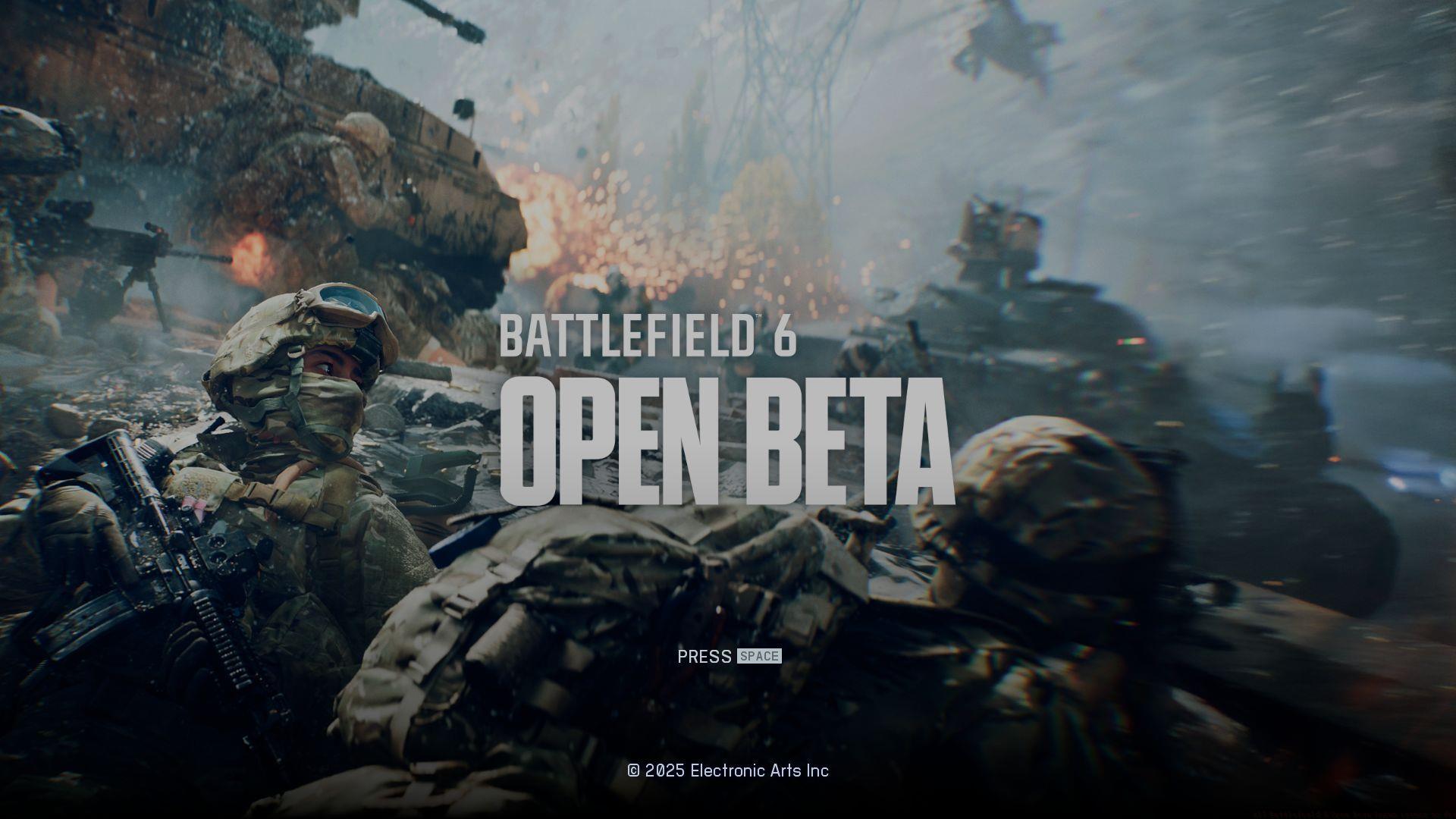
Battlefield 6 Open Beta has officially launched this weekend, with Early Access already providing players their first taste of the newest series installment. Gamers worldwide are diving into the action-packed experience, but numerous technical challenges have emerged during initial gameplay sessions. The official Battlefield communication team recently published a comprehensive status update addressing these concerns. This ongoing report serves to inform the community about current bugs and performance problems while giving developers a prioritized checklist for resolution.
For players seeking additional gaming content, explore our latest crossword solutions and puzzle answers in our gaming section.
Core Gameplay and Combat Issues
Gameplay Mechanics Currently Experiencing Technical Difficulties:
- Weapon deployment experiences significant delay when transitioning from sprint, affecting combat readiness
- Stationary weapon usage prevents enemy pinging functionality, limiting tactical communication
- Takedown animations sometimes fail to trigger despite proper HUD prompts appearing
- Vehicle operators cannot utilize the ping system from any vehicle position
- Perspective shifts occur when redeploying from open-seat vehicles, switching to first-person view
- Zipline attachment and riding animations remain under development and appear incomplete
- Rapid weapon mounting commands can force players out of prone positioning unexpectedly
- Smoke proximity interferes with aim assist targeting, requiring manual adjustment
- Reviving teammates occasionally causes character models to sink into terrain geometry
Pro Tip: When experiencing weapon deployment delays, try briefly stopping movement before aiming to reset the animation sequence. For takedown failures, ensure you’re directly behind enemies and maintain the interaction prompt for a full second before executing.
Weapon and Equipment Technical Problems
Weapon Systems and Gear Currently Affected by Technical Bugs:
- All barrel attachment descriptions display placeholder text instead of proper statistics
- Machine gun weapon entries feature incomplete description placeholder content
- Iron sights on multiple weapons clip through the camera during ADS firing with certain scopes
- Scope naming conventions show incorrect identification within loadout menus
Equipment Strategy Note: Despite placeholder text, most weapon attachments function correctly in gameplay. The clipping issues primarily affect visual presentation rather than actual shooting mechanics. Players should test each scope combination in the firing range to identify which setups cause the least visual obstruction during combat situations.
UI/UX Interface and Control Problems
User Interface and Control Configuration Current Limitations:
- In-game map close button remains non-functional during active gameplay sessions
- Supply provider characters lack proper animation sequences when distributing items
- Settings menu slider elements appear unpolished and require interface refinement
- Air vehicle boundary indicators (diagonal stripes) missing from Capstone overview display
- Spotted vehicle icons fail to appear on tactical maps and minimaps
- Game mode objective icons vanish after selecting players who disconnected from matches
- Certain equipment items don’t display proper pickup interaction prompts
- Crouch key binding modifications don’t save properly, reverting to default settings
Interface Workaround: For the non-functional map close button, use the ESC key or menu navigation as an alternative. When experiencing disappearing objective icons, try opening and closing the scoreboard to refresh the UI elements. These temporary solutions can maintain gameplay flow while awaiting official patches.
Map Environment and Visual Issues
Environmental and Visual Presentation Current Technical Problems:
- Visual effects distortion and mirage/water artifacts visible in Firing Range across all platforms
- Capstone map areas display inadequate lighting, creating unnaturally dark sections
- Barbed wire obstacles throughout Capstone fail to damage players or impede movement
- Zipline ropes display incorrect texture mapping and material appearance
Environmental Awareness: The lighting issues on Capstone can provide unintended tactical advantages in darker areas, but may be patched soon. Barbed wire currently offers no defensive value, allowing free movement through what should be restricted areas. Players should report specific location coordinates where these issues most impact gameplay balance.
System Crashes and Platform-Specific Problems
Settings and System Functionality Current Technical Limitations:
- Big Map opacity adjustment slider within game settings doesn’t respond to user input
- DualSense controller vibration features don’t activate when connected via Bluetooth
Related Reading: Battlefield 6 players can’t access the game as 250,000+ users queue within an hour
Critical System Crash Issues and Resolution Methods:
- “D3D12CreateDevice” failure crashes can typically be resolved through game repair via launcher
- Splash screen crashes without error messages require specific security setting adjustments
- Force randomization for images (Mandatory ASLR) must be disabled globally or with bf6event.exe exception
- Global disable option necessitates complete system restart to apply changes effectively
- Navigate to Windows Security > App & browser control > Exploit protection settings to modify ASLR settings
- System restart followed by Battlefield 6 relaunch typically resolves these crash scenarios
PlayStation 5 Specific Issue Resolution:
PS5 users encountering the “IDOptionsModify” screen due to language compatibility problems can implement this temporary solution:
- Uninstall Battlefield Open Beta application completely
- Remove all Saved Data associated with the installation
- Switch console system language to English
- Reinstall Battlefield 6 Open Beta fresh
Performance Optimization: PC players should ensure their graphics drivers are updated to the latest version, as both NVIDIA and AMD have released Battlefield 6 optimized drivers. Reducing shadow quality and disabling ray tracing can significantly improve stability during this beta period.
Developer Updates and Future Fixes
The Battlefield development team has clarified that this issue compilation represents only the initial identified problems rather than a complete list. Additional technical challenges will be documented and addressed as the Early Access and Open Beta phases continue evolving. Community feedback remains crucial for prioritizing repair sequences and allocating development resources effectively.
For continued Battlefield 6 coverage and updates, follow our comprehensive gaming section:
- Xbox Game Pass availability analysis for BF6
- Complete mode breakdown for BF6 Open Beta
- Week 1 challenge rewards and completion strategies for BF6 Open Beta
Community Reporting: Players experiencing issues not listed here should report them through official Battlefield channels with detailed descriptions, reproduction steps, and system specifications. This collaborative approach significantly accelerates bug resolution timelines.
No reproduction without permission:SeeYouSoon Game Club » All Battlefield 6 Open Beta known issues so far Battlefield 6 Open Beta issues guide with solutions, workarounds, and performance optimization tips